ALARM FEATURE “C” PRORAMMING:
1 Turn the Ignition 'switch ‘ON/OFF’ 3 TIMES and stay in OFF position.
2 Push the Valet switch 7 times and hold in on the 7
th
push, when a long chirp is heard,
then release the valet switch. You are now in the Alarm feature ‘C’ programming mode.
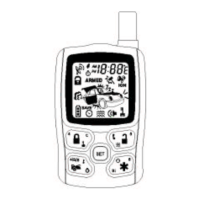
3 Press the transmitter button corresponding to the feature you want to program.
Exit: Turn Ignition to 'OFF' position, or leave it for 15 seconds. 3 long chirps and 3 Parking
Light will confirm exit.
Channel 2/3/4 Timer Control Output Programming:
Enter:
1. Turn the Ignition 'switch ‘ON/OFF’ 3 TIMES and stay in OFF position.
2. Push the Valet switch 7 times and hold in on the 7
th
push, when a long chirp is heard,
then release the valet switch. You are now in the Alarm feature ‘C’ programming
mode.
Timer Program Channel 2/3/4:
1-a. CH2 Press and release the transmitter button 3 times, [3] LED flash, [3] siren/horn
chirp to indicate you are in features “Channel 2 Timer Programming mode”.
1-b. CH3 Press and release the transmitter button 3 times, [3] LED flash, [3] siren/horn
chirp to indicate you are in features “Channel 3 Timer Programming mode”.
1-c. CH4 Press and release the transmitter button 4 times, [4] LED flash, [4] siren/horn
chirp to indicate you are in features “Channel 4 Timer Programming mode”.
2. Press and hold the valet switch, the timer will immediately start.
3. When the desired interval has passed, release the valet switch. 1 long chirp for
confirmation.
(Set to any interval between 1 second and 2 minutes)
Note 1:
If your built-in timer controls window/sunroof closure in your car DO NOT change the timer
setting! This requires installer-only programming. Changing the value will adversely effect
operation and may cause damage.
Note 2:
Momentary output = The momentary output selection will output a negative signal from
the Channel 3 or 4 output immediately when the channel 3 or 4 button is pressed and will
continue until the button is release.
Latched output = The latched output selection will output a negative signal as soon as the
Channel 2,3 & 4 button is pressed and will continue until the button is pressed again.
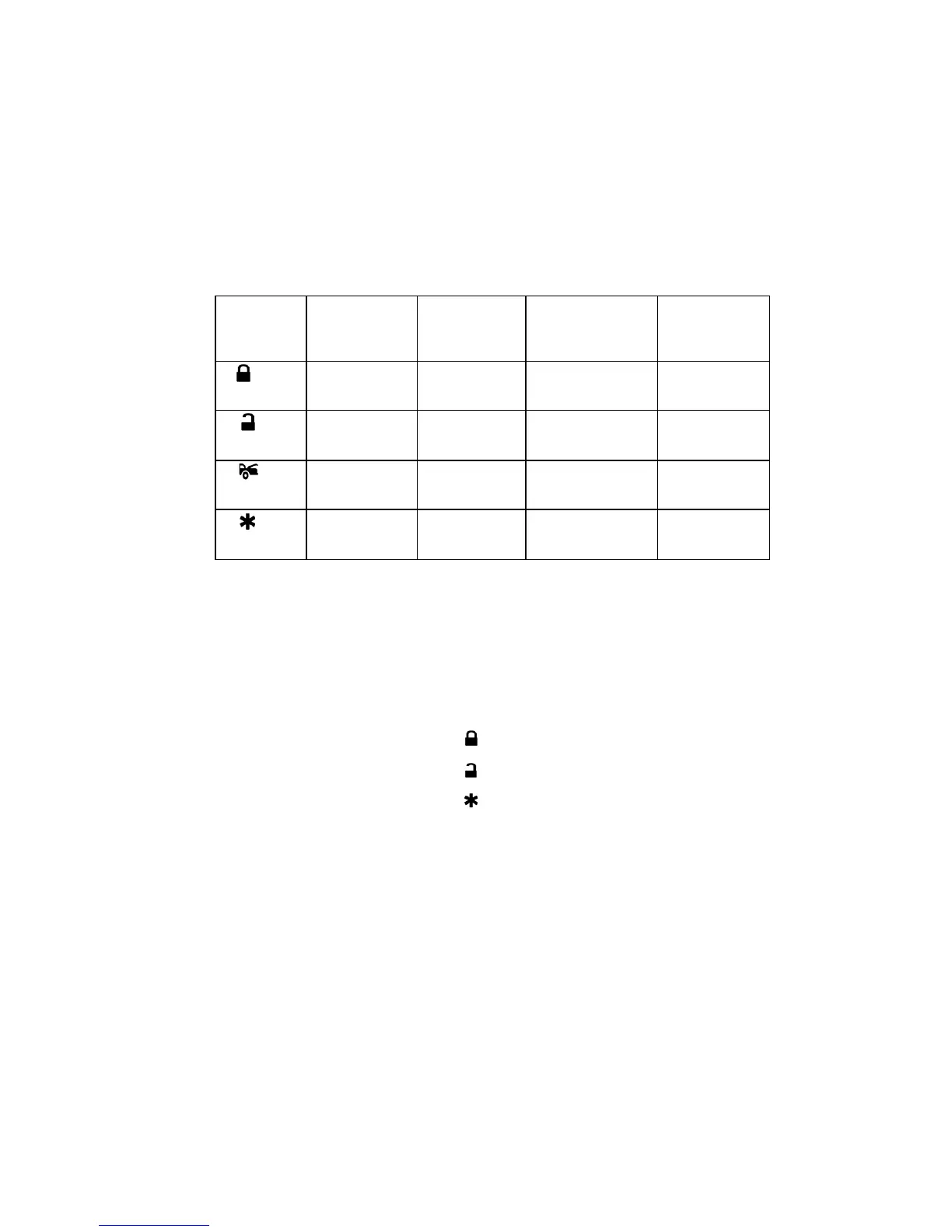
Press
Transmitter
Button
LED one pulse
Factory
Default Setting
Two Chirps /
LED two
pulses
Three Chirps /
LED three pulses
Four Chirps /
LED four
pulses
1
Output =
2 sec. Pulse
Output =
Latched
Timer control
2
Output =
Momentary
Output =
Latched
Timer control
3
2 Step Unlock
Factory Disarm
4
Output =
2 sec. Pulse
Output =
Momentary
Output =
Latched
Output =
Timer control



 To Next Page