6
Menu Operation
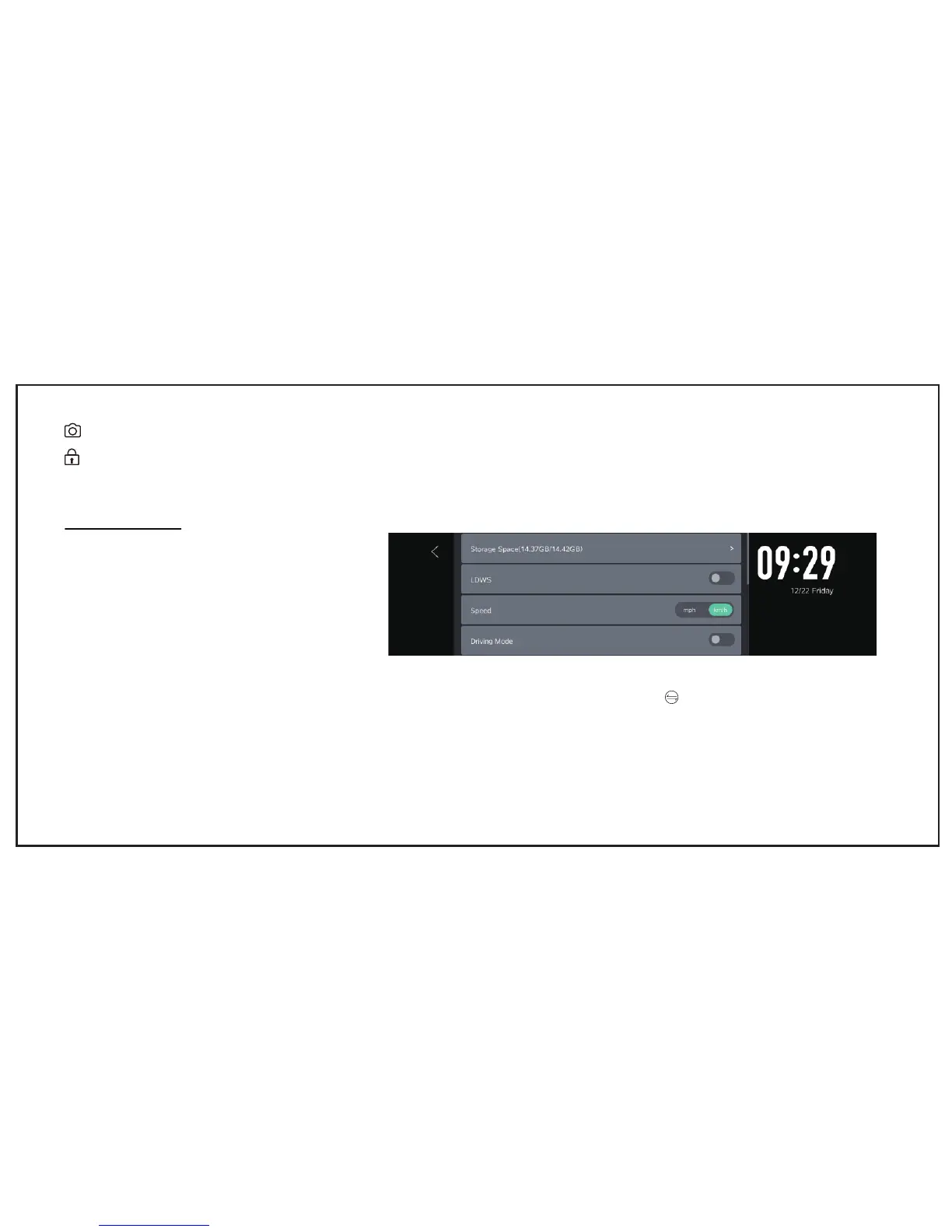
Storage Space
• Display Total Memory/Available Memory/TF card format
LDWS
• Lane Departure Warning System
Speed Mode
• mph and km/h optional
Driving Mode
• Default Driving Mode is showing rear view images, you need manually change to front view by pressing the button if you want.
Photograph: Take photos in one moment
Emergency Lock: Lock the Video as SOS file(will not be covered by Loop-recording)


 To Next Page