4
Note:
FUNCTIONS
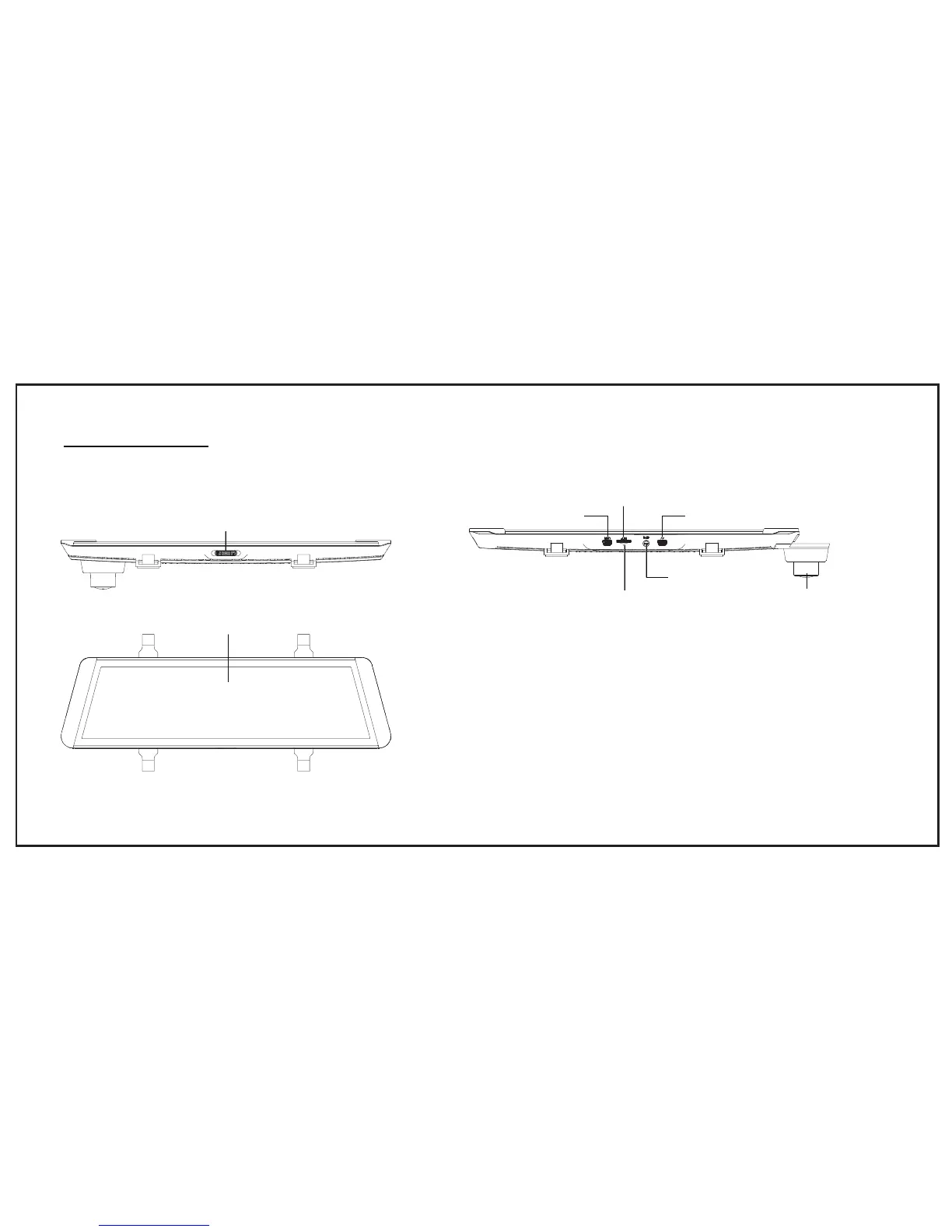
Power: press once ,enter into screen saver; press the button twice,
close the screen; press more than 3 seconds, turn off the monitor.
UVC: Connect the backup camera for image transmission
GPS Port: For GPS Antenna connection
Reset Slot: Reset the mirror
USB Port: Connected to car charger for external power supply
Camera
GPS port
TF card slot
AV(backup cam)
USB(power port)
Reset slot
Monitor Description
Power
LCD display screen


 To Next Page