8
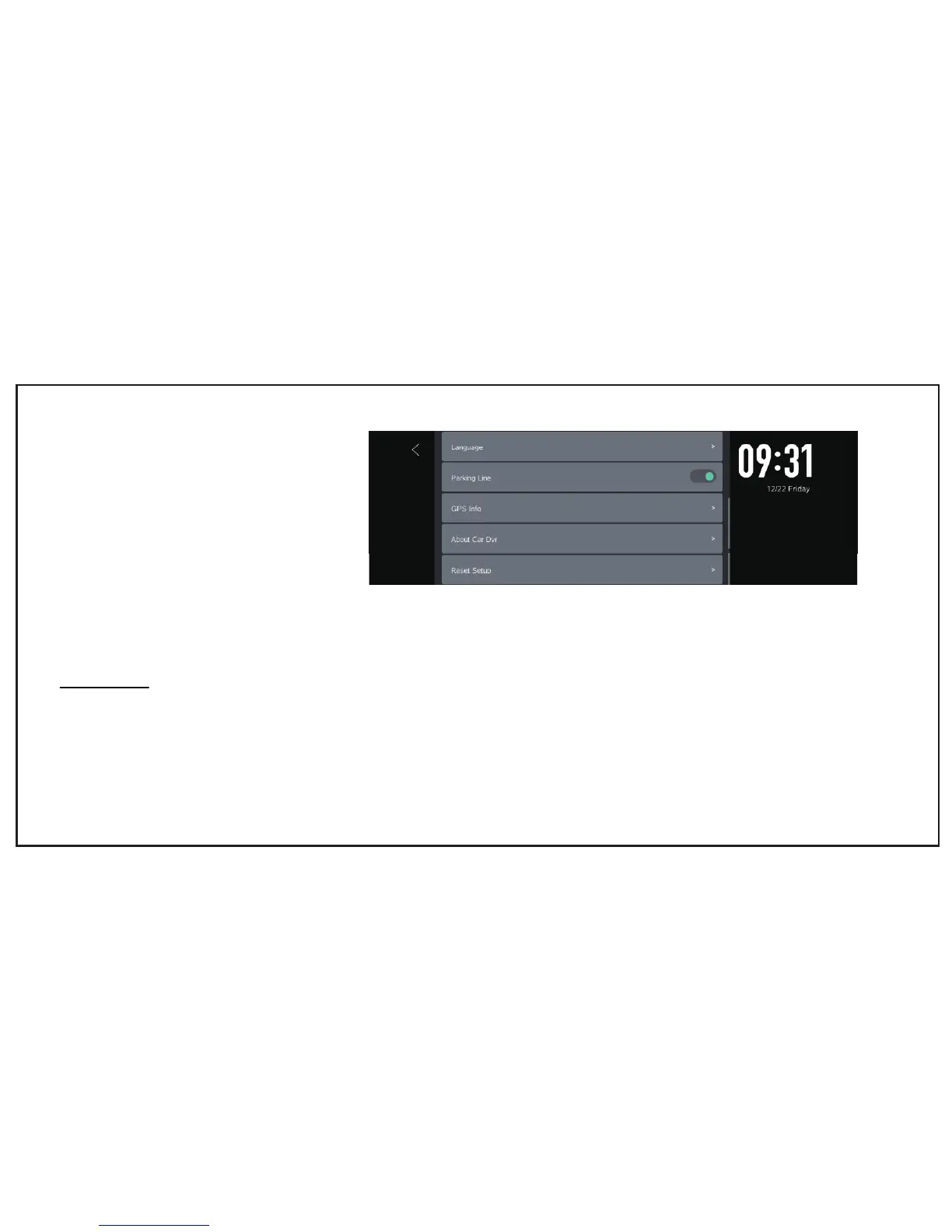
Language
• English,korean,Russian,German,French,Japanese
Parking Line
• Select "ON" if you need guide line
GPS Info
• Display GPS signal strength and location information
About Car DVR
• Display Car DVR information : Model number ,
SW version , Firm , Website
Reset Setup
• Restore default settings
FUNCTIONS
Turn ON/OFF Monitor
1.Turn ON
a. Plug USB charger into external power supply and the monitor will turn on automatically
b. Press monitor power button when you power it by in-built battery


 To Next Page