9
OK
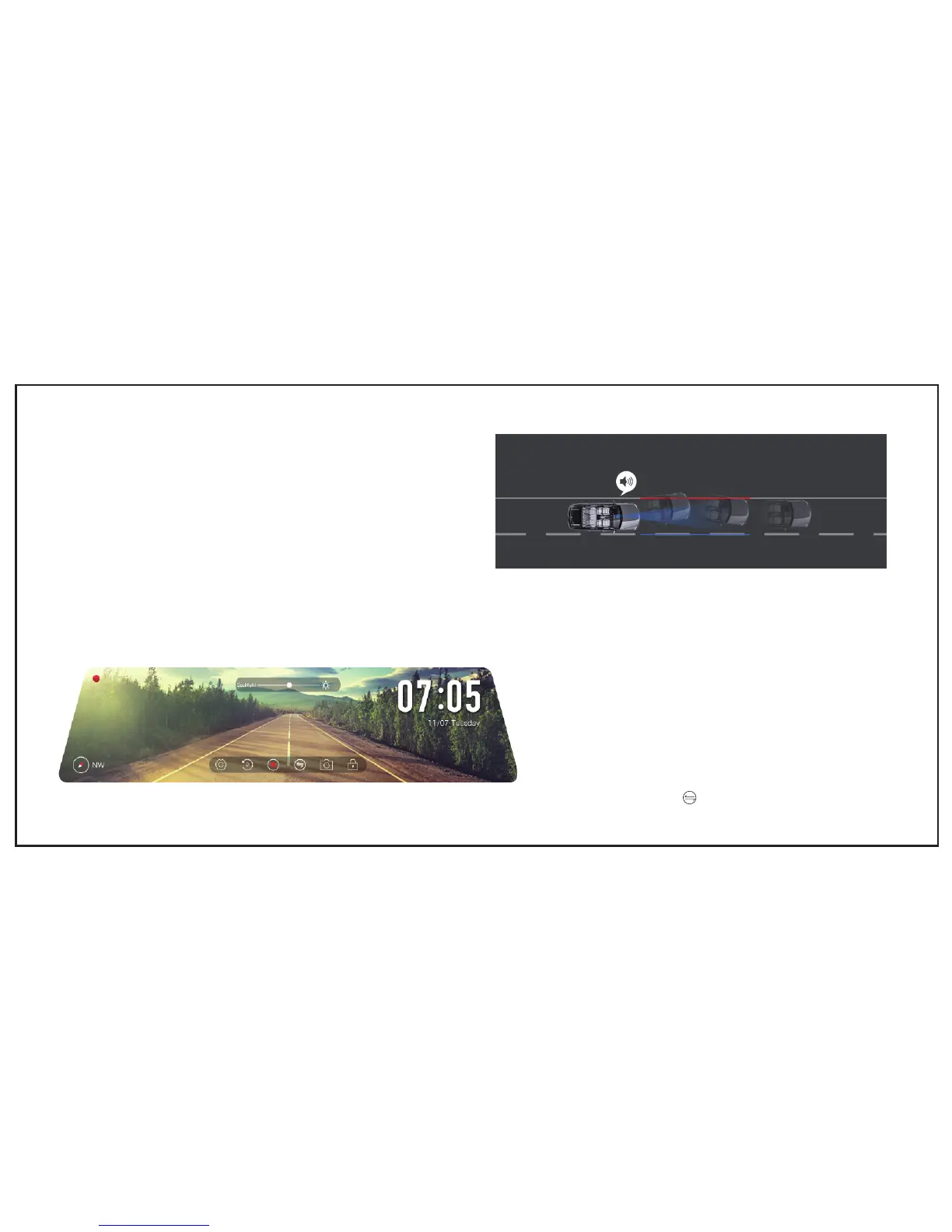
Driving Mode
The dual dash cam X2 offers Driving Mode to make sure the screen function as rear view mirror to secure your drive. Default OPEN, turn
off in Driving Mode selection.
Note: Default Driving Mode is showing rear view images, you need manually change to front view by pressing the button if you want.
2.Turn OFF
a. Press Power Button more than 3s to turn off monitor
b. Battery drains and auto turn off
Note: The monitor will turn off under any circumstance if you touch-hold the
power button
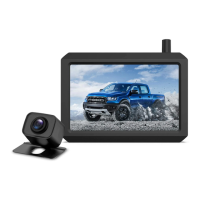
LDWS
Lane Departure Warning System(LDWS) will secure your safety by sound
alarm when your car is veering into another lane


 To Next Page