6
Operating the AutoDAB GO-S
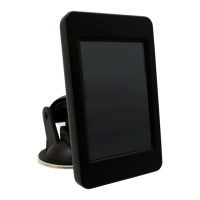
1. Mount the AutoDAB GO-S on the dashboard using the
provided suction cup holder.
2. Connect one end of the USB power supply cable to the Micro
USB socket on AutoDAB GO-S and the other end to the dual
USB car charger. Plug the dual USB car charger into the car
12V power socket.
3. Connect the supplied antenna to the antenna socket.
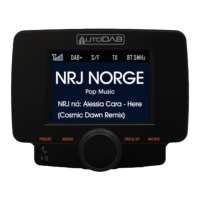
4. Turn on the power with the POWER SWITCH and the display
will show ‘AutoDAB, Digital Radio on the Move’. Use MODE
button to select DAB mode.
5. For first time use, you need to scan all the local DAB+
channels by pressing and holding TX/SCAN button for 3
seconds to activate Auto Scan. All available DAB+ radio
channels will be scanned and saved until another Auto Scan is
performed. During scanning, a percentage bar will be shown
on the display to indicate the progress and the total number
of channels available will be displayed.
6. Once scanning is complete, you can select any DAB+ radio
channel via the Tuning Knob.


 To Next Page