DL06 Micro PLC User Manual, 3rd Edition, Rev. E
3-8
Chapter 3: CPU Specifications and Operation
1
2
3
4
5
6
7
8
9
10
11
12
13
14
A
B
C
D
Using Battery Backup
An optional lithium battery is available to maintain the system RAM retentive memory when
the DL06 system is without external power. Typical CPU battery life is five years, which
includes PLC runtime and normal shutdown periods. However, consider installing a fresh
battery if your battery has not been changed recently and the system will be shut down for a
period of more than ten days.
NOTE: Before installing or replacing your CPU battery, back-up your V-memory and system parameters.
You can do this by using DirectSOFT to save the program, V-memory, and system parameters to hard/
floppy disk on a personal computer.
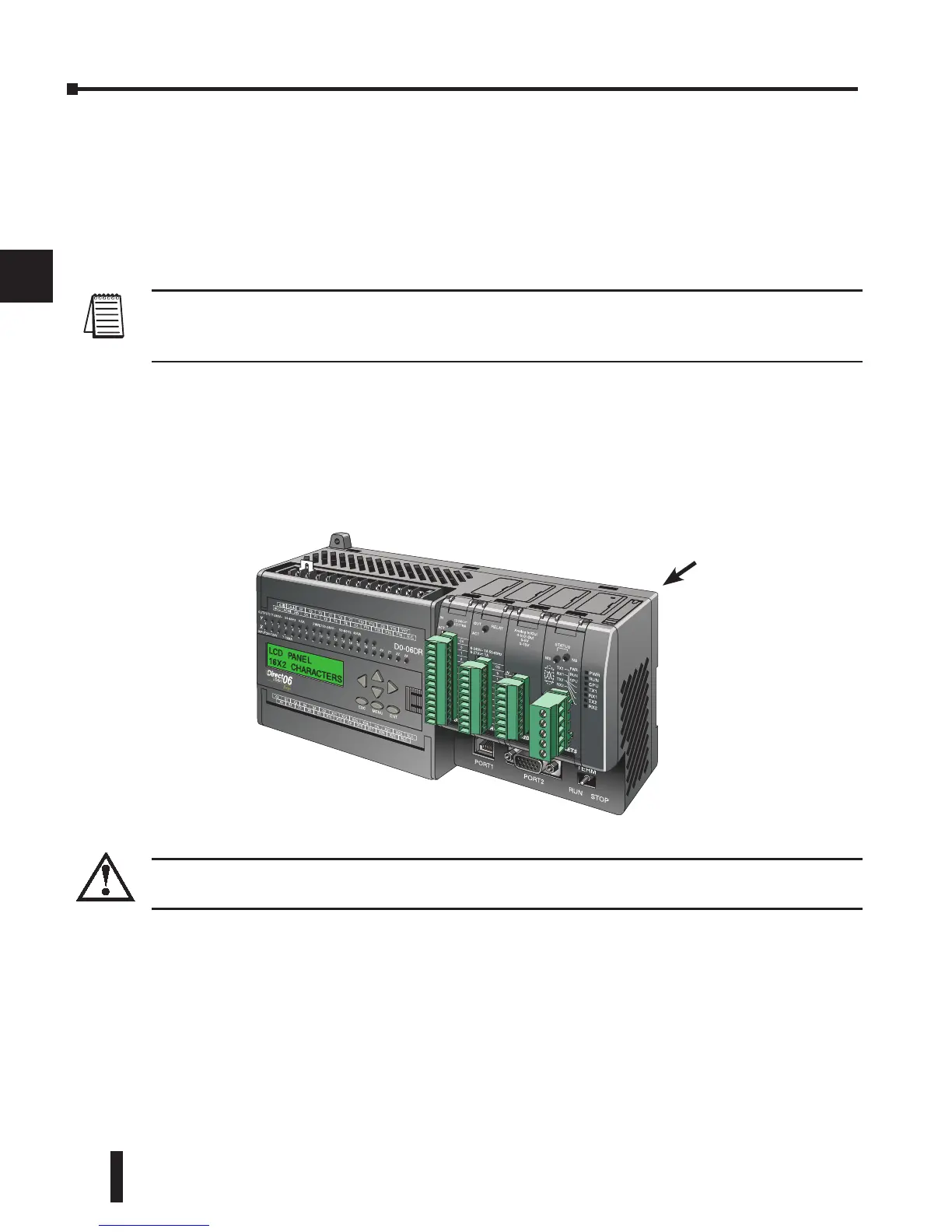
To install the D2–BAT–1 CPU battery in the DL06 CPU:
1. Press the retaining clip on the battery door down and swing the battery door open.
2. Place the battery into the coin–type slot with the +, or larger, side out.
3. Close the battery door making sure that it locks securely in place.
4. Make a note of the date the battery was installed
WARNING: Do not attempt to recharge the battery or dispose of an old battery by fire. The battery
may explode or release hazardous materials.
Battery Backup
The battery backup is available immediately after the battery has been installed. The CPU
indicator will blink if the battery is low (refer to the table on page 3-6). Special Relay 43 (SP43)
will also be set when the battery is low. The low battery indication is enabled by setting bit
12 of V7633 (B7633.12). If the low battery feature is not desired, do not set bit V7633.12.
The super capacitor will retain memory IF it is configured as retentive regardless of the state of
B7633.12. The battery will do the same, but for a much longer time.
Battery door



 To Next Page