82 Calvary St
Waltham, MA 02453
PHONE: (781) 893-3403
FAX: (781) 899-5708
33
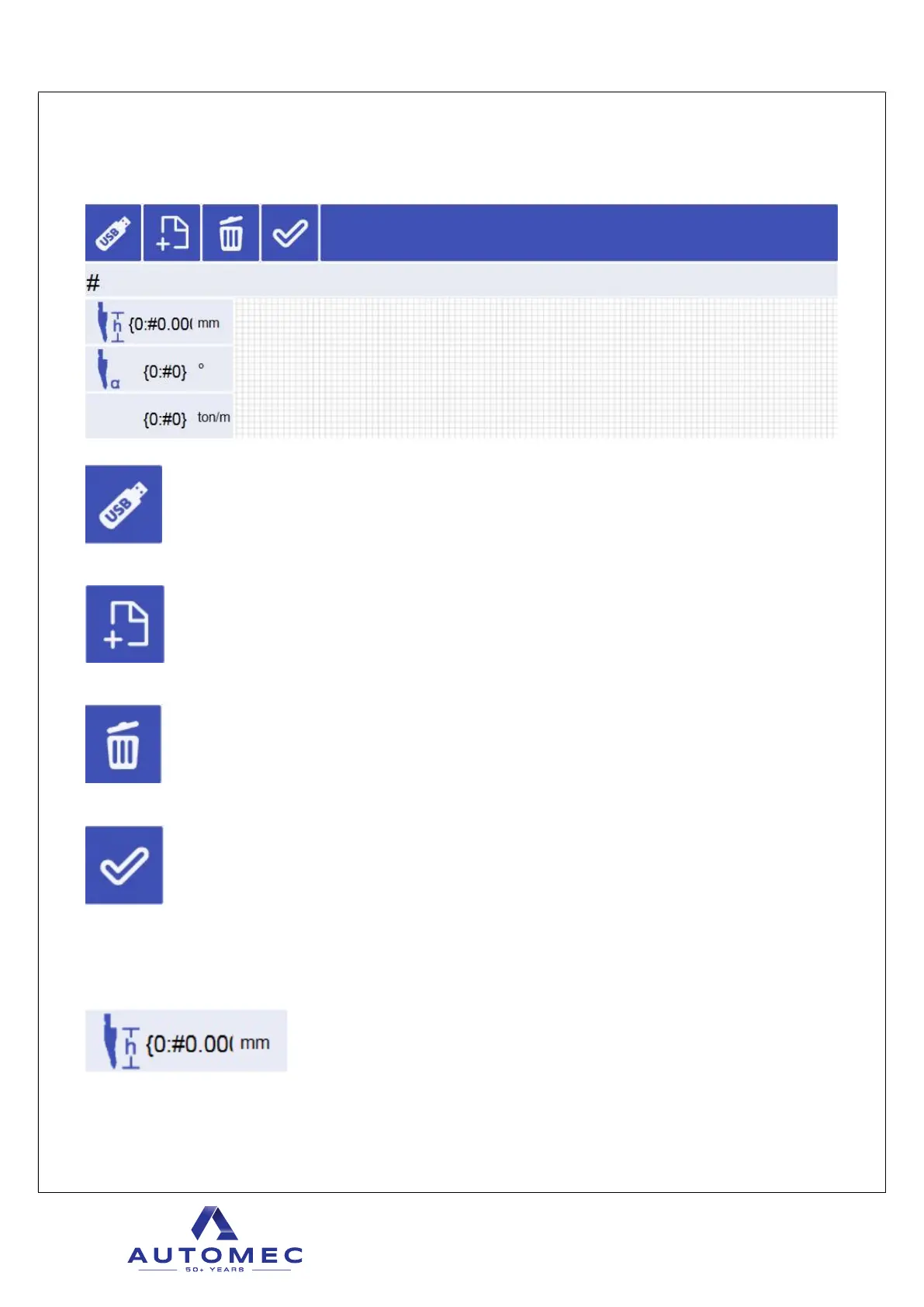
4.2.6 Punch menu
Opens punch list from USB.
New punch can be created.
Punch can be deleted. Button must be pressed briey.
Current punch can be selected into the program. Note that if page is changed with one of the
lower bar buttons, punch is not selected into the program.
Punch name is shown below these buttons. When existing punch is opened or new punch is
created, actual punch parameters will be shown and can be modied.
Punch height. Extremely important to have correct value to make machine work properly.



 To Next Page