EasyManua.ls Logo

AUVIO 40-268 - User Manual

AUVIO 40-268
20 pages
Print Icon
To Next Page IconTo Next Page
Loading...
XX-XXX
Users Guide
Please read
this Users
T HE PE R FO R M A N C E Y O U N E E D
TM
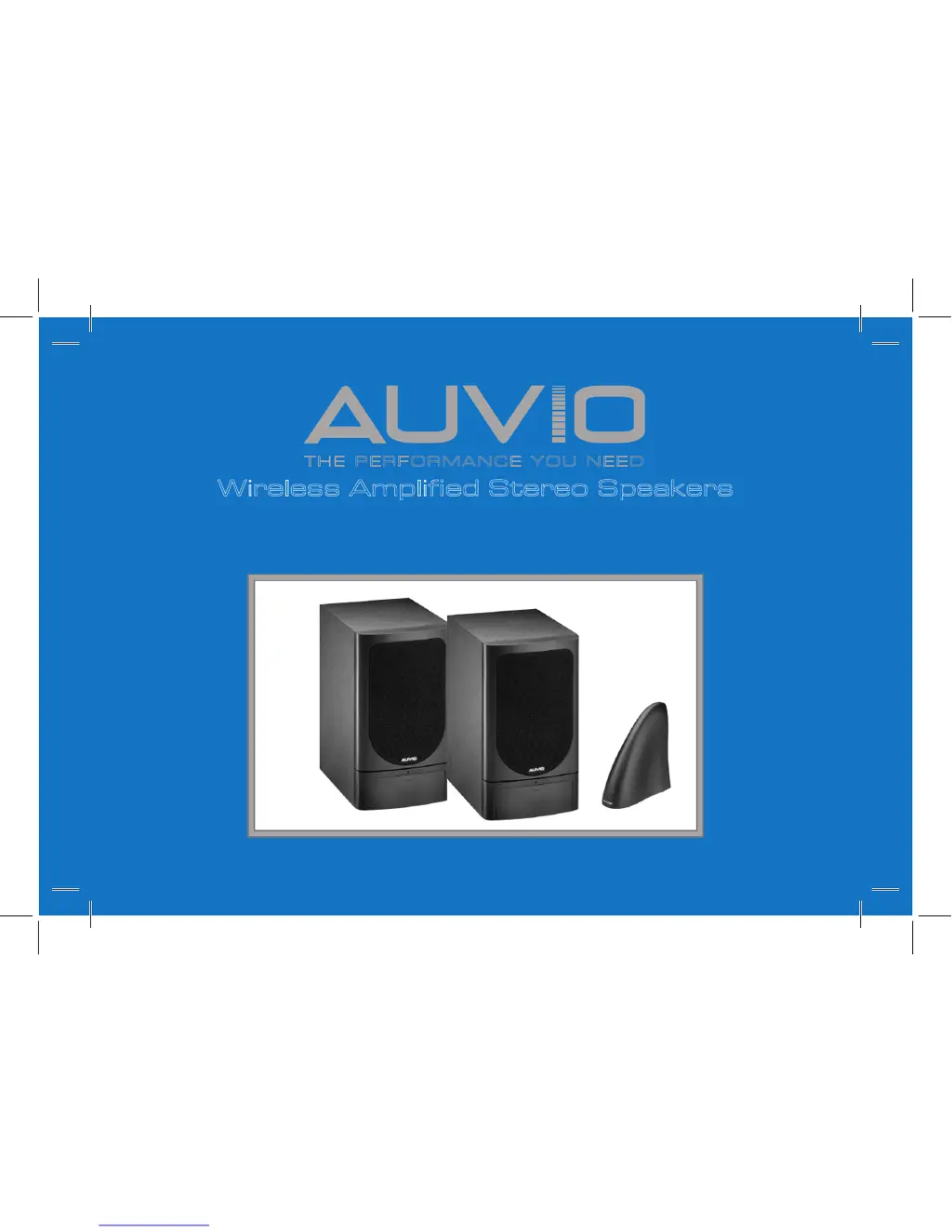
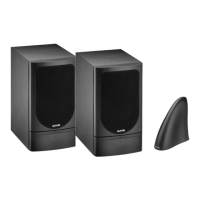
Wireless Amplified Stereo Speakers
Users Guide 40-268
Please read this users guide before using your new speakers

Questions and Answers

  • G
    Garrett WilsonAug 1, 2025
    How to fix AUVIO 40-268 when there is no sound?
    • S
      stonejosephAug 1, 2025
      If your AUVIO Speakers aren't producing any sound, there are several things to check. First, ensure that the speakers are powered on. Then, replace the speaker batteries or confirm that the AC adapters are properly plugged in and receiving power. Make sure all audio cables are securely connected. Also, verify that the audio source is both turned on and set to an active channel. Ensure that both the speakers and the transmitter are set to the same frequency channel (options 1–3). Finally, try adjusting the speaker's volume control.
  • S
    Sandra KellyAug 16, 2025
    What to do if AUVIO 40-268 audio is distorted?
    • C
      Connor WilliamsAug 16, 2025
      If the audio from your AUVIO Speakers is distorted, try the following: Ensure that both the speakers and the transmitter are set to the same channel. If the transmitter is connected to the audio source's headphone jack, reduce the audio source's volume. Change the position of the transmitter. Move the speakers closer to the transmitter, ensuring they are within the approximate 300 feet range. Also, the speaker’s batteries may be low, so replace them. If you suspect interference from other 900 MHz transmissions, like a cordless phone, change the frequency channel on both the transmitter and the speakers.

Summary

Package contents

Setup

Select a location

Optimal transmitter placement for best performance, avoiding interference from other electronics and metal objects.

Attach rubber feet to speakers

Instructions to attach rubber feet to speaker corners for stability.

Power the system

Connect AC adapters to transmitter/speakers and outlets; covers battery installation and power source requirements.

Connect transmitter to an audio source

Guide to connect transmitter to audio source's output or headphone jack using included cable and adapter.

Stereo;mono setup

Set transmitter to STEREO/MONO and speakers to L/R for stereo operation.

Select channel

Set transmitter and speakers to the same channel to avoid interference and ensure clear transmission.

Mount the speakers

Steps for wall-mounting speakers using screws, aligning keyhole slot with screw head for secure placement.

Basic Operation

Turn on

How to power on the audio source and speakers, adjust volume, bass, and treble for optimal listening.

Additional Information

Listening Safety

Guidelines for hearing protection, including setting initial volume low and avoiding prolonged high volume exposure.

Care

System maintenance advice: keep dry, clean with damp cloth, store in normal temperature environments.

Troubleshooting

Solutions for common issues like "No sound" or "Audio distorted," prompting checks and adjustments.

Specifications

Technical details for transmitter and speakers: frequency, power, response, dimensions.

FCC Information

Compliance with FCC rules for digital devices to prevent harmful radio interference in residential settings.

Limited Warranty

Details of the one-year warranty, including coverage, exclusions, and claim procedures.

AUVIO 40-268 Specifications

General IconGeneral
BrandAUVIO
Model40-268
CategorySpeakers
LanguageEnglish

Related product manuals