Installation and Application
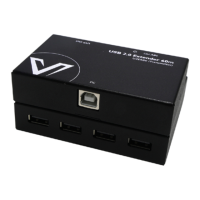
1 USB Device
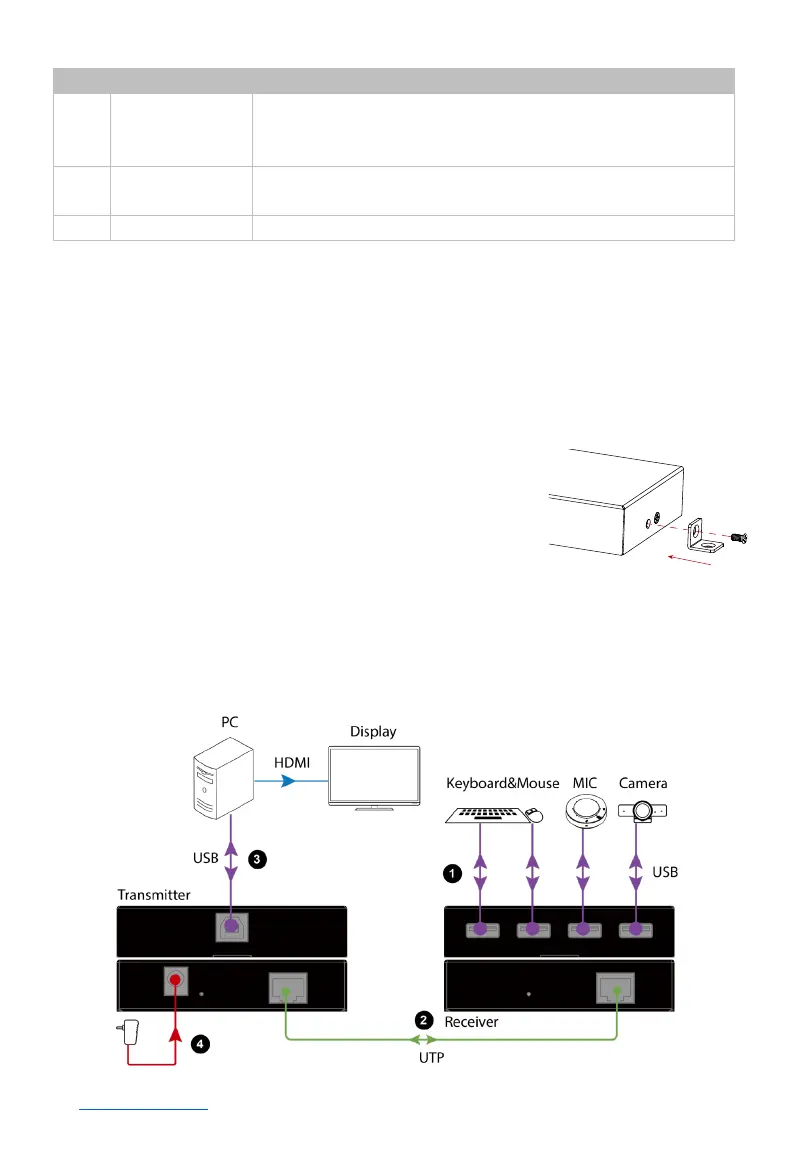
4 x USB-A ports. Connect to USB devices such as
keyboard, mouse, MIC, camera, etc.
Note: The four ports share 3A current.
2 Power LED
On: The device is powered on.
Off: The device is powered off.
Connect receiver to transmitter using a Cat X cable.
Installation and Application
Note: Disconnect all devices from power before installation.
Bracket Installation
Steps to install the device in a suitable location:
1. Attach the bracket to the enclosure using the
screws provided. The bracket is attached to
the enclosure as shown. Repeat this step for
the other side of the device.
2. Mount the device on a flat and solid surface
with screws (screws are not included in the
package).
Application
Application 1 – Video conference system
Bracket Installation


 To Next Page