7
Recording data
The device automatically detects that it is being worn and starts recording data.
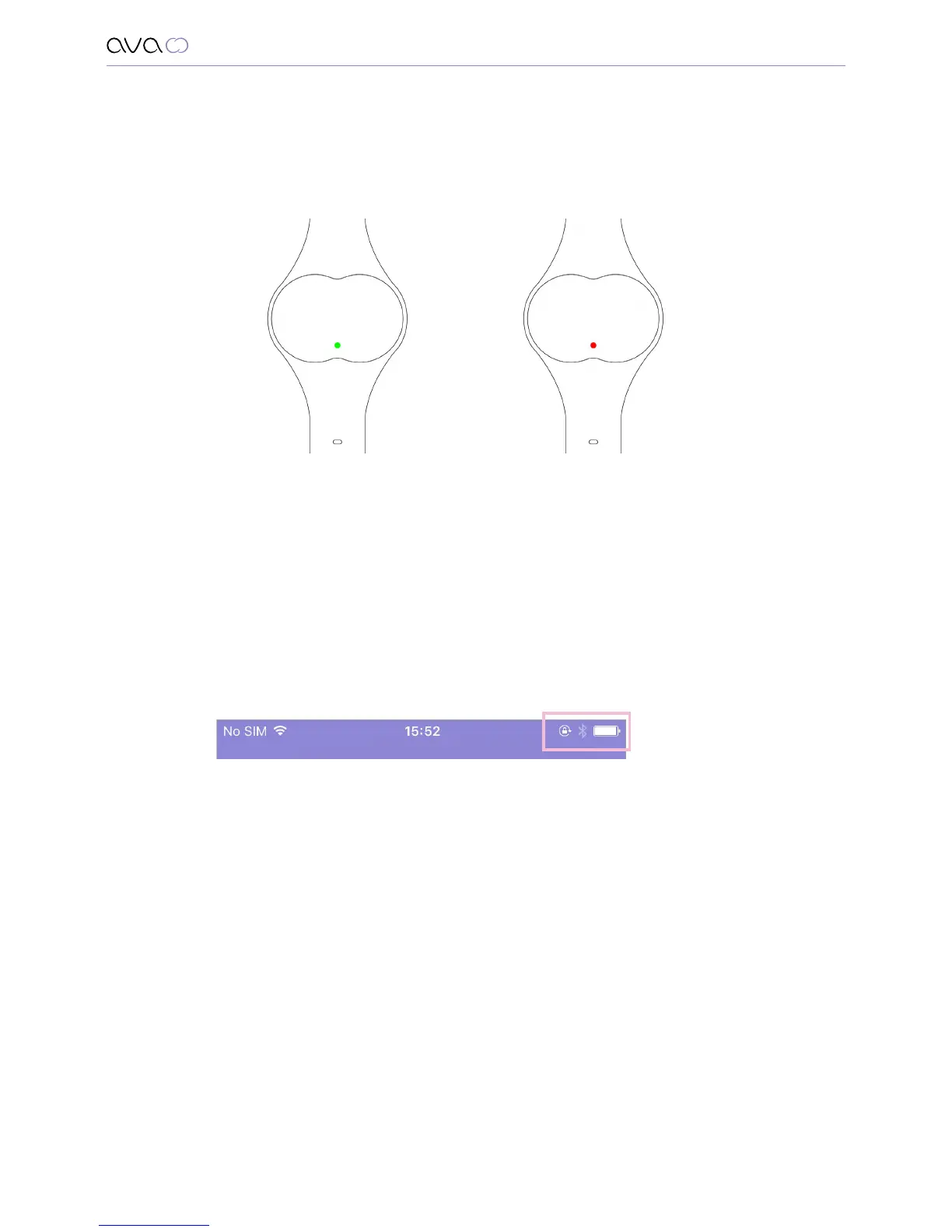
When you start wearing the device you will see:
Green LED for five seconds, which means that the device has started recording and you
can go to sleep or …
Red LED that flashes every 10 seconds, which means that the memory of your Ava is full
or its battery is empty. In any case, connect your Ava to the power cord, connect it with
the app and wait for the green light to appear on your Ava.
Synchronize Ava with the app
When you wake up in the morning:
1. Connect the device to the power cable
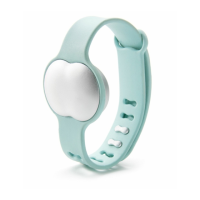
2. Make sure that the Bluetooth on your mobile phone is enabled
and you are connected to internet.
3. Open the Ava app
4. Synchronization will take place automatically and after a few moments
you can see all the data of the previous night on your smartphone.
Since Ava records more than 3 million data points every night you should
synchronize every day to ensure that you get the most accurate prediction. Also, do not
forget to charge Ava during the day so that it will be ready to be used at night.
Wearing Ava


 To Next Page