8 AVACEN 100 User Guide 171208
13. PAUSING A THERAPY SESSION
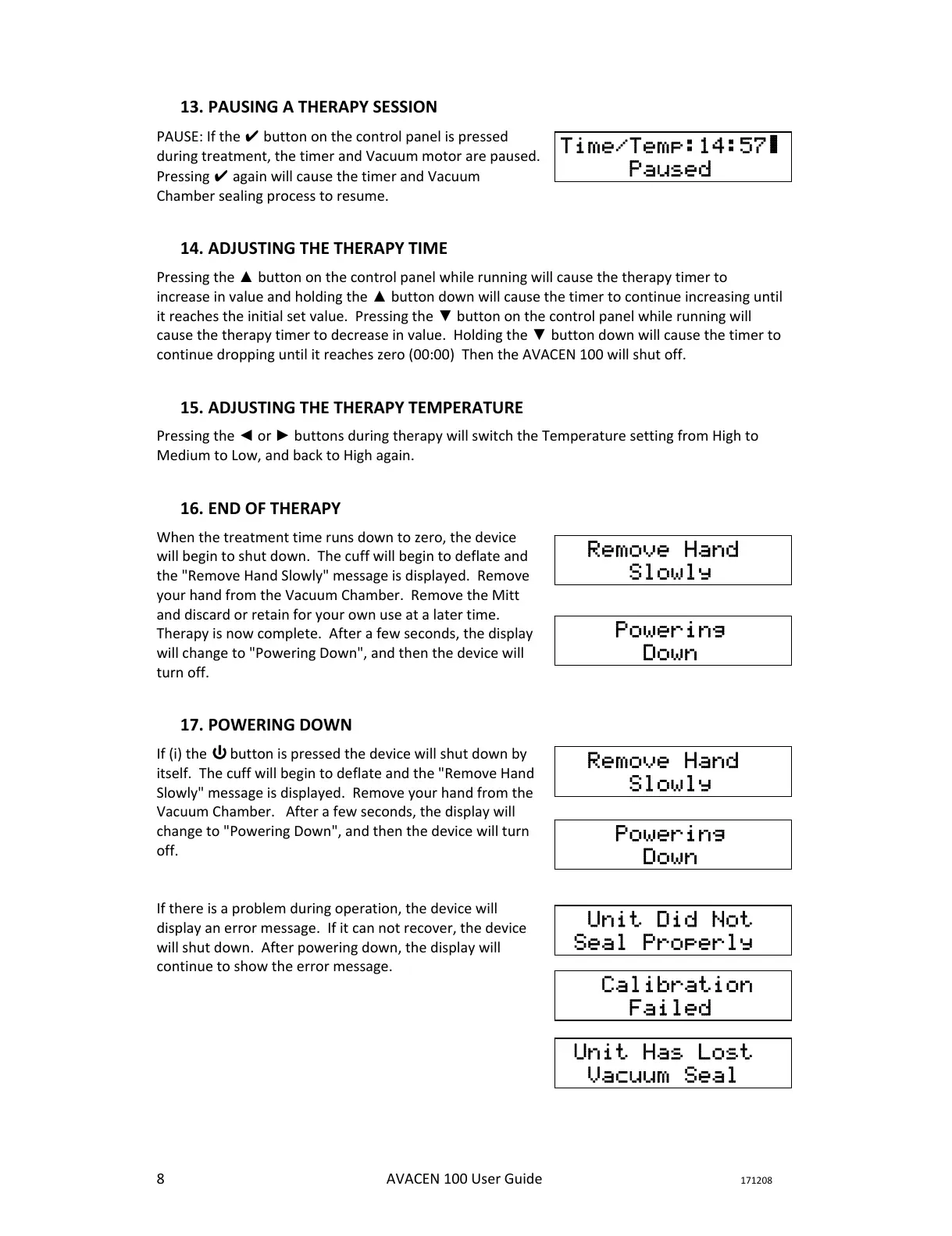
PAUSE: If the ✔ button on the control panel is pressed
during treatment, the timer and Vacuum motor are paused.
Pressing ✔ again will cause the timer and Vacuum
Chamber sealing process to resume.
14. ADJUSTING THE THERAPY TIME
Pressing the ▲ button on the control panel while running will cause the therapy timer to
increase in value and holding the ▲ button down will cause the timer to continue increasing until
it reaches the initial set value. Pressing the ▼ button on the control panel while running will
cause the therapy timer to decrease in value. Holding the ▼ button down will cause the timer to
continue dropping until it reaches zero (00:00) Then the AVACEN 100 will shut off.
15. ADJUSTING THE THERAPY TEMPERATURE
Pressing the ◄ or ► buttons during therapy will switch the Temperature setting from High to
Medium to Low, and back to High again.
16. END OF THERAPY
When the treatment time runs down to zero, the device
will begin to shut down. The cuff will begin to deflate and
the "Remove Hand Slowly" message is displayed. Remove
your hand from the Vacuum Chamber. Remove the Mitt
and discard or retain for your own use at a later time.
Therapy is now complete. After a few seconds, the display
will change to "Powering Down", and then the device will
turn off.
17. POWERING DOWN
If (i) the button is pressed the device will shut down by
itself. The cuff will begin to deflate and the "Remove Hand
Slowly" message is displayed. Remove your hand from the
Vacuum Chamber. After a few seconds, the display will
change to "Powering Down", and then the device will turn
off.
If there is a problem during operation, the device will
display an error message. If it can not recover, the device
will shut down. After powering down, the display will
continue to show the error message.
Time/Temp:14:57▇
Paused
Remove Hand
Slowly
Remove Hand
Slowly
Powering
Down
Powering
Down
Unit Did Not
Seal Properly
Calibration
Failed
Unit Has Lost
Vacuum Seal


 To Next Page