27
Replacing the Filters
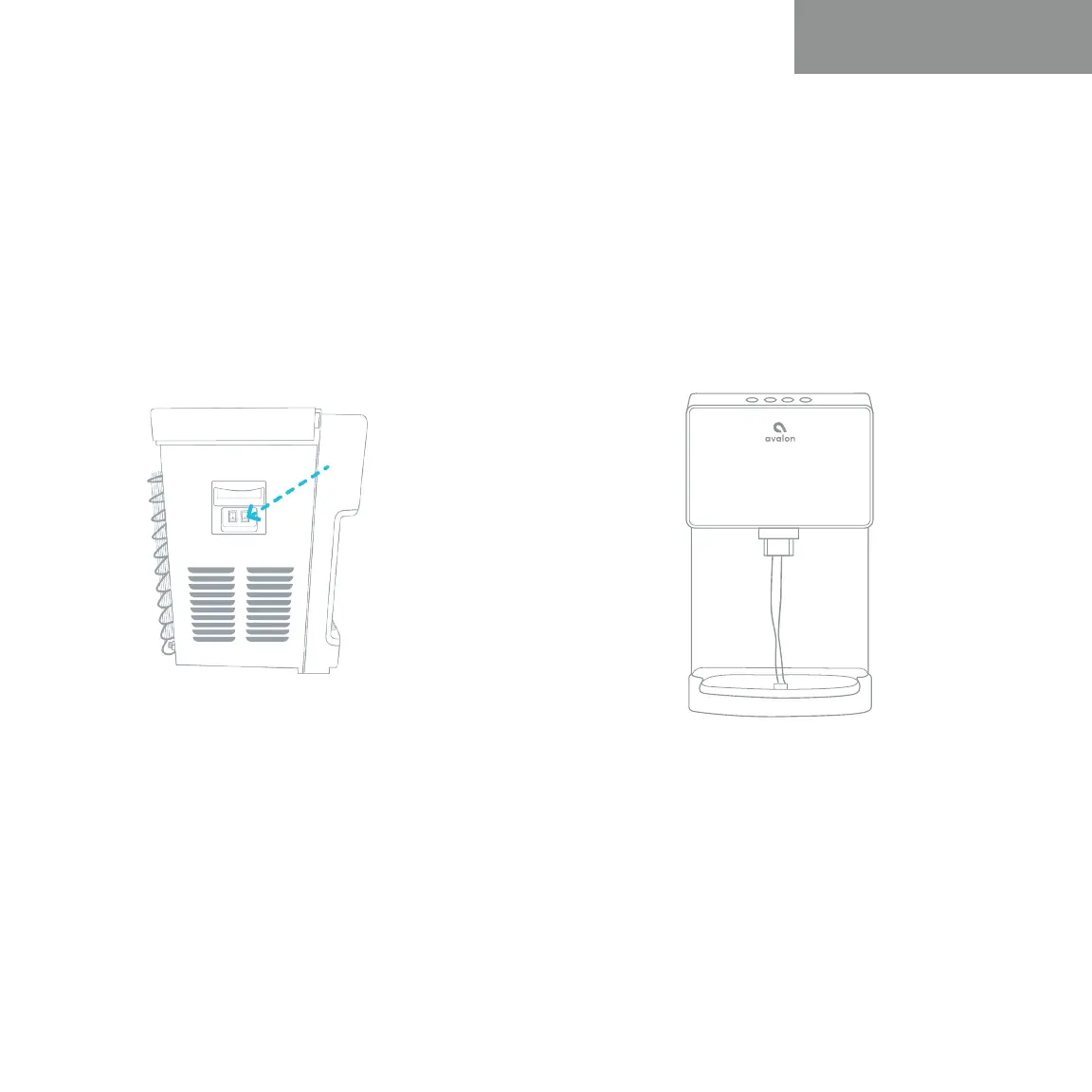
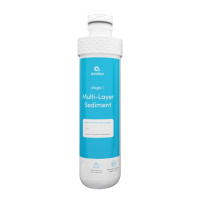
5. After replacing the filters, press and
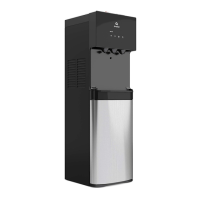
hold the filter reset button (#14) located
on the left side of the unit. Press and
hold this button until the heating (#2)
and cooling (#4) indicator lights stop
blinking.
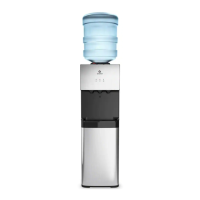
6. In order to flush the new filters, allow
the water to flow from the cold water
spout for approximately 2 minutes.
User Guide and Maintenance



 To Next Page