16
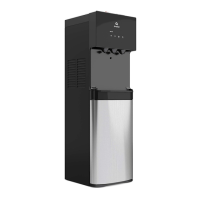
Finishing the Water Cooler Installation
Once you have flushed the filters and removed the filters and PE Tubing from
the Filter Flushing Adaptor, you are ready to complete the installation process.
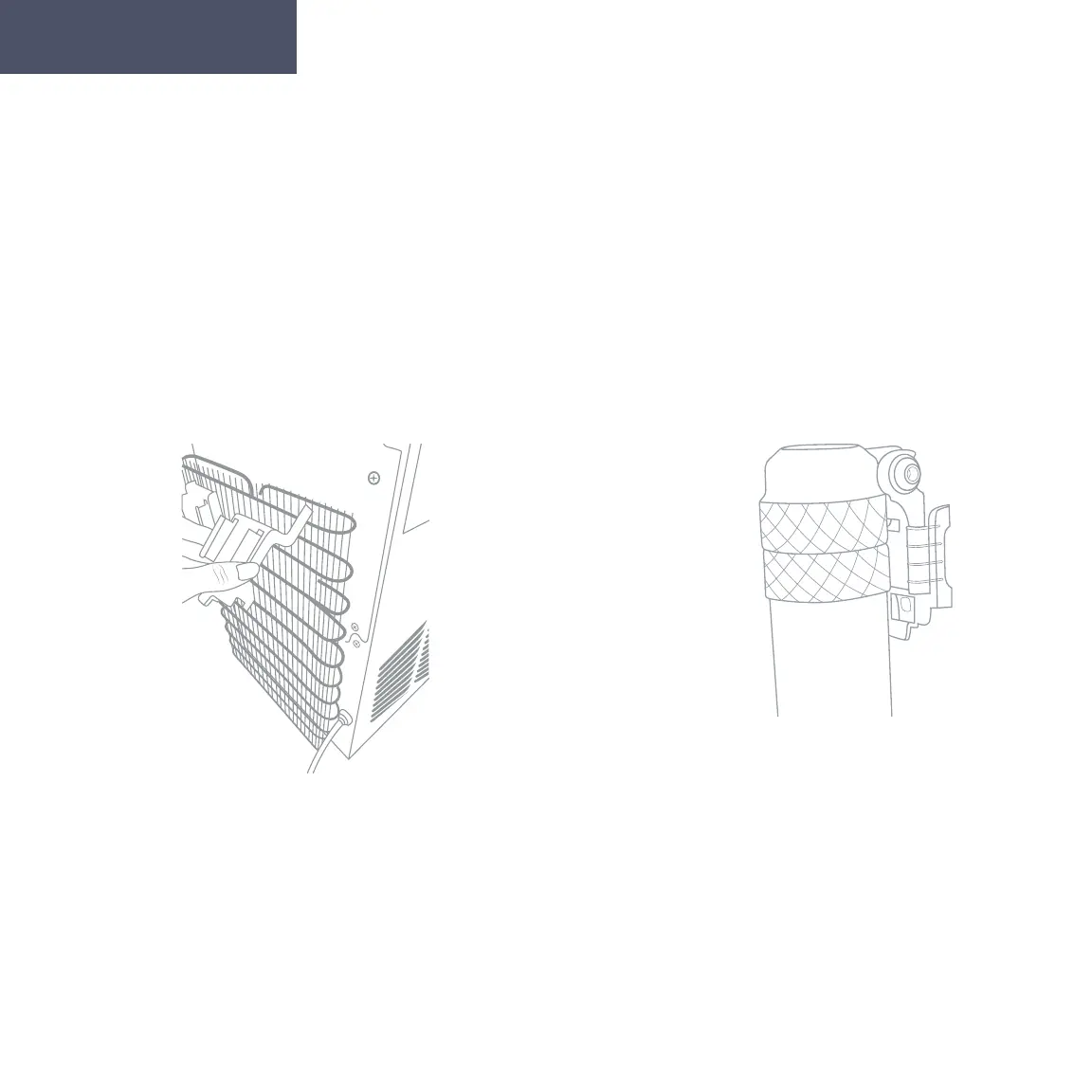
1. Locate the two black Mounting Brackets.
Clip each bracket, one next to the other, onto
the top of the back of the cooler by inserting
the longer pegs upward into the slots of the
condenser then click the shorter pegs into
place.
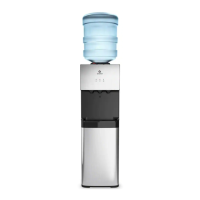
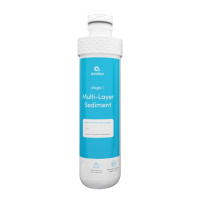
2. Slide the 2 Filter Adapters into each of
the Mounting Brackets. Twist the Sedi-
ment Filter into the left Filter Adapter and
the Carbon Block Filter into the right Filter
Adapter. Rotate the filters clockwise to twist
them into place.
Getting Started



 To Next Page