15
Changing the Bottle
When the empty bottle indicator light (#4) is flashing red this is an alert that
your bottle is empty and will need to be replaced as soon as possible.
Notice: Do not dispense hot, room temperature or cold water if the light is flashing as
you could empty the tanks and cause the dispenser to overheat.
1. Open the cabinet door.
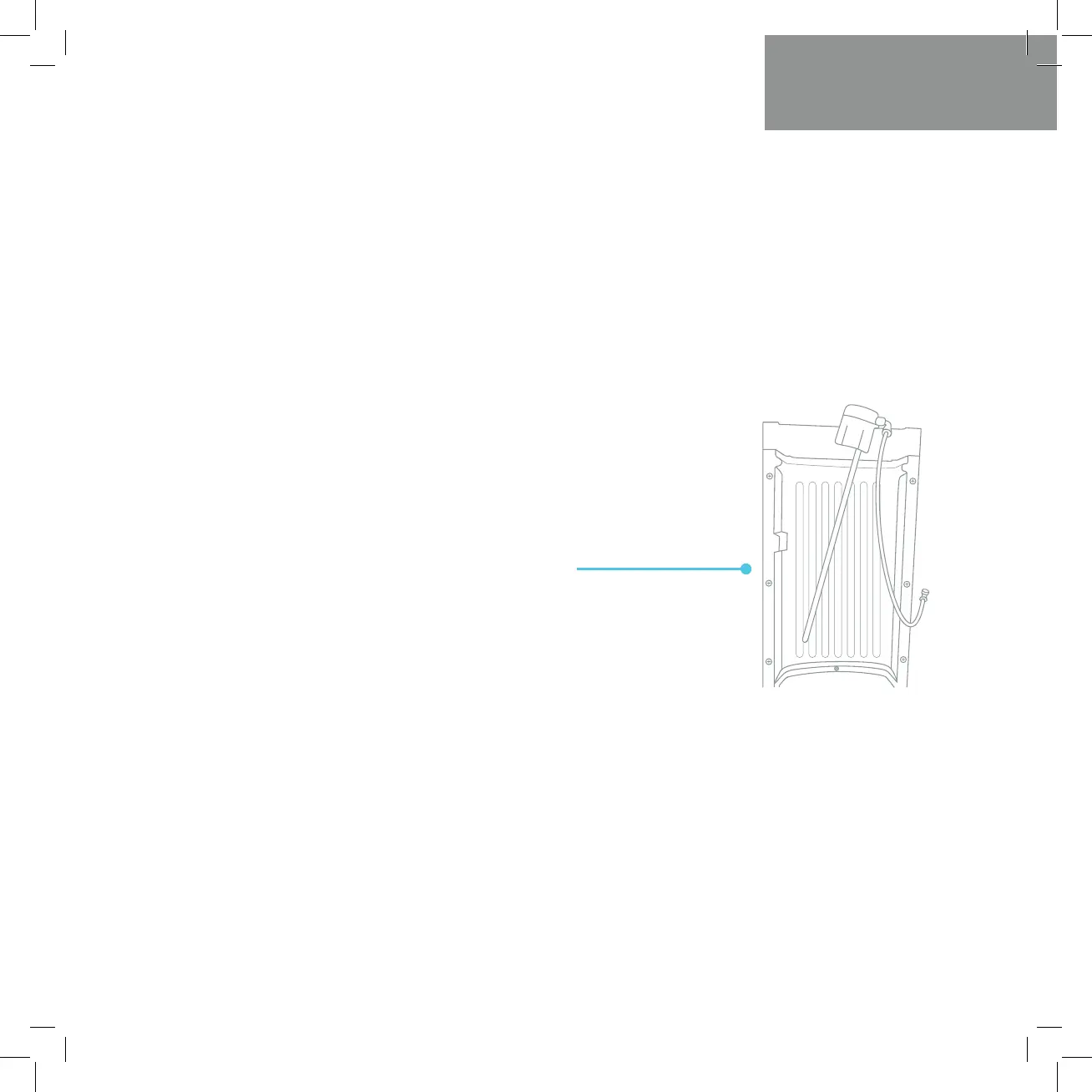
3. Remove the probe assembly from the empty
bottle. Place probe assembly on the probe hanger.
4. Set the empty bottle aside.
2. Slide the empty bottle out of the cabinet.
5. Place a fresh bottle outside of the cabinet. Remove the
entire plastic cap from the top of bottle. Clean the outside
of new bottle with cloth.
User Guide and Maintenance


 To Next Page