20
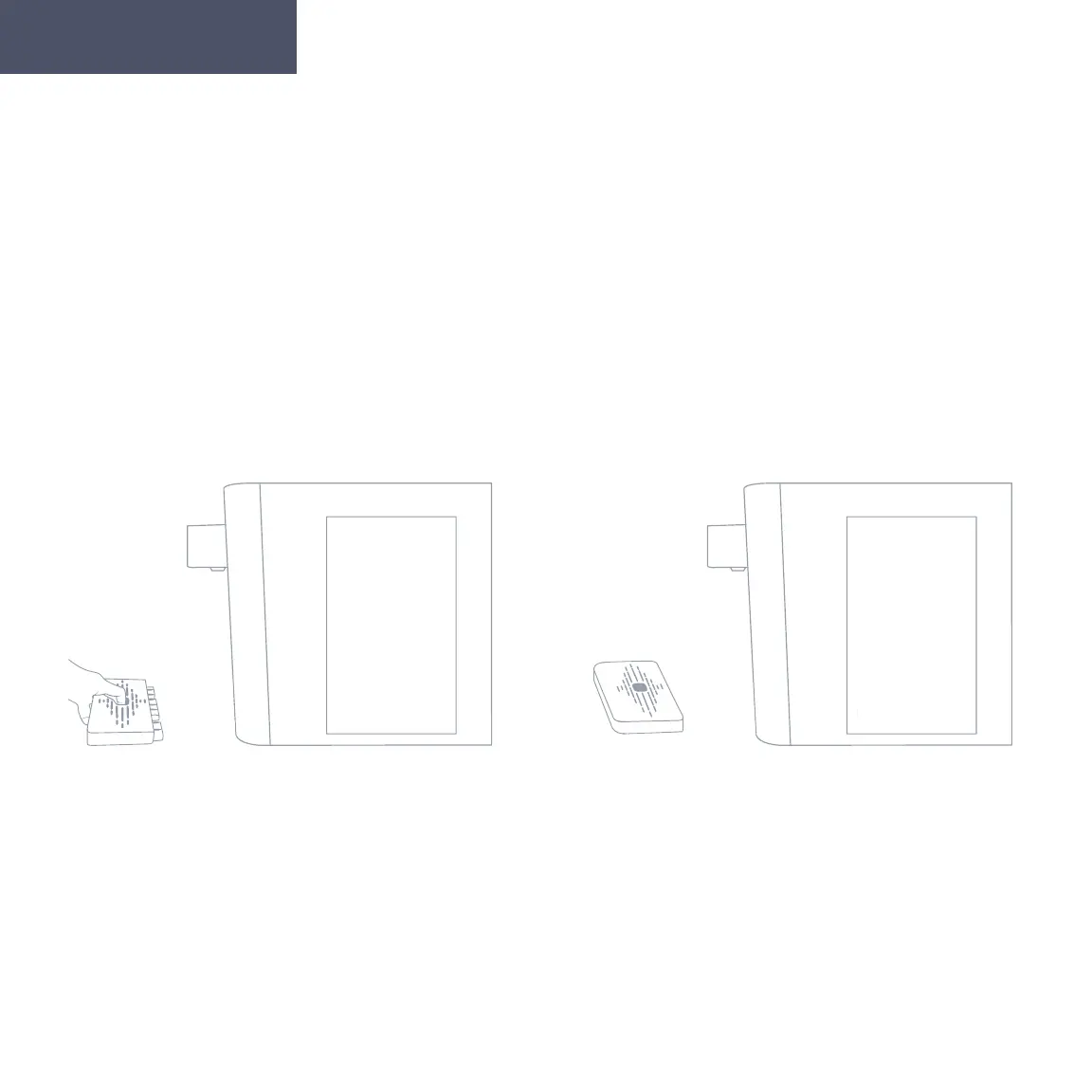
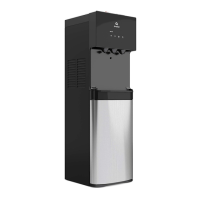
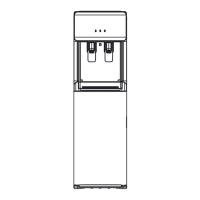
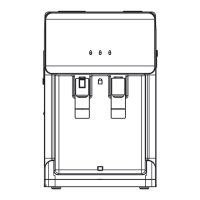
Installing and Removing the Drip Tray
1. To install the drip tray, simply slide it
into the area below the spouts until it
snaps into place.
2. To remove the drip tray, place your
fingers in the grid of the drip tray and
with one hand gently pull the drip tray
toward you to release it. Once it has
been released you can remove the drip
tray from the cooler to empty it.
No external drain needed, the overflow will collect here.
Getting Started


 To Next Page