Monday, 2 December 2013 PH658N - User Manual v1.1 7/15
Web Portal
The Web Portal of PH658N can be accessed by Google Chrome, Internet Explorer and Mozilla
Firefox.
A. To Log in
Enter http://< IP Address of the handset > on the browser.
Login name and password are as follows,
username : avantec
password : 1234
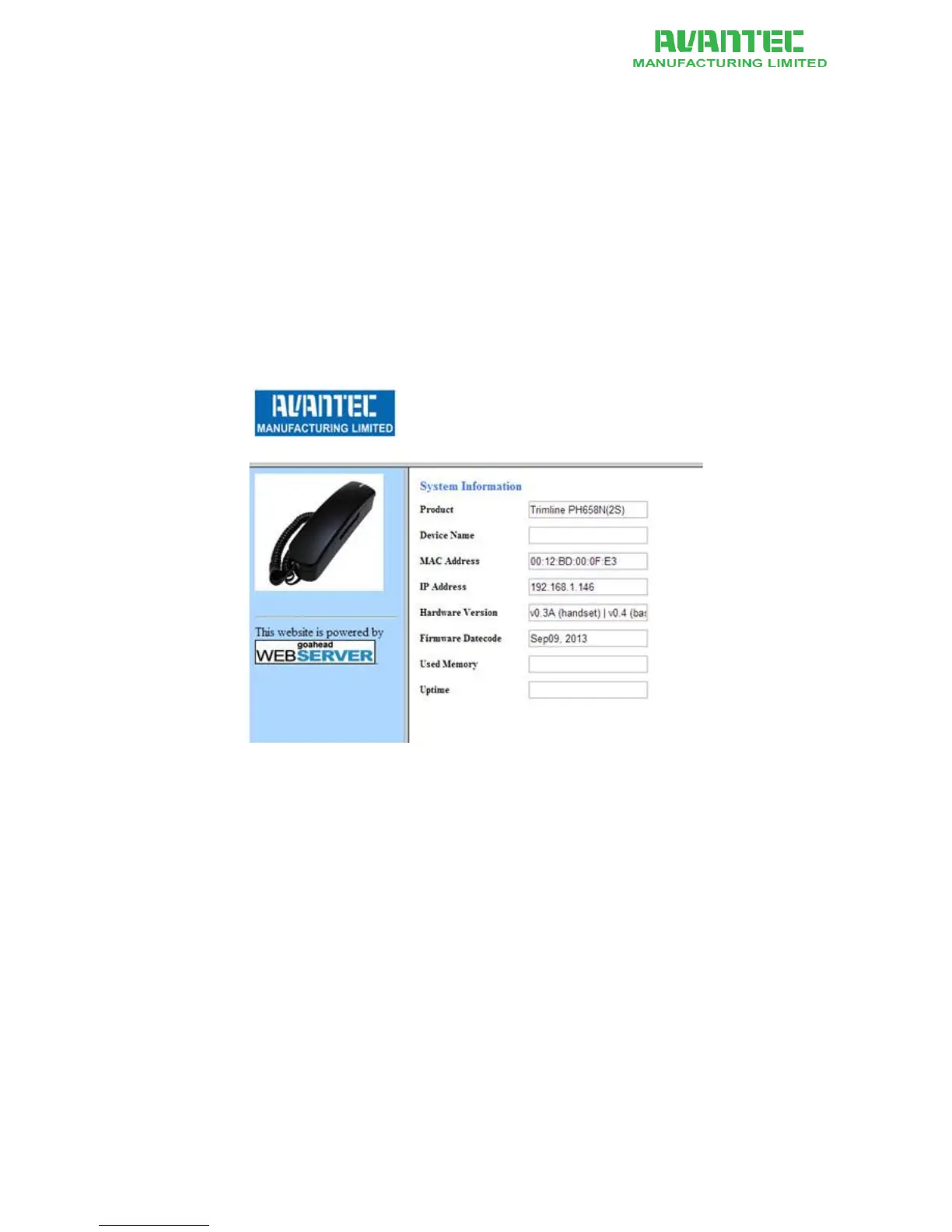
The welcome page shows the hardware version and firmware date code of the model (see below).
Figure 4 - Welcome page of the Web Portal
(A.1) Logout
When done, remember to logout completely.
Clear the cache / cookie of your web browser so that the previous login is not re-cycled by the next
user.



 To Next Page