Monday, 2 December 2013 PH658N - User Manual v1.1 11/15
E. Other Settings
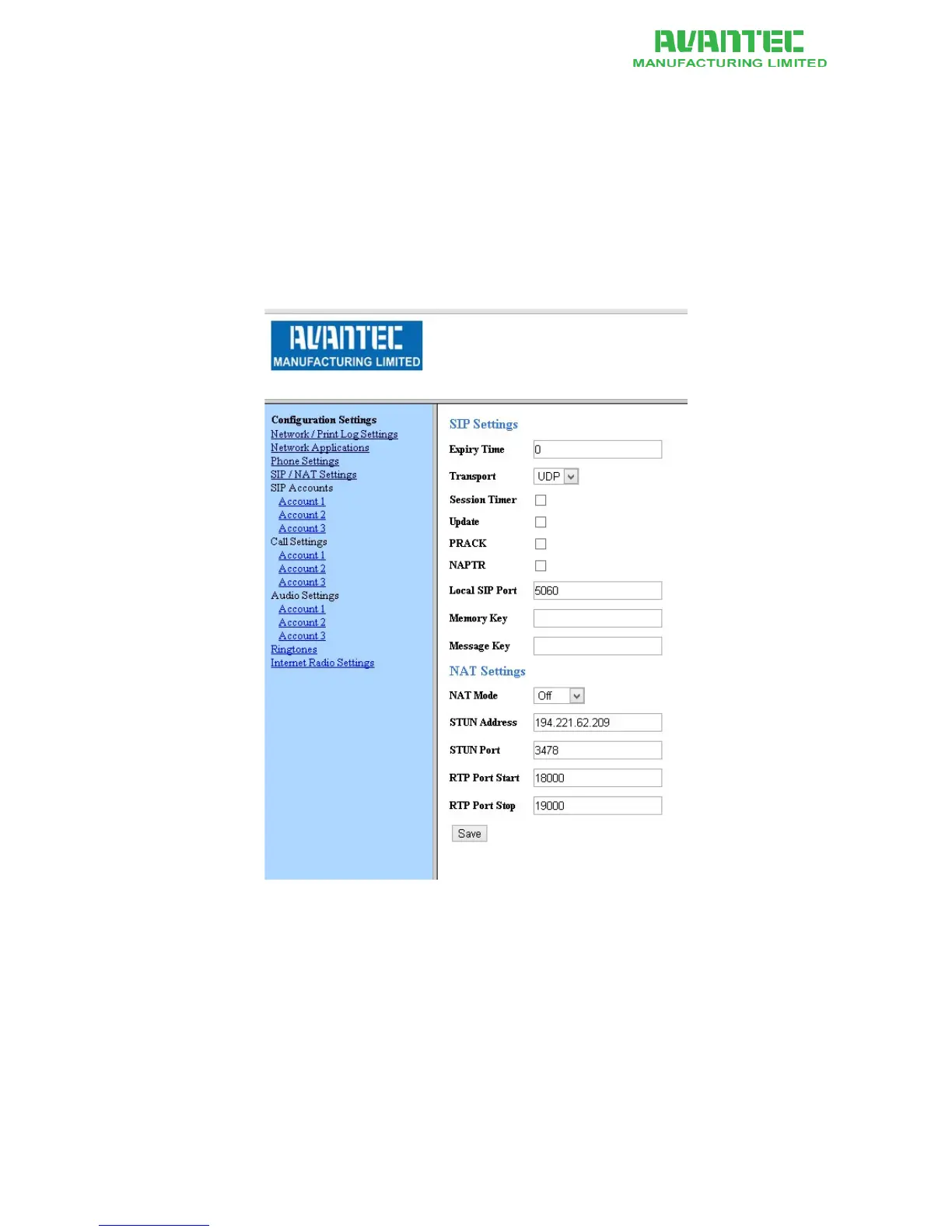
One-touch memory key and mailbox number key can be found in the "SIP / NAT Settings" section.
Also, administrators can set parameters for Network-Address-Traversal (NAT) if required by the
network environment in which the phone is deployed.
1. Go to Configuration page
2. On the left panel, click on the "SIP / NAT Settings" link
3. Enter the memory key number, message key number and NAT entries
4. When done, click Save
5. The changes take effect immeidately
Figure 8 - Memory key and NAT settings page on Web Portal



 To Next Page