8
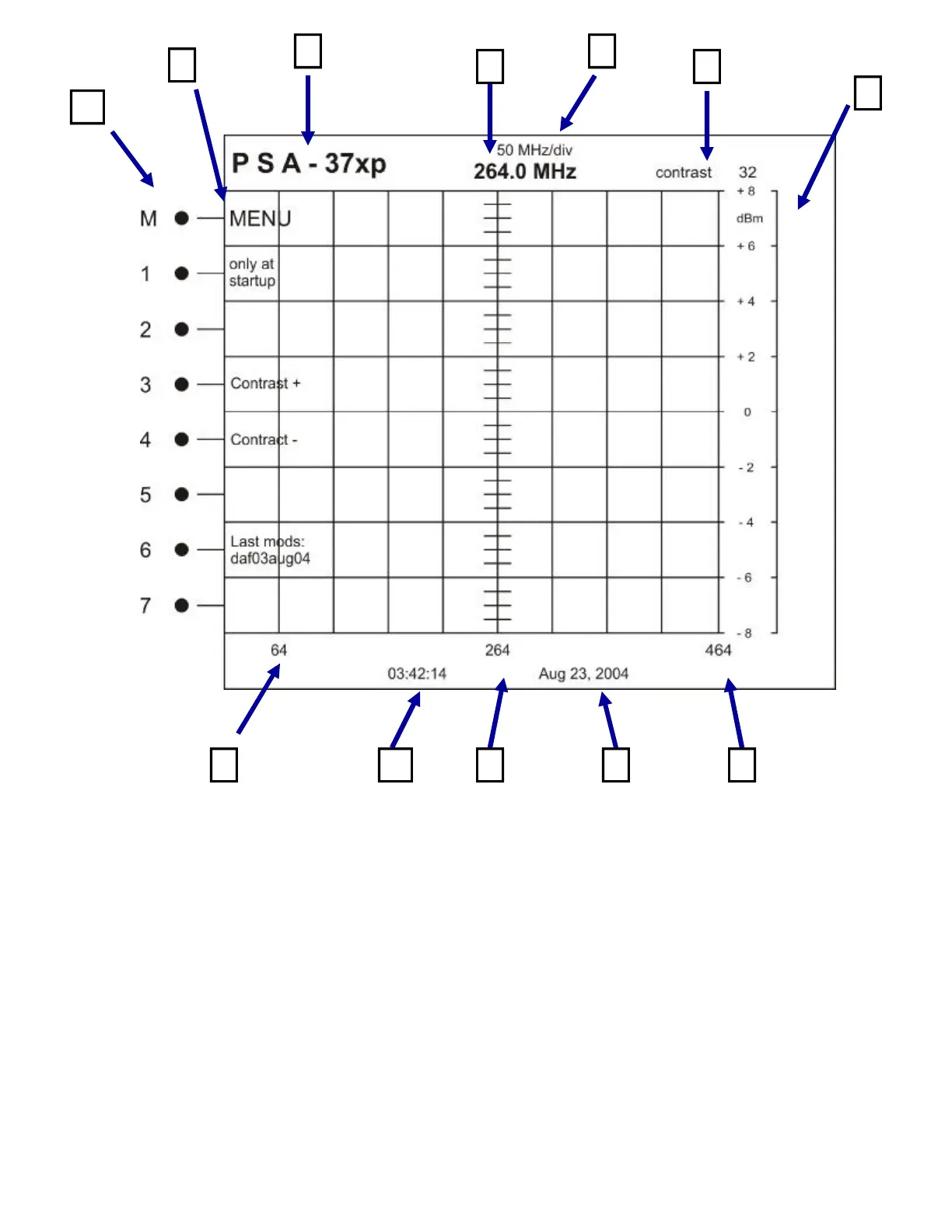
A. MENU Buttons
These buttons are used to control the menu structure of the PSA-37XP.
B. MENU Structure
This is the actual menu structure used in configuring the unit. As the MENU Buttons are pressed,
the value, or menu structure will change accordingly.
C. MODEL Number
The value show in this position is the MODEL Number of the spectrum analyzer.
D. CENTER Frequency
This value is controlled by the TUNING Knob and represents the frequency at the center division of
the screen.
I
A
G
J
D
C E
F
H K L
B



 To Next Page