22
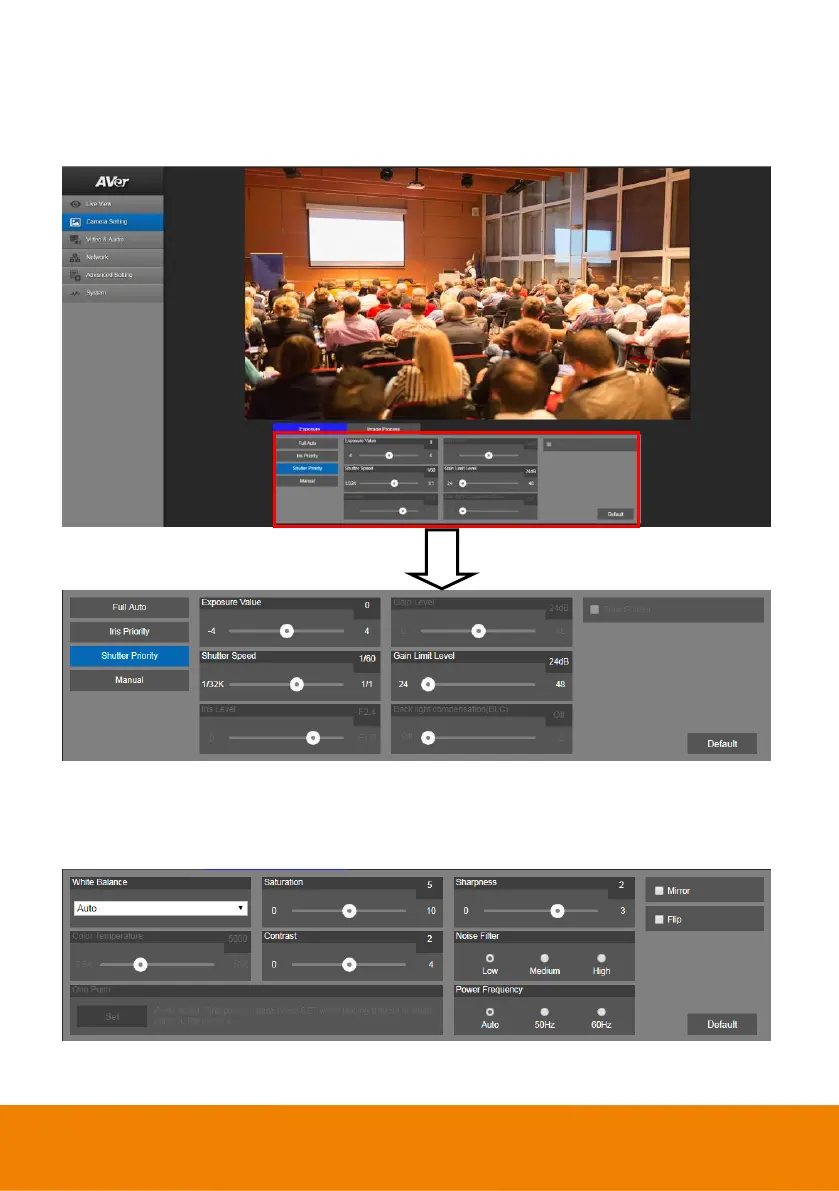
Camera Settings
Exposure
Setup the exposure type -- Full auto, Iris priority, Shutter priority, or manual.
Image Process
Setup the white balance, saturation, contrast, sharpness, noise filter, power frequency, flip, and mirror.
Select the “Image Process” tab in camera setting interface.



 To Next Page