6
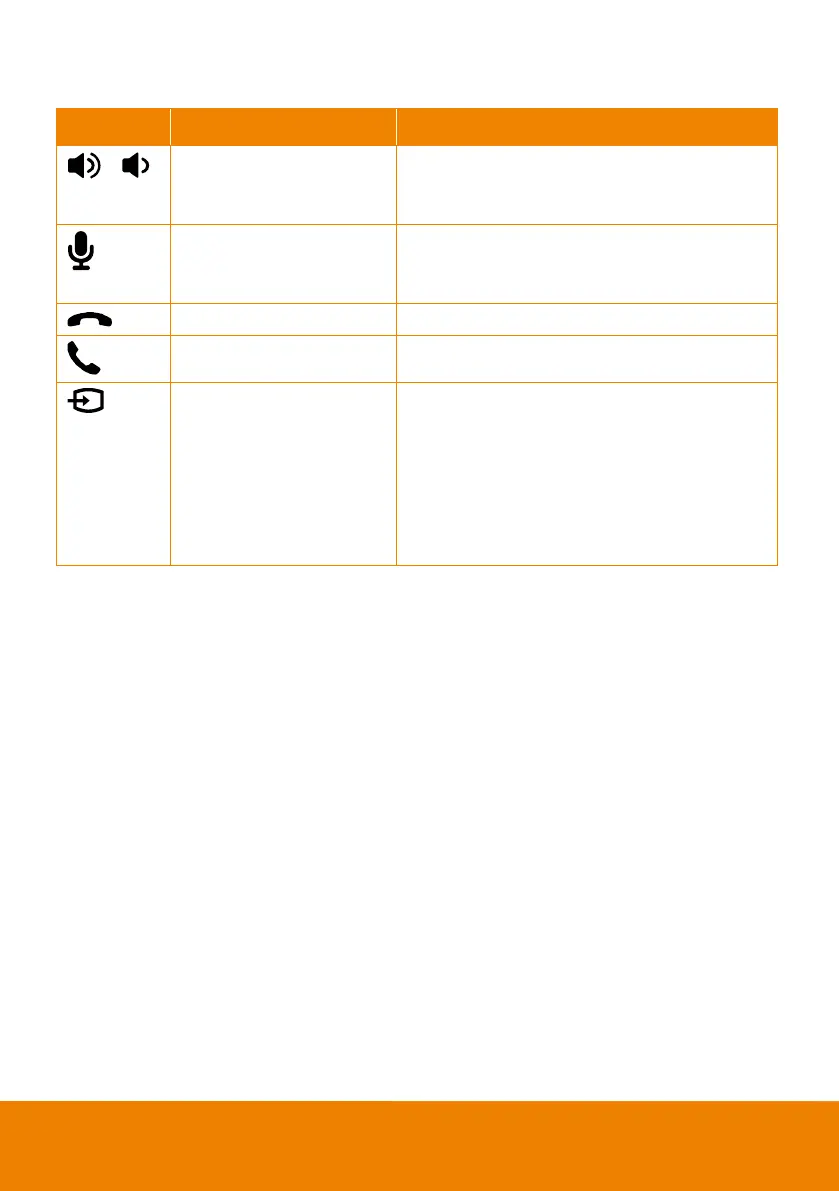
Speakerphone LED Indicator
Button LED Indicator Status
/
White light
Adjust the volume up and down. When adjusting
the volume up and down, the volume LED indicator
White/Blue light
Touch to mute/un-
mute the speakerphone volume.
In mute status, the LED indicator will light up in
Red light Touch to hang up the call.
Green light Touch to answer the incoming call.
Blue light: Connects with
external device
White light: Temporarily
disconnects the
connection with the device
Off: No connection with
When the Phone in port connects with the device,
the LED indicator will light up in blue.



 To Next Page