15
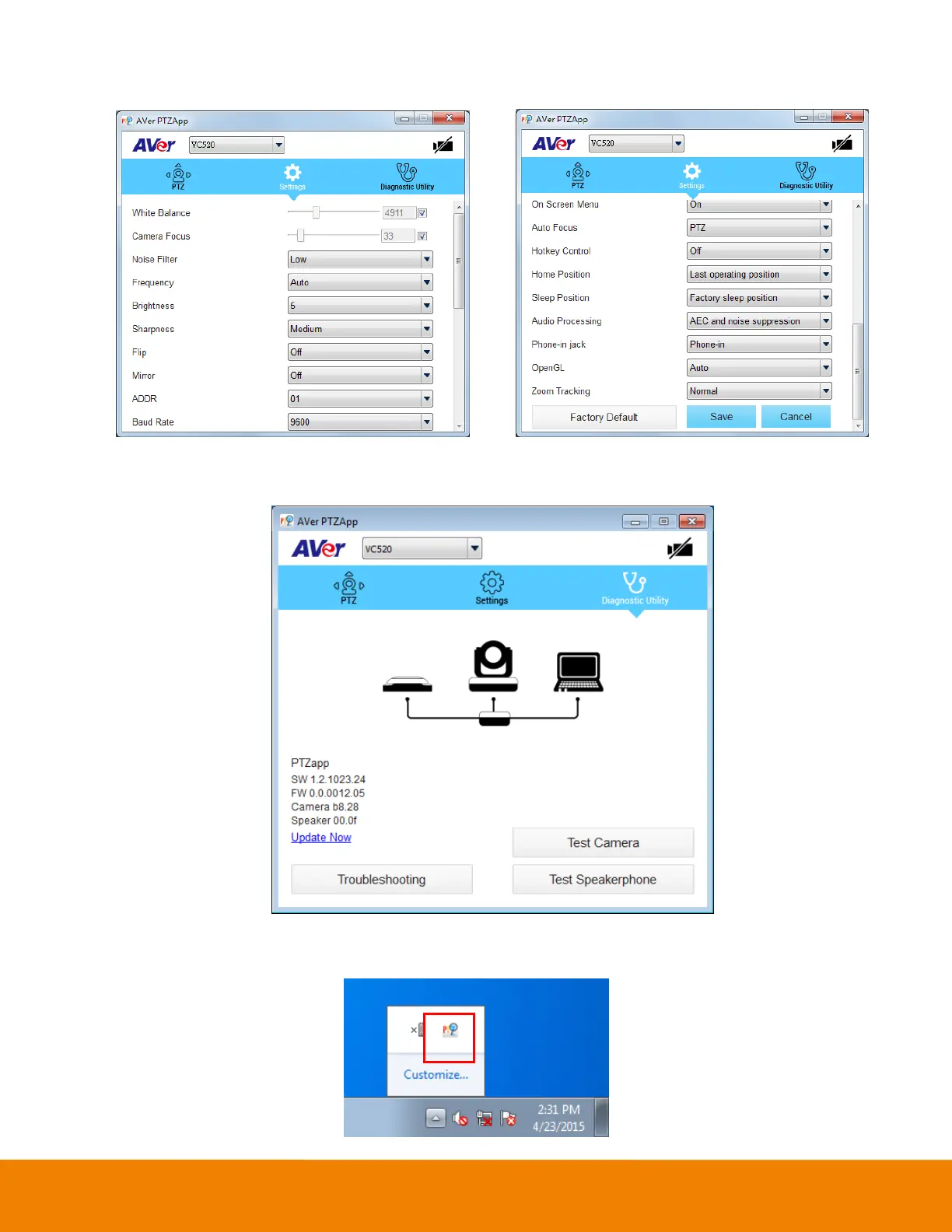
Settings: To setup parameters of the camera. Click the Save button to save all settings. To
change all the settings, back to the default values, click the Factory Default button.
Diagnostic Utility: To display the S/W and F/W version and the devices connection status. You
can also test the camera and speakerphone status, and update the firmware of the camera.
Minimize: Minimize the app to system tray. To quit the application, right-click the icon on the system
tray and select “Quit”.



 To Next Page