Warning: Do not place any heavy objects on the top of notebook. This may
damage the display.
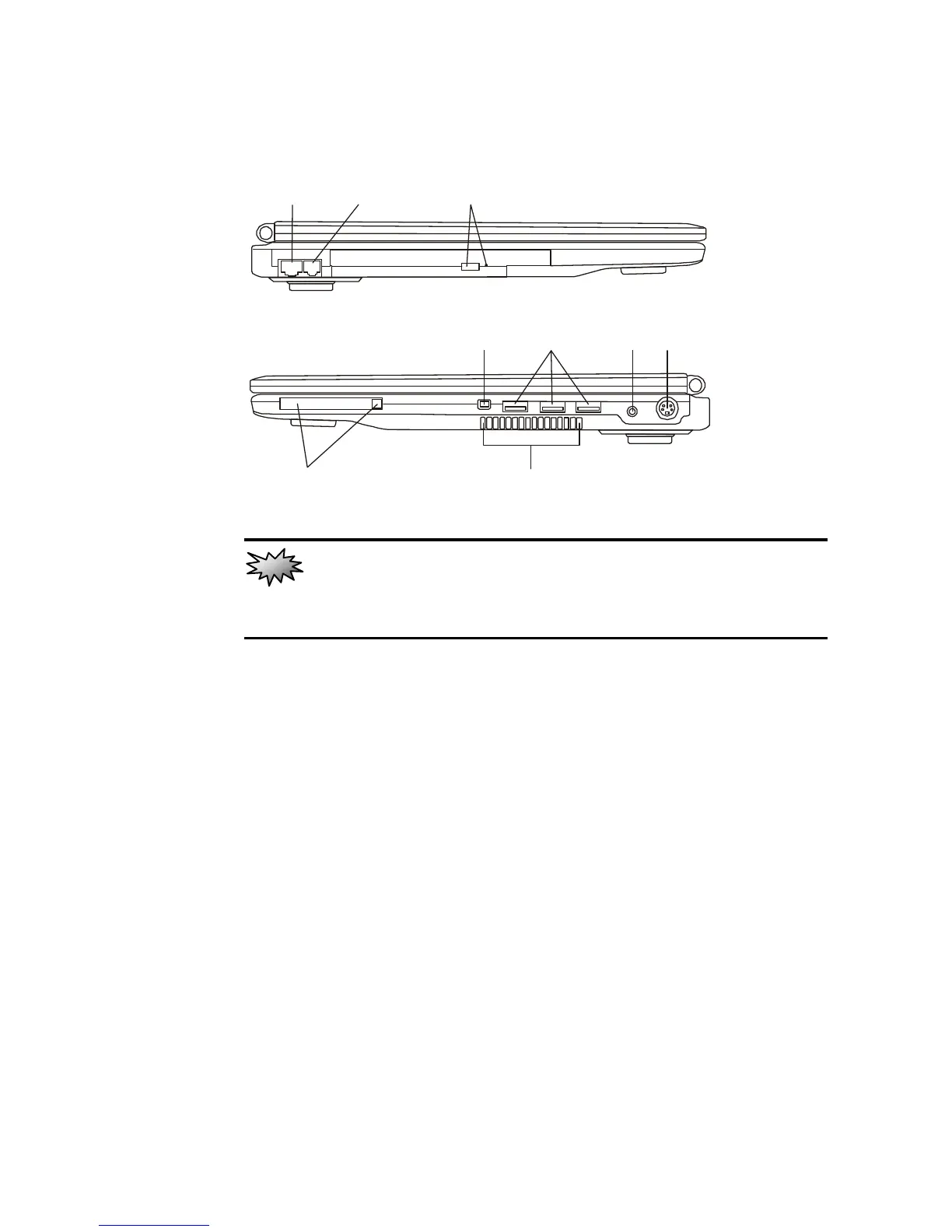
1. Ethernet / LAN Port
The port connects to a network hub via the RJ-45 cable and
also conforms to the 10/100Base-TX transmission protocol.
2. Modem Port
This is where you plug the phone jack (RJ-11) for fax/modem
functions.
3. Optical Drive and Disk Eject Button and Manual Eject Key
Hole
If your computer comes with a DVD+/-RW optical drive, you
may write data to a CD-R, CD-RW, DVD-R/RW and
DVD+R/RW media. Press the eject button to eject the disk tray.
The manual eject keyhole allows you to manually eject a
jammed disk.



 To Next Page