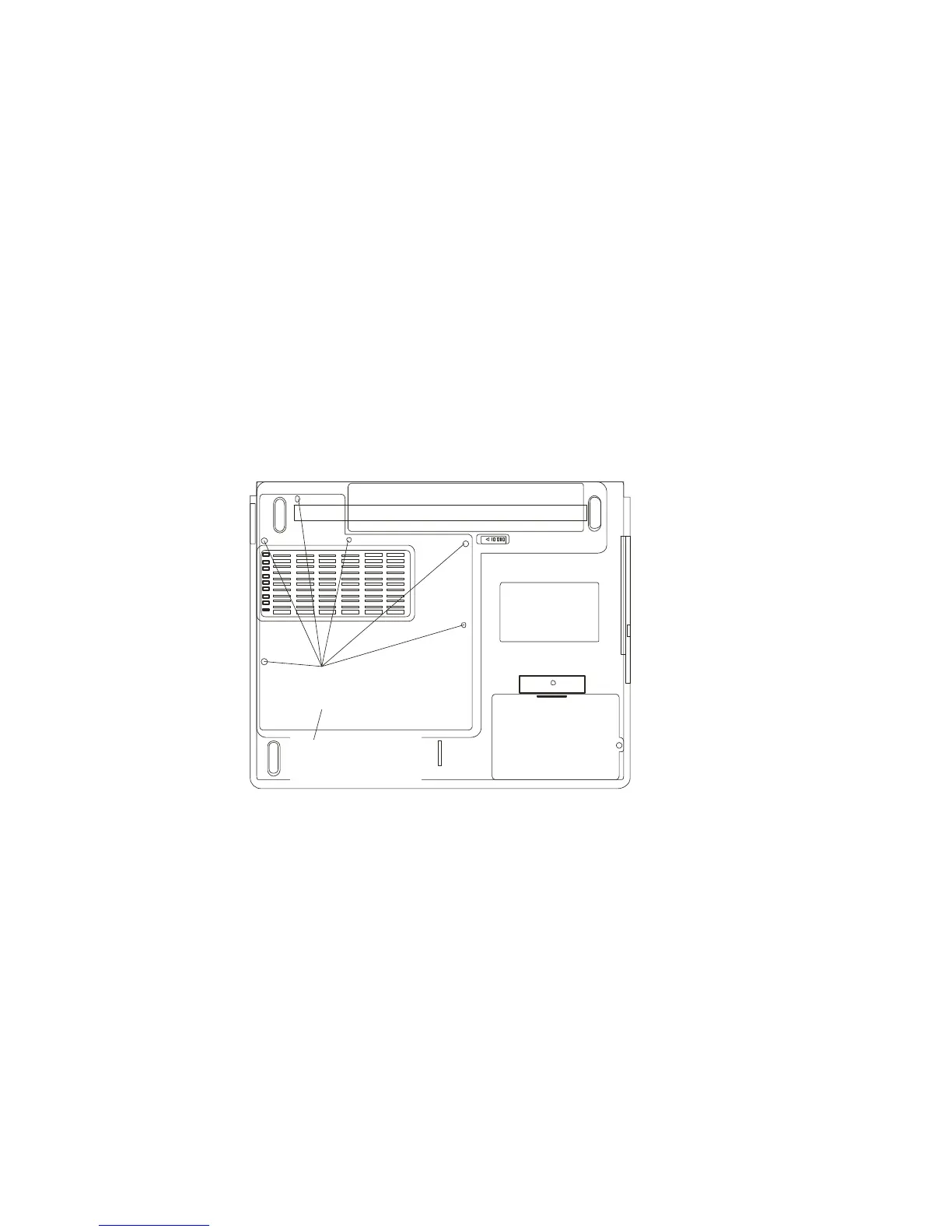
Installing a memory module (DIMM) into the system
To install the DIMM, do the following:
1. Turn OFF the computer. Unhook the AC cord and all
cables/devices attached to the notebook. Remove the battery
back.
2. Place your hand on a large metal object momentarily to
discharge any static electricity. Place the notebook on a flat
surface and fully close the LCD lid.
3. Locate and remove 6 “C” Screws on the System Device
Cover.
Screw C x6
System
Device Cover
4. Remove the System Device Cover. The DIMM socket is
now seen as shown below.



 To Next Page