Windows Keys
Your keyboard also has two Windows keys:
1. Start Key
This key allows you to pull up the Windows Start Menu at
the bottom of the taskbar.
2. Application Menu Key
This key brings up the popup menu for the application,
similar to a click of the right mouse button.
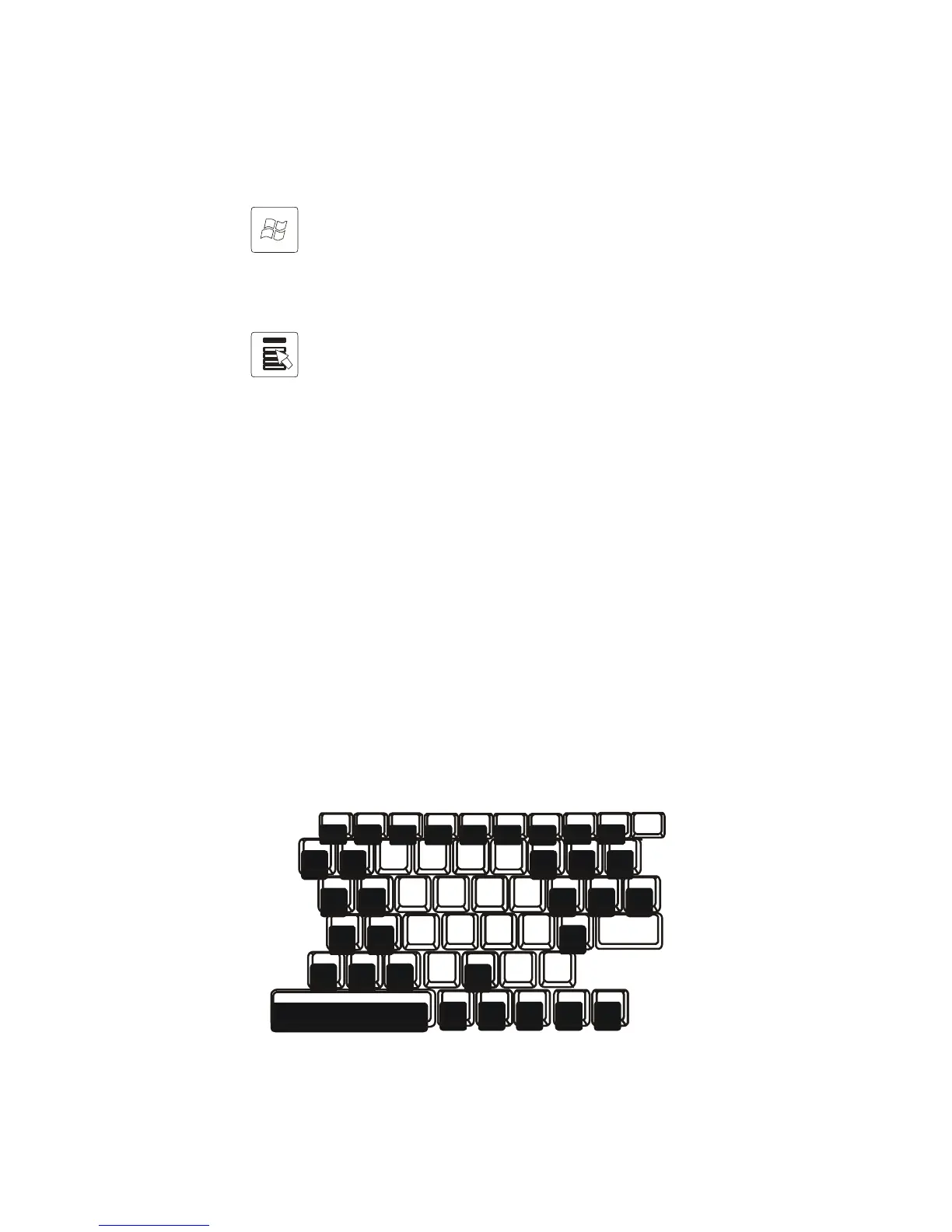
Embedded Numeric Keypad
Press Fn+Num Lk to enable the embedded numeric keypad.
The numbers are printed in upper right corner of a key, in a
color different from the alphabets. This key pad is complete
with arithmetic operators (+, -, * , /).
Press Fn+Num Lk to revert to normal character keys.



 To Next Page