3.1 Scan QR Code
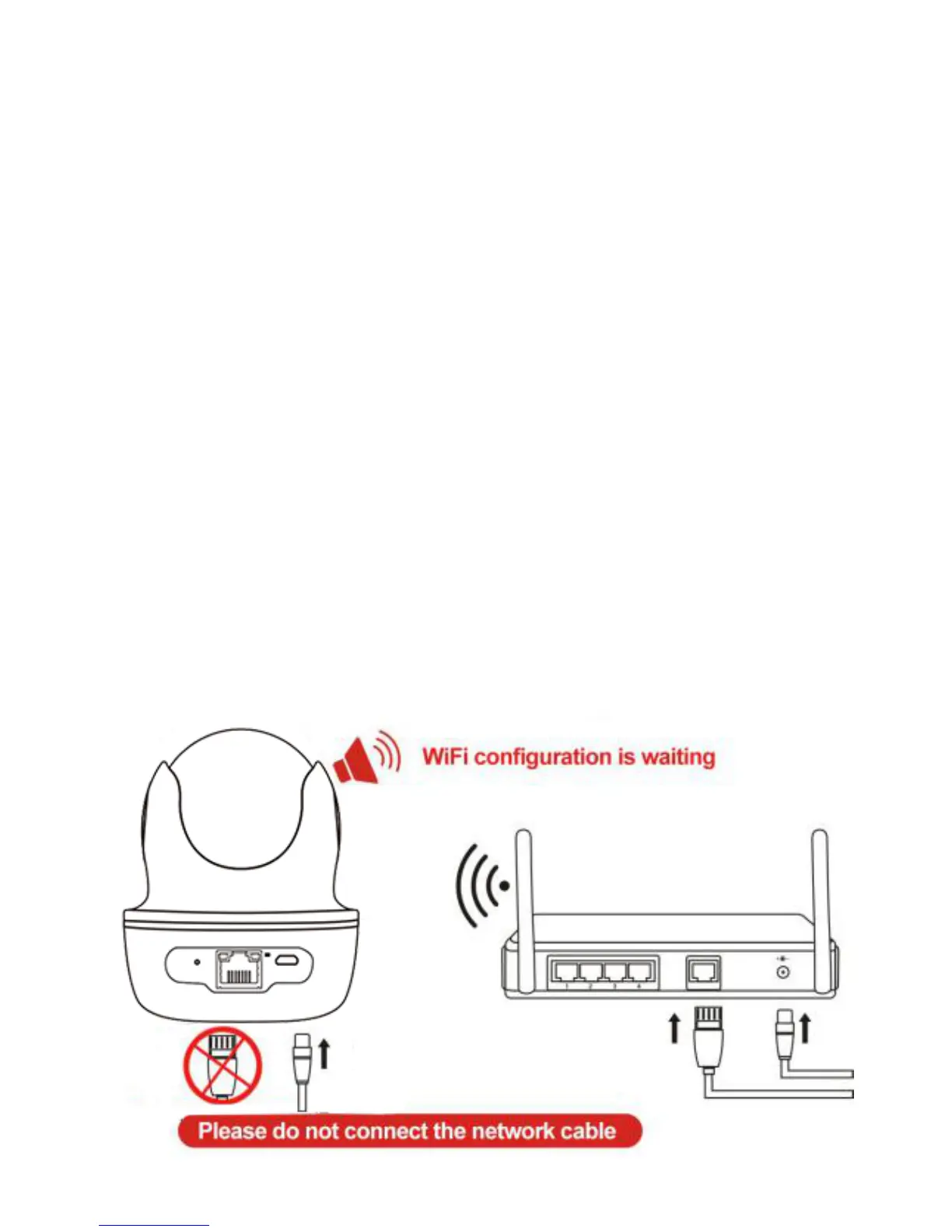
Please power on the camera, wait until the reboot of
th e camera is finished (it ta kes about 30 s econds),
then the camera will say
"
Please use APP for
Wi F i configuration
"
or
"
Wi F i configuration is
waiting
"
(If the camera doesn't say anything, please
reset the camera to factory default settings by
holding the reset button for 10 sec onds, then it will
say
"
reset completed, device will reboot soon
"
).


 To Next Page