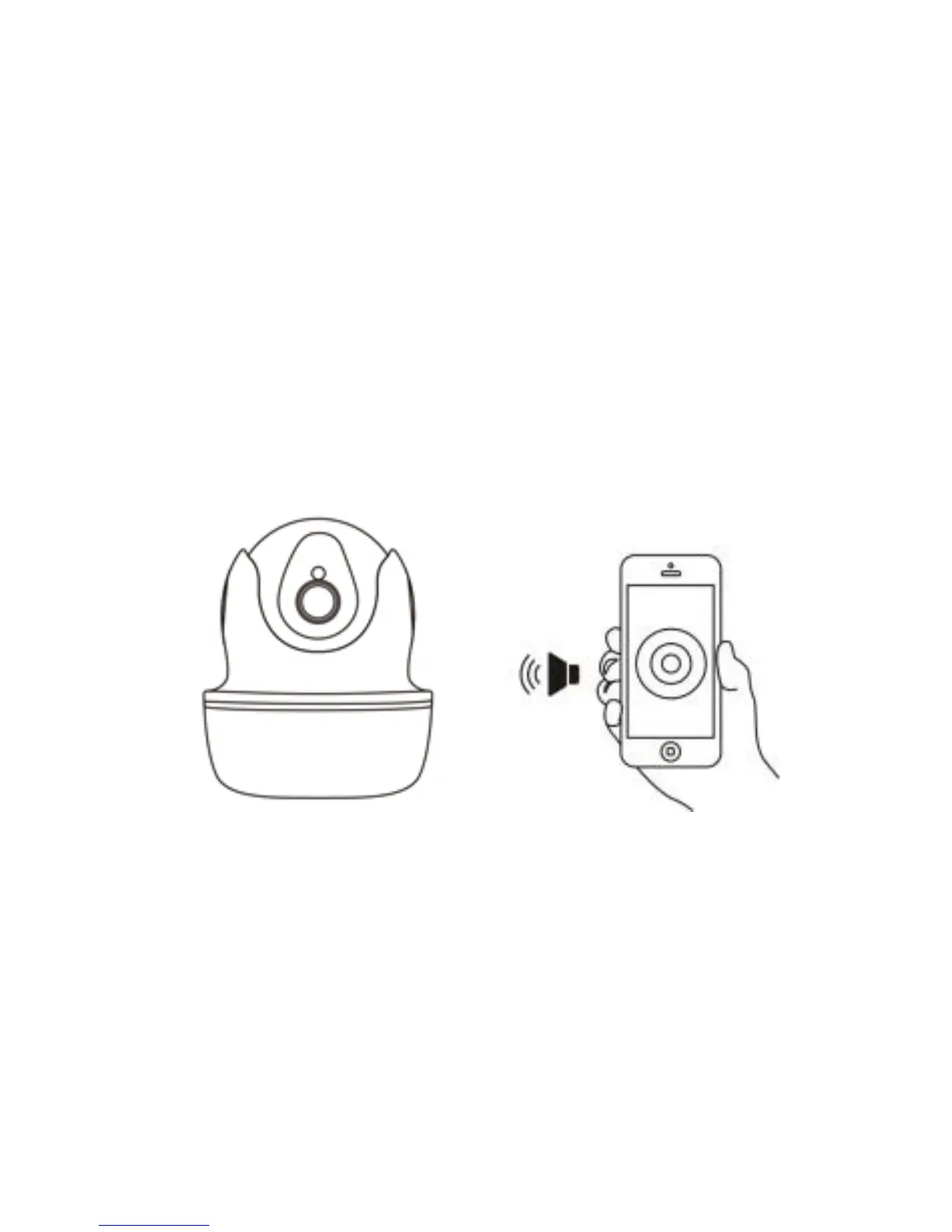
③ During the configuration, please kee p the phone and
the camera within 2 meters (at this time, please maximize
the volume of the mobile phone). C lick the “Send” button
on the APP, to send the configuration signal to the
camera
.
④
After the camera prompts “Wireless configuration
succe ed”, please wait about 30 seconds, the APP will
show the “Add Camera” page, click on it to complete the
adding.
Note: Place th e phone close to the camera, and adjust
the phone volume to maximum


 To Next Page