EasyManua.ls Logo

AVGO NOXZH - User Manual

AVGO NOXZH
35 pages
Print Icon
To Next Page IconTo Next Page
Loading...
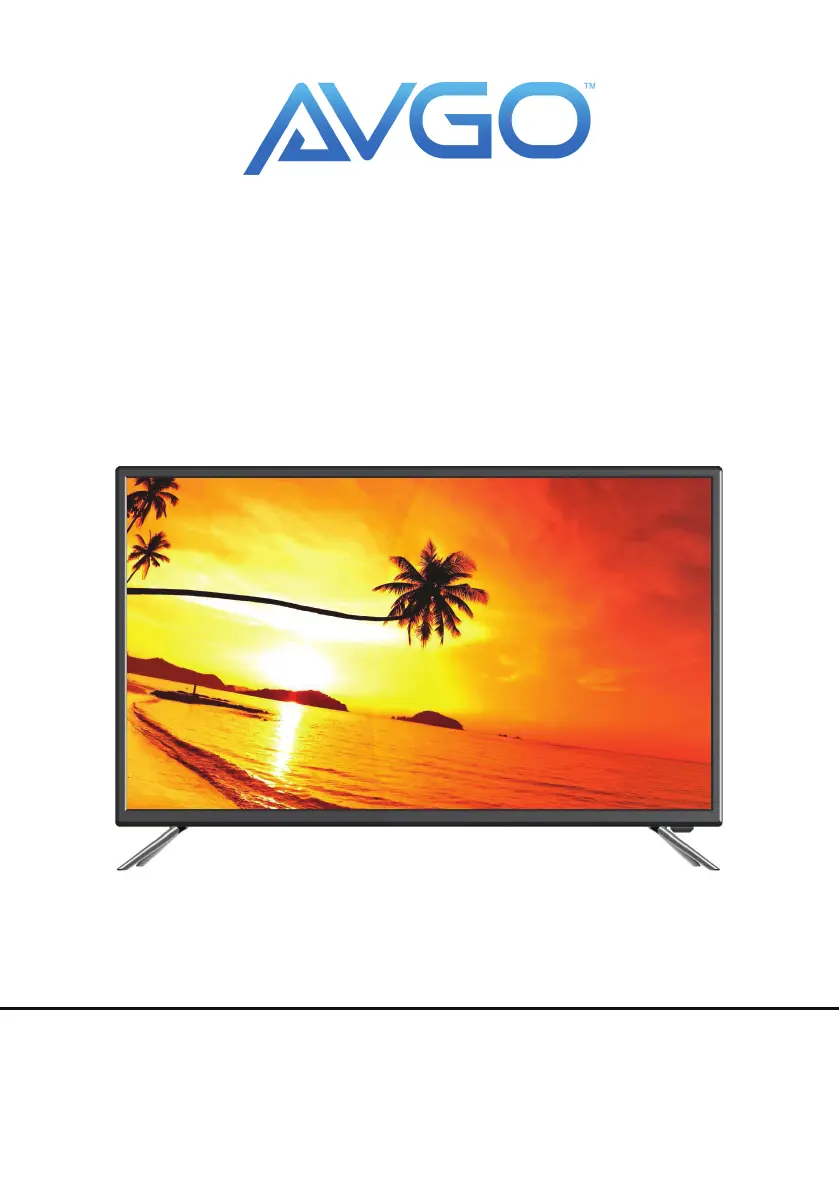
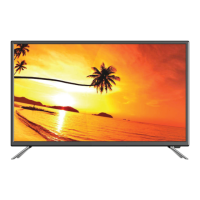
43”50”65“ LED TV COMPATIBLE
WITH DVD PLAYER
USER MANUAL
Please read this manual carefully before using,
and keep it for future reference.
MODEL NO.: NOXZH
NOXZG
NO0WD

Questions and Answers

  • D
    David FosterAug 16, 2025
    What to do if my AVGO NOXZH has no image and sound?
    • H
      hannahgrahamAug 16, 2025
      If your AVGO LED TV has no image and no sound, first check to ensure the power cord is properly connected. If it is, press the POWER button on the panel or remote control. Also, verify that the power button is switched on.
  • S
    stephanie80Aug 19, 2025
    Why is the remote control distance short or not working on my AVGO LED TV?
    • S
      Samuel JohnsonAug 19, 2025
      If the remote control for your AVGO LED TV isn't working well, make sure that nothing is blocking the remote receiver on the TV. Also, try changing the batteries in the remote, as the current ones may be too weak.
  • L
    Logan CastanedaAug 22, 2025
    How to fix no sound on AVGO LED TV?
    • T
      Teresa JonesAug 22, 2025
      If your AVGO LED TV has no sound, the volume might be set too low. Adjust the volume to a proper level. Also, check if the sound is muted; if so, press the MUTE button to deactivate it.
  • W
    whitealexanderAug 25, 2025
    Why is the display faint on my AVGO NOXZH LED TV?
    • A
      amber56Aug 26, 2025
      If your AVGO LED TV displays a faint image, try using the auto-adjustment function. If that doesn't work, the display mode might be incorrect, so try using the recommended mode.
  • B
    Brandon TorresAug 28, 2025
    What to do if the image does not fill the screen on my AVGO LED TV?
    • R
      Rebecca ThompsonAug 28, 2025
      If the image on your AVGO LED TV doesn't fill the screen, try using the auto-adjustment function. If that doesn't work, the display mode might be incorrect, so try using the recommended mode.
  • J
    John KaufmanAug 31, 2025
    How to eliminate static and sound noise on AVGO NOXZH LED TV?
    • K
      Kendra ThomasAug 31, 2025
      If your AVGO LED TV is showing static and sound noise, check the antenna cable connector plug to make sure it's securely connected and not damaged. Also, verify that you are using the correct type of antenna cable (VHF/UHF). Adjust the direction or position of the antenna. If the signal is weak, try using a signal amplifier.
  • S
    Shannon RobinsonSep 3, 2025
    Why does my AVGO LED TV image have stripes?
    • R
      Raymond WellsSep 3, 2025
      If your AVGO LED TV image has stripes, it might be due to interference from things like cars, neon lights, or electric blowers. Avoid using an electric blower around the unit. You can also try adjusting the antenna cable direction to reduce interference.
  • J
    James WatkinsSep 6, 2025
    Why does my AVGO NOXZH image have shadows?
    • S
      swoodsSep 6, 2025
      If your AVGO LED TV is showing shadows in the image, it could be because the TV signal is being reflected by a valley or building. Try using a high-directional antenna. Also, make sure to adjust the direction of the antenna.
  • E
    emily96Sep 9, 2025
    How to fix 'No signal' on AVGO NOXZH LED TV?
    • J
      jameshernandezSep 9, 2025
      If your AVGO LED TV says 'No signal input connected', it means the signal cable might be loose or not connected properly. Ensure the signal cable is securely attached and try again.
  • M
    Matthew PalmerSep 12, 2025
    What to do if I am unable to operate my AVGO NOXZH?
    • D
      Daniel RossSep 12, 2025
      If you are unable to operate your AVGO LED TV, it may be due to external factors like lighting or static electricity. Press the button to turn off the electrical source, wait 1-2 minutes, and then press the button again to turn the TV back on.

Summary

Safety Information

Electrical Safety

Safety precautions for electrical connections, power supply, and plug usage.

Physical Safety

Guidelines for safe handling, ventilation, cleaning, and placement of the TV.

What is Included;TV Placement Setup

Unit and Accessories

Lists the items included with the TV, like remote control, cables, and manual.

TV Stand Installation;Removal

Instructions for mounting the TV stand for the 43-inch model.

Wall Mounting

Guidance on VESA wall mounting for the 43-inch model, including pattern and screws.

Getting Started

Front;Back View

Identifies the main physical features and ports on the front and back of the TV.

Button Functions

Connecting to External Devices

Remote Control

Install the Batteries

Step-by-step guide for inserting batteries into the remote control.

Initial Setup

Basic Operations

Menu Operation

Navigating the TV's main menu and using the setup wizard for initial configuration.

Input Setup

Picture Settings

Picture Mode

Explains preset picture modes (Dynamic, Standard, User) for optimal viewing.

User Picture Adjustments

Detailed guide to adjusting Contrast, Brightness, Color, Sharpness, and Tint.

Backlight and Color Temperature

Adjusting screen brightness and color tone for personalized picture quality.

Sound Settings

Sound Mode

Selection of sound profiles like Standard, Music, Movie, Sports, and User.

Audio Adjustments

Options for adjusting Balance, AVL, Surround sound, and Video Description.

Function Settings

Noise Reduction

Applying noise reduction filters to enhance picture clarity.

MPEG Noise Reduction

Adjusting MPEG noise reduction levels for improved picture detail.

Aspect Ratio

Changing the picture's aspect ratio to fit different screen formats.

Time Settings

Power On;Off Timer

Setting the TV to automatically turn on or off at scheduled times.

Options Settings

OSD and CC Settings

Configuring On-Screen Display language, duration, and closed captioning.

Parental Controls

Lock Function Setup

Setting up parental controls, including password and lock restrictions for content.

Channel Management

Antenna Mode and Auto Search

Selecting antenna type and performing automatic channel scanning.

Program Editing

Editing, skipping, or deleting channels after the scanning process.

Advanced Channel Tuning

Manual Channel Search

Step-by-step guide for manual DTV and ATV channel tuning.

Signal Information

Viewing signal strength and quality for DTV channels.

Network Settings

Network Configuration

Steps for configuring wired or wireless network connections for the TV.

USB Operation

Connecting and Selecting USB

How to connect a USB device and select it as the input source for media playback.

Internet Services

NETFLIX Access

Guide to signing in and using the NETFLIX application on the TV.

YouTube Access

Instructions for accessing and browsing content on YouTube via the TV.

Online Applications

VUDU and Pandora Access

Instructions for accessing VUDU and Pandora streaming services on the TV.

Social Media and Communication

Twitter and Facebook Access

Guides for using Twitter and Facebook applications on the TV.

Weather and Screen Casting

Accuweather and Screencast

Accessing weather information and using the screen mirroring feature.

Troubleshooting

Product Specifications

NOXZH (43) Specifications

Technical details for the 43-inch model, including connectivity and power.

NOXZG (50) Specifications

Technical details for the 50-inch model, covering connectivity and power.

Product Specifications (Continued)

NO0 WD (65) Specifications

Technical details for the 65-inch model, including connectivity and power.

Remote Control Details

AVGO NOXZH Specifications

General IconGeneral
BrandAVGO
ModelNOXZH
CategoryLED TV
LanguageEnglish

Related product manuals