Eleven Rack User Guide46
EQ & Compressor Effects
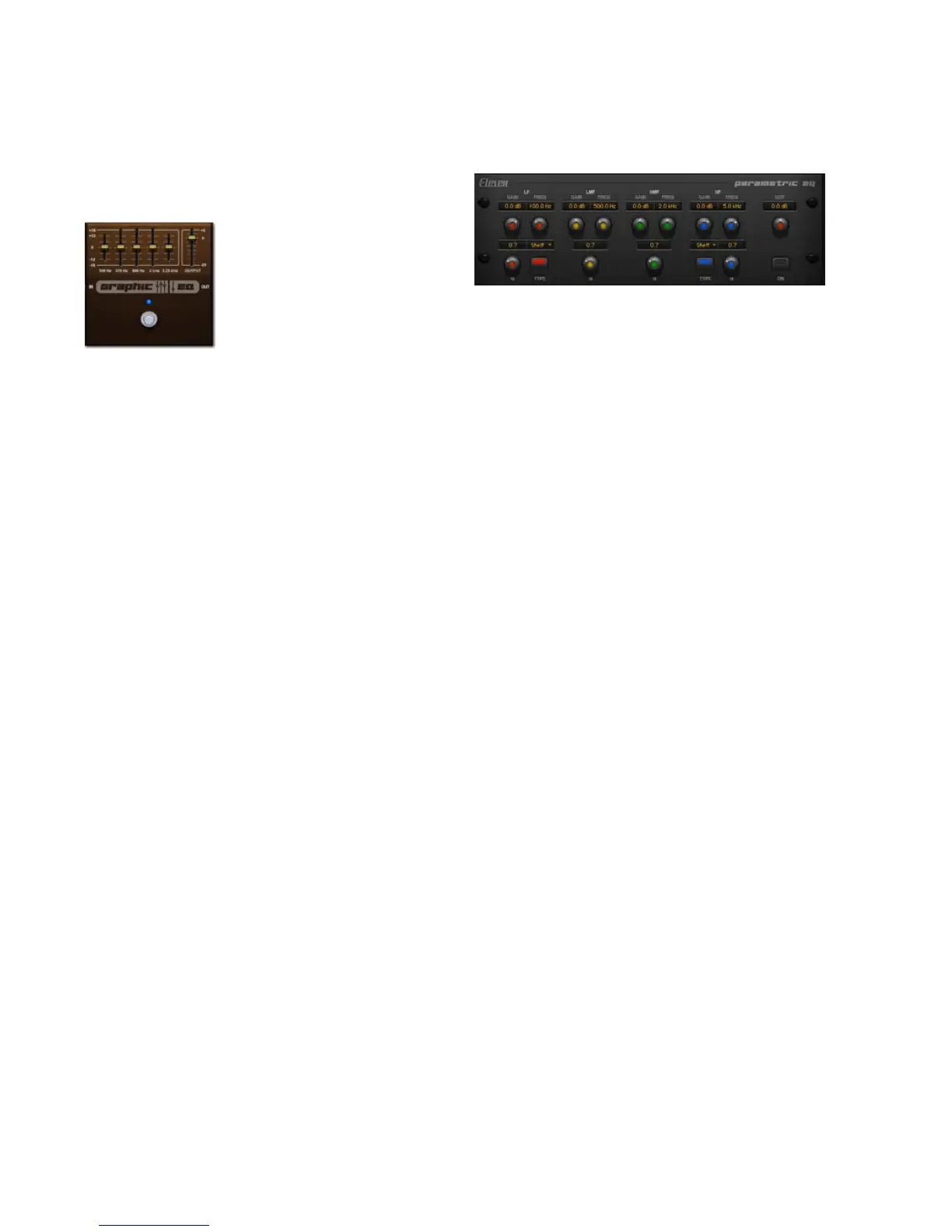
Graphic EQ
Useful for simple frequency sculpting, a good
Graphic EQ can find a place in almost any ped-
alboard. Graphic EQ can wring a variety of tones
out of other pedals (such as when placed before
Distortion effects). The EQ can also be used as a
signal booster when positioned in front of amps.
Para EQ
This effect provides a high-quality 4-band EQ,
with adjustable gain, frequency, Q (bandwidth),
and output for each band. The Low and High
bands let you switch between the following
functions:
• Shelf: Boost or cut of all frequencies below (in
the Low band) or above (in the High band)
the chosen frequency.
• Peak: Boost or cut of a band of frequencies
centered on the chosen band frequency, the
width of which is controlled by the Q control.
• Low-Pass (High band) or High-Pass (Low
band): Cuts frequencies above (Low-Pass) or
below (High-Pass) the selected frequency,
with a choice between 6 dB, 12 dB, or 24 dB-
per-octave curves.
• Notch: Rejects frequencies around the chosen
EQ frequency, with bandwidth control via the
Q control.
This effect includes the following controls:
L Gain Sets the gain of the low-frequency EQ
band.
L Frequency Sets the center frequency of the low
EQ band.
L Q Sets the bandwidth of the low EQ band.
L Type Sets the mode of the low EQ band.
Choose between Shelf, Peak, High-Pass (in 6, 12,
and 24 db curves), or Notch.
Output (Accessible from every page) Sets the fi-
nal output level of the EQ’d signal.


 To Next Page