6
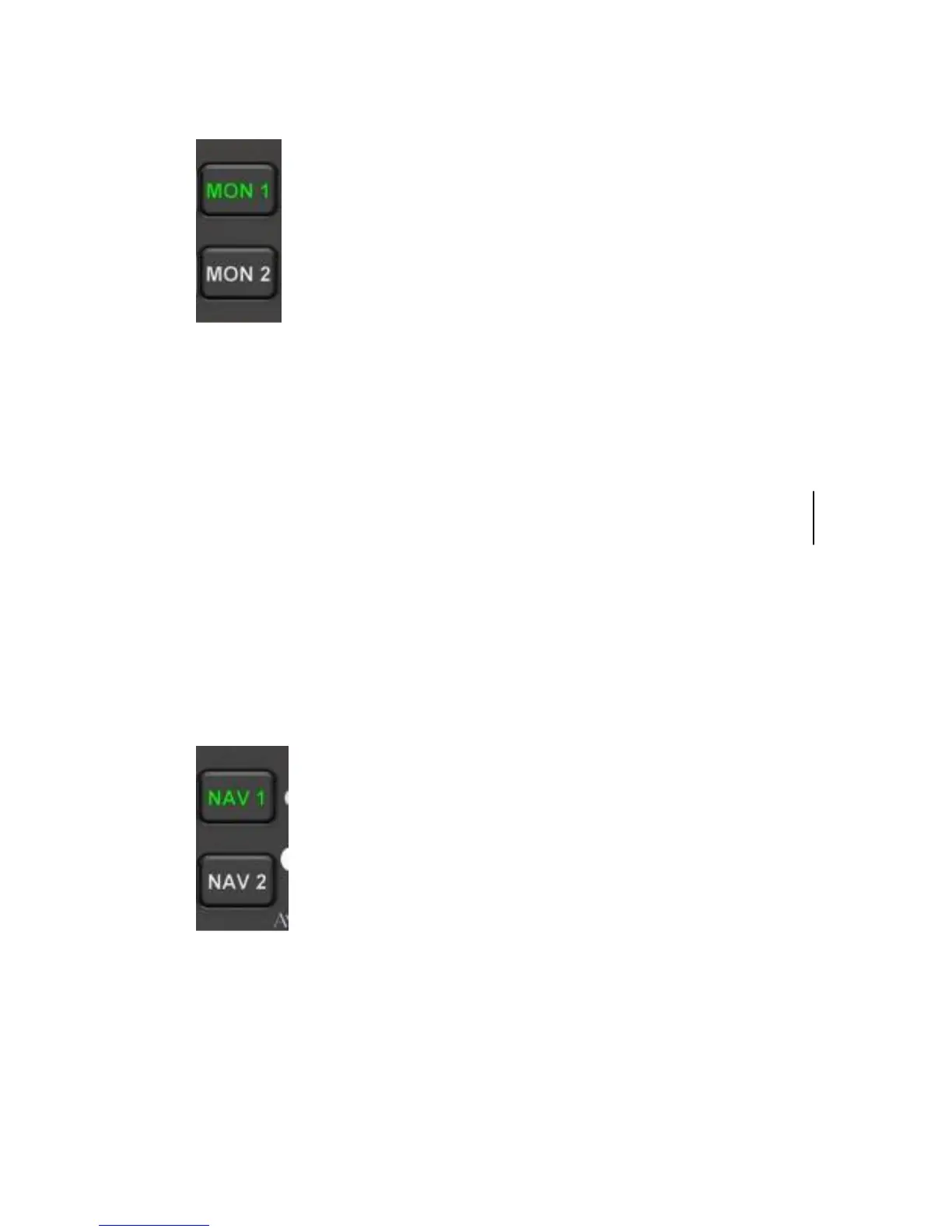
MONITOR BUTTONS
MON 1 and MON 2 monitors audio output from the COM 1 and
COM 2 IFD Standby channel(s).
The buttons turn green when active.
Dual radio monitor capability allows the pilot to listen to the
standby frequency while still being able to transmit and receive on
the primary frequency.
NAVAID RECEIVER SELECTION BUTTON
These buttons select audio from desired nav radio source to be
heard in the headsets.
Each button turns green when active.
Change 1


 To Next Page