EasyManua.ls Logo

Avios BushMule V2 - User Manual

Avios BushMule V2
21 pages
Print Icon
To Next Page IconTo Next Page
Loading...
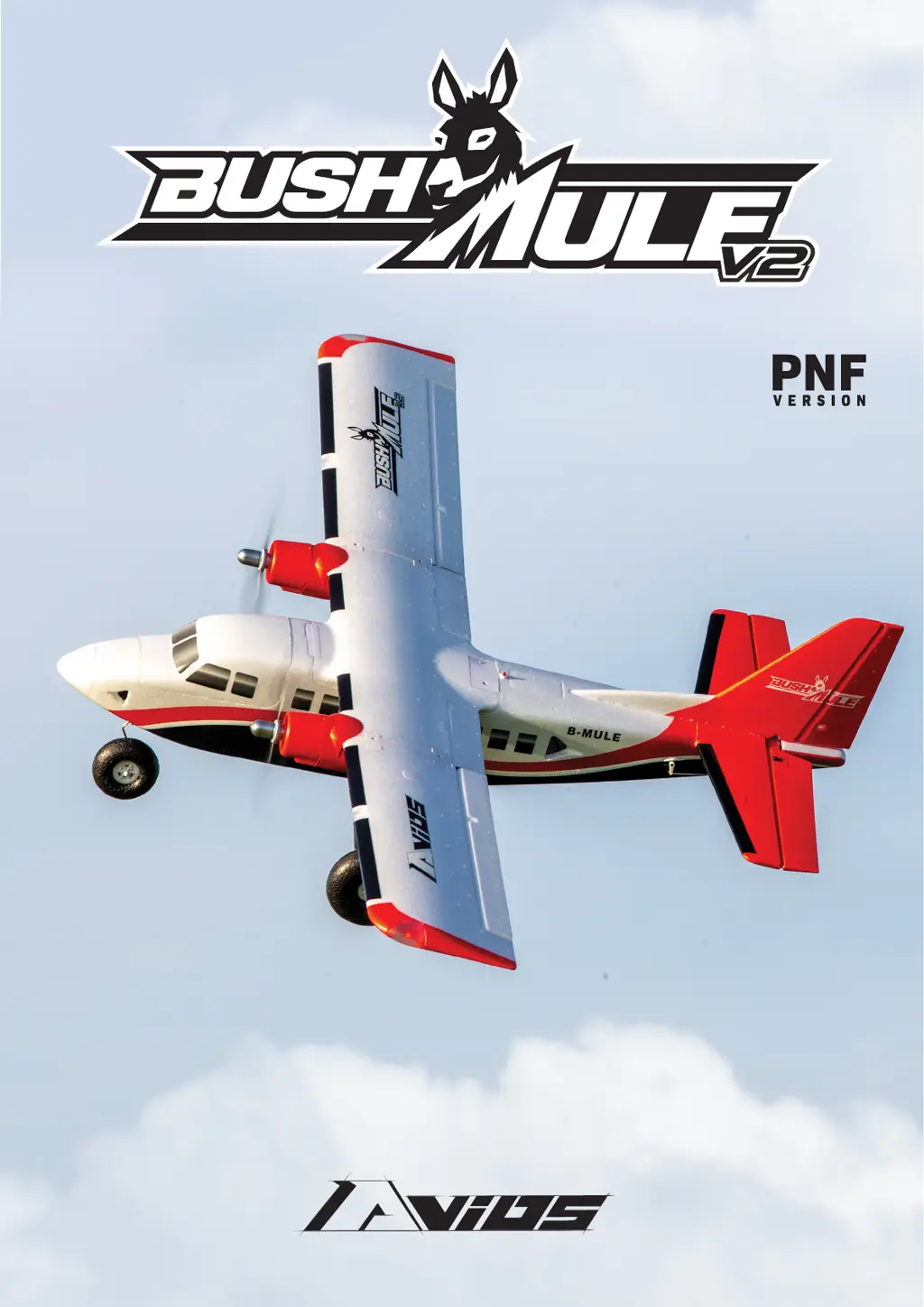
1500MM TWIN ENGINED WORKHORSE OF THE SKY
INSTRUCTION MANUAL

Questions and Answers

  • K
    klinejeanetteAug 4, 2025
    Why do the Avios BushMule V2 Toy motors not turn?
    • K
      Kelly AvilaAug 4, 2025
      The Avios Toy motors may not turn due to several reasons: the battery is not fully charged (charge the batteries); the transmitter battery is low (install a fully charged battery); the motors are not connected (check the connection between the ESC and motor); the motor is damaged (replace the motor); the receiver is not bound to the transmitter (consult the radio manual and go through the bind procedure again); or the ESC is in set-up mode (hold the model and move the throttle to full position, then back down to idle).
  • M
    Madison NelsonAug 9, 2025
    What to do if Avios Toy model doesn’t fly straight?
    • C
      crosschristopherAug 9, 2025
      If your Avios Toy model doesn’t fly straight, it could be due to control surfaces not being centered (adjust the trims on the transmitter) or the CoG (Center of Gravity) not being in the correct position (re-position the LiPo battery as suggested).
  • M
    Ms. Susan SpenceAug 13, 2025
    Why does the Avios BushMule V2 model not climb well?
    • J
      James Jenkins PhDAug 13, 2025
      If the Avios Toy model does not climb well, the reasons could be: the battery is not fully charged (charge the battery); the elevator servo is reversed (change servo direction via transmitter); or the CG (Center of Gravity) is too far backwards (move battery forwards).
  • D
    Donna EvansAug 18, 2025
    Why is there limited radio range on my Avios Toy?
    • J
      Jessica JonesAug 18, 2025
      Limited radio range on your Avios Toy can be caused by flat transmitter or receiver batteries. To resolve this, charge or replace the batteries.
  • J
    Jason SimpsonAug 23, 2025
    What to do if Avios BushMule V2 control surfaces not moving with stick input?
    • P
      Paige HollandAug 23, 2025
      If the control surfaces of your Avios Toy are not moving with stick input, the servo lead may be connected to the receiver incorrectly (make sure the servo leads are connected properly), or the servo may be damaged (replace the servo).
  • C
    Courtney WalterAug 28, 2025
    Why does my Avios BushMule V2 Toy model move backwards?
    • P
      pchoiAug 28, 2025
      If the Avios Toy model moves backwards, the props may be installed incorrectly. Swap the props around to correct this.

Summary

Safety and Overview

Safety Precautions

Detailed safety guidelines for operating the RC model airplane.

Introduction

Overview of the Avios BushMule V2 RC model airplane and its features.

Specifications

Technical details including wingspan, length, weight, and components.

Assembly Guide

Tail Surfaces Assembly

Instructions for attaching the tail surfaces to the fuselage.

Landing Gear Installation

Steps for installing the nose and main landing gear assemblies.

Main Wing Assembly

Procedures for attaching the main wing section and outer panels.

Electronic Avionics Configuration

Connecting servos, receiver, and ESCs for flight control.

Control Surface Setup

Adjusting control surfaces and checking movement for maiden flight.

Center of Gravity (CG) Setting

Determining and setting the correct center of gravity for safe flight.

Flying and Assembly Hints

Tips for balancing the model and checking assembly before flight.

Optional Ski Installation

Guide for installing optional skis for snow or sand operations.

Model Flying Safety Precautions

Guidelines for safe flying practices and choosing a flying location.

Pre-Flight Safety Checks

Essential checks to perform before each flight for safety and functionality.

Bushmule Flight Operations

Advice on flight characteristics and operational tips for the model.

Customer Usage and Maintenance Advice

Recommendations for optimal use, maintenance, and flight adjustments.

Parts and Accessories

Spare Parts List Part 1

Identification of major replacement parts with part numbers.

Spare Parts List Part 2

Identification of additional replacement parts and decals.

Optional Model Accessories

List of optional accessories that enhance the model's capabilities.

Recommended Compatible Accessories

Suggestions for compatible radio systems, batteries, and connectors.

Troubleshooting and Contact

Troubleshooting Common Issues

Common problems and their solutions for the RC model.

Contact and Support Information

Resources for more information and support, including websites and social media.

Avios BushMule V2 Specifications

General IconGeneral
Channels6
MaterialEPO Foam
Recommended EnvironmentOutdoor
Wingspan1500mm (59 inches)
Length1100mm
ESC40A
Servos9g
Battery4S 2200-4000mAh LiPo (not included)

Related product manuals