EasyManua.ls Logo

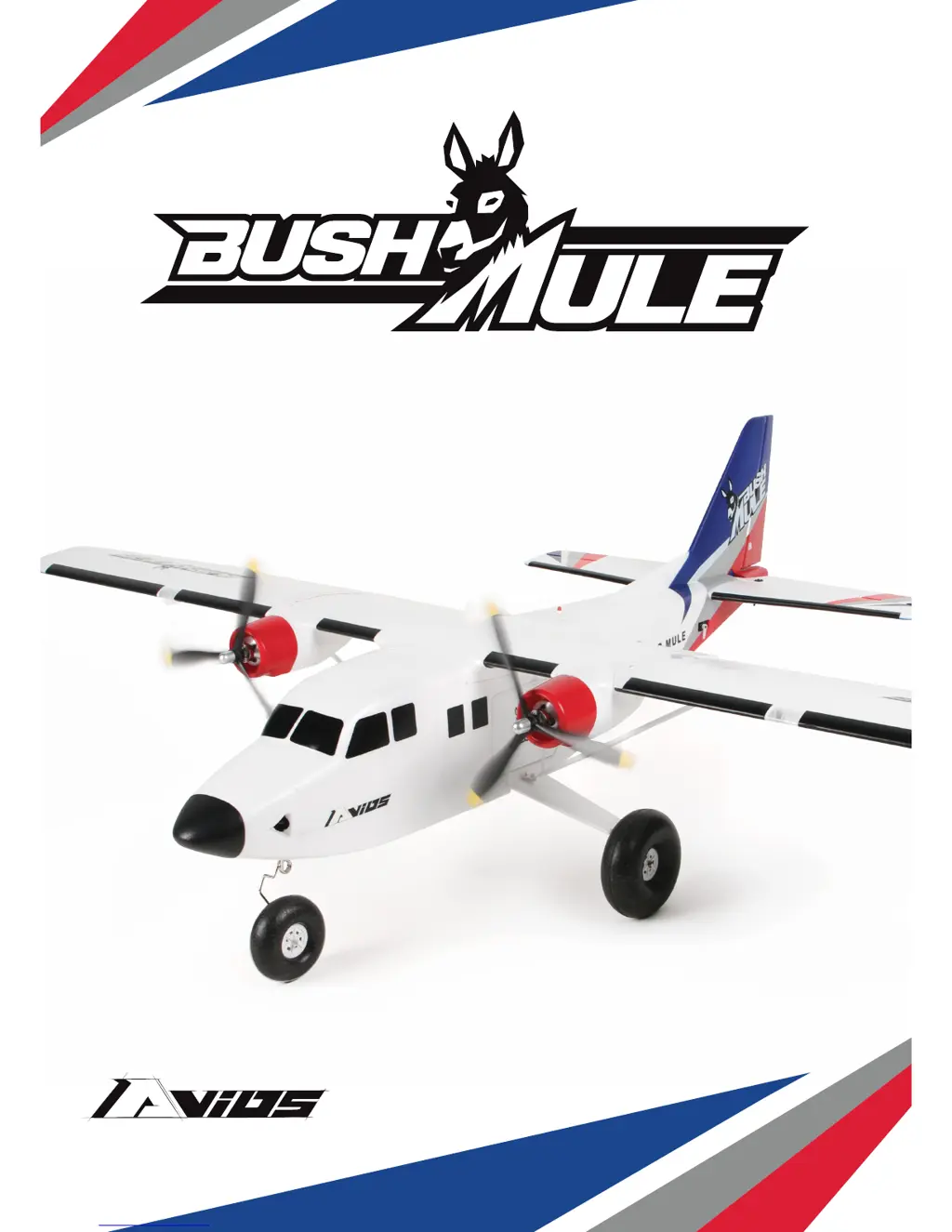
Avios Bush Mule - User Manual

Avios Bush Mule
20 pages
Print Icon
To Next Page IconTo Next Page
Loading...
INSTRUCTION MANUAL
P NF
COLORS:
RED / BLUE GREEN / YELLOW

Questions and Answers

  • J
    Joshua WilsonJul 30, 2025
    What to do if the motors do not turn on my Avios Bush Mule?
    • M
      Michael RobertsJul 30, 2025
      If the motors of your Avios Toy aren't turning, here's what you can check: 1. Make sure the battery is fully charged. If not, charge it. 2. Ensure the transmitter battery isn't low. Install a fully charged battery if needed. 3. Verify the connection between the ESC and motor. 4. The motor might be damaged; consider replacing it. 5. The receiver may not be bound to the transmitter. Consult the radio manual and repeat the binding procedure. 6. The ESC might be in set-up mode. Hold the model and move the throttle to full position, then back down to idle.

Summary

Introduction

Specifications

Details aircraft dimensions, weight, controls, ESC, motor, landing gear, props, battery, and radio system.

Assembly Guide

Vertical and Horizontal Tail Surfaces

Instructions for attaching tail surfaces, using adhesive/epoxy, and centering servos.

Landing Gear Installation

Steps for installing nose gear, centering servo, and attaching main landing gear.

Main Wing Installation

Guide for installing wing center section, connecting rods, securing wing, and attaching struts.

Electronic Avionics Setup

Control Surface Setup

Control Throws

Center of Gravity (CG)

Flying Tips

Optional Skis Installation

Model Flying Precautions

Pre-Flight Checks

Flying the Bushmule

Customer Advice

Spare Parts Listing (Red;Blue)

Spare Parts Listing (Yellow;Grey)

Troubleshooting Guide

Contact Information

Avios Bush Mule Specifications

General IconGeneral
Motor3536-850KV Brushless Outrunner
MaterialEPO Foam
Wingspan1500mm
Length1100mm
ESC40A Brushless
Servos6 x 9g
Recommended Battery3S 2200mAh LiPo

Related product manuals