3
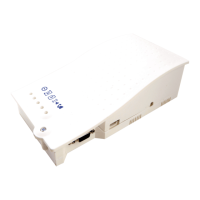
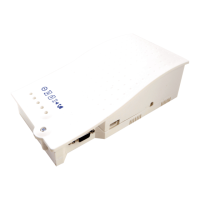
+ LEDs on the front of the DCP unit will show the network signal level
+
+
+
+
+
+
+
+
+
+
You can check the status of the power supply, battery, connection, coverage or
Phone Line (SLIC) at any time by referring to the LED Indicators (page 15).
7. With the power supply turned o, connect power 230VAC to J6 using the 3pin
connector supplied with the unit.
Note: The signal scanner will
indicate the best location for the
device to receive signal, Network
coverage will vary based on local
conditions.
+ Once nished turn SW1 dipswitch 1 back to OFF.
Neutral
Live
SW1
J6


 To Next Page