1010
Full Programming Options
Menu Sections
Lift Monitor
The lift monitor section allows you to detect faults from third party lift
monitoring devices connected to the technical inputs on the Memcom
+
unit.
When a fault is detected the Memcom
+
will dial out and place a technical alert.
The Lift Monitor section is divided into Tech Inputs and Service Count:. There
are two options for technical inputs:
IP1 only – This is the default option which disables the second input. If a
third party device is connected to the Memcom
+
unit (connections 11 and 12),
the unit will dial out immediately when a fault is indicated by the third party
device.
IP1 + IP2 (Serv.) – Selecting this option allows customers to use the service
counter (connections 16 and 17) input as a second technical input.
Service Count
Memcom
+
can be connected to the lift controller (connections 16 and 17) to
track the number of operations the lift performs.
The Memcom
+
can then be programmed to place a Technical Alert after a set
number of operations (intervals). The Technical Alert will be placed with the
event message “Technical Alarm – Lift in service too long”. This can then be
used to determine when a lift may need to be serviced.
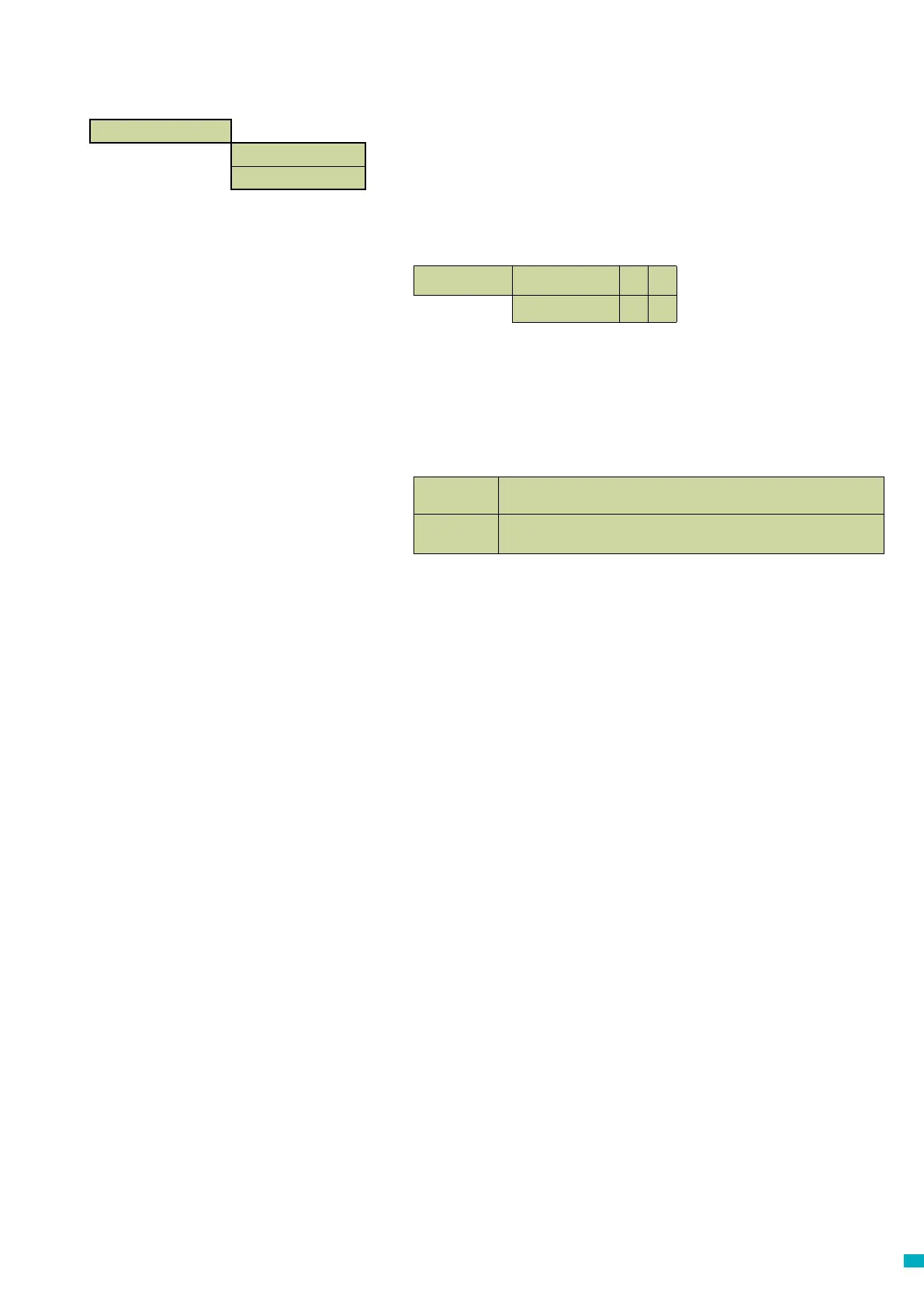
Lift Monitor >
Tech Inputs >
Service Count >
Tech Inputs IP1 only
x
ü
IP1 + IP2 (Serv.)
x
ü
Interval
Set the number of operations you want the lift to perform before a Technical Alert is
placed by the Memcom
+
Live Count
This shows a live count of the operations that the lift has performed since the
controller was connected to the Memcom
+
.



 To Next Page