88
Full Programming Options
Accesories
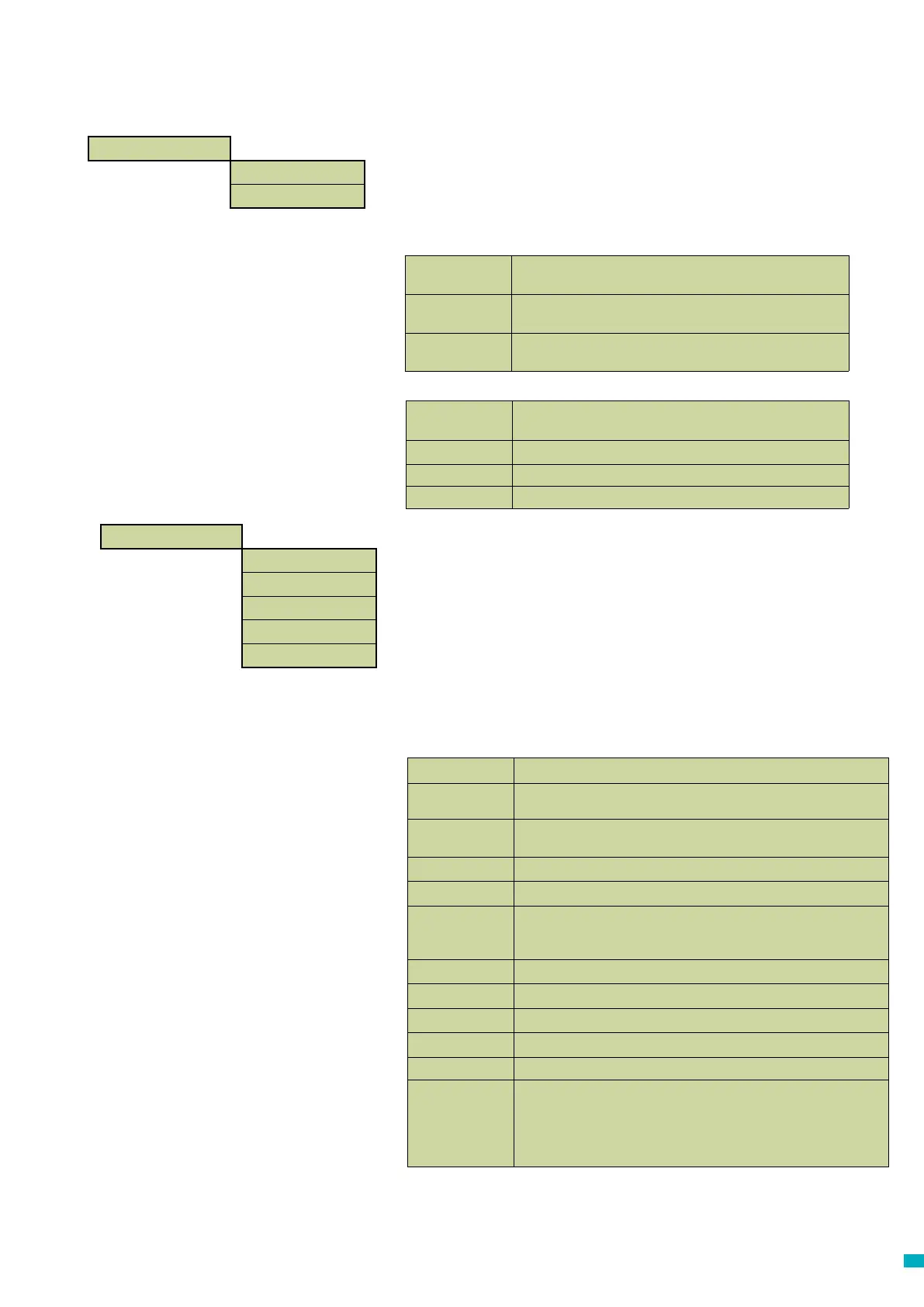
Audio Setup >
Phone Line >
Menu Sections
Accessories
The Accessories section is divided into Audio Setup and Phone Line
sub-sections:
Audio Setup >
Multi-dial
Sets the unit to call each of the programmed alarm numbers one after the other.
EN81-28 Mode
Prevents the unit from accepting incoming calls when not in an alarm state and
requires a passcode to enter remote programming.
Consec. dial
Changes the dialling sequence; all call attempts to the rst number are completed
before unit attempts to call the second number and so on.
Ext. mic. record
Only use if directed by Avire Technical Support
Alt. dial tone
Allows system to work with an intermittent dial tone.
TOC int. mic.
This option activates the internal mic on the Memcom
+
unit during alarm calls form
the unit or during MPS calls. Required if the External Mic does not clearly pick up
speech from the TOC position.
Verbal c/down
Units gives a verbal countdown until the emergency call is placed.
N/C alarm push
Select option if connecting to a N/C alarm push contact
Service as alm
Select option if connecting to an alarm push with voltage to connections 16 & 17
Passcode?
Requires a passcode to be entered before accessing the ‘System Cong’ menu.
EOA Pictogram
Sets the system to keep the alarm pictogram lit whilst the unit is in an alarm state.
Alarm Tone
- use ext.mic.
- Tech IP2
Sets the unit to emit a tone from the internal speaker when the alarm push is
pressed:
Note: these options should be used as directed by Avire
Int mic/spkr
Select this option if the Memcom is not connected to any external
microphone or speaker.
External mic
Select this option if the Memcom is connected to an external microphone.
COP Accessory
Select this option if connecting the Memcom
+
to an Avire COP accessory
PSTN line
Default setting - use for standard phone lines or GSM Gateways (except
for 452 00X)
452 002/003
Hotline
452 000 GSM
System Cong
Settings
ID Code
8 digit device code, will be transmitted at the beginning of calls to numbers
congured with P100 and Memco protocol.
Volume
Press the up and down arrows to adjust the volume and press # to conrm.
Settings >
ID Code
Volume
System Cong >
System Cong+ >
HW Monitoring >
Phone Line >



 To Next Page