User’s Manual
You can find various sizes of patch codes (PDF) by choosing
[Start] menu>[All Programs]>[Avision Scanner
Series]>[Patch code] in succession.
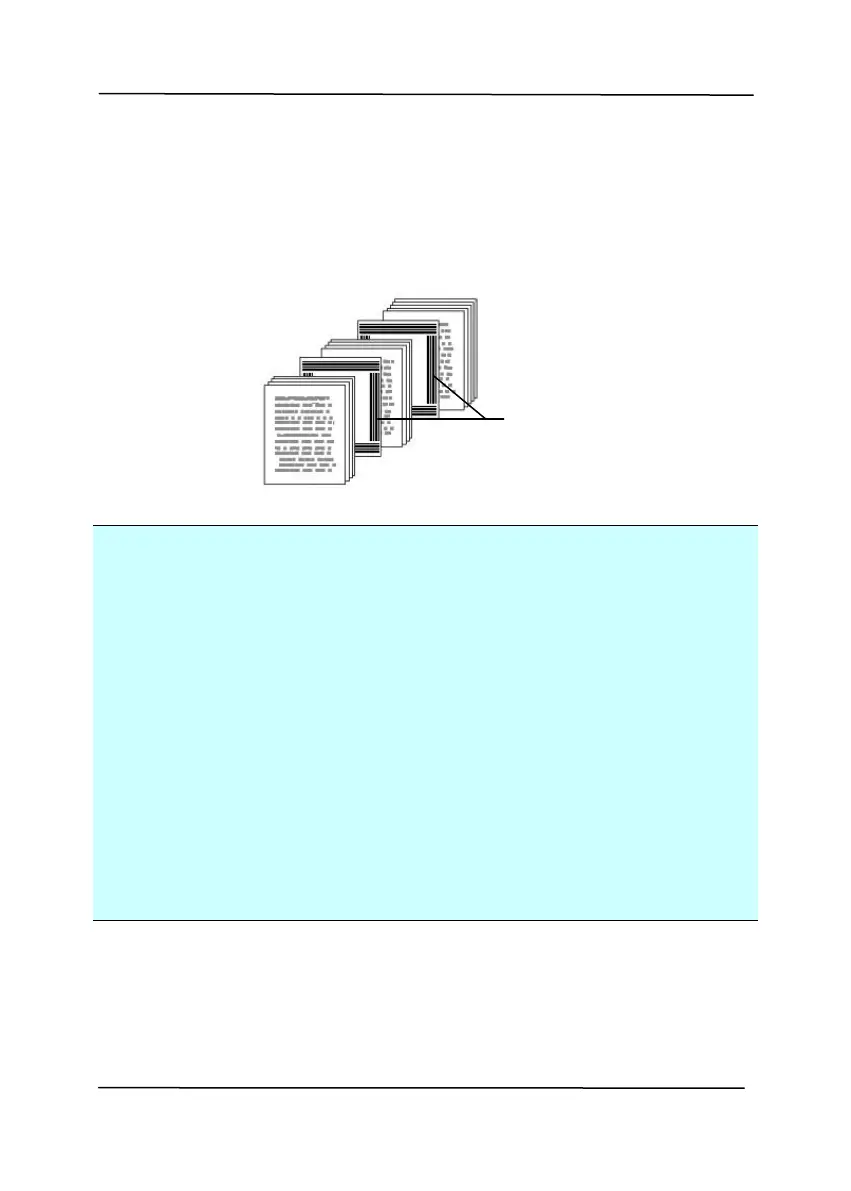
Simply print the PDF file to produce the patch code sheet. Insert
the patch code sheets to wherever you want the file to separate.
Notes to print the patch codes:
Use blank white paper.
Set the scaling to 100%. The sheet is not recognized
correctly when printed in a size smaller than the original.
Do not use toner saving mode. The sheet is not recognized
correctly when the print is too light.
Do not use thin paper in order to avoid bleed-through from
the back.
When you copy a patch code sheet that you printed out,
make sure to copy by the same size and brightness as the
original copy.
Use the same sheet repeatedly may decrease the
recognition accuracy due to accumulated dirt on the sheets.
If the sheet is not recognized correctly or gets smudged,
replace it with a new sheet.



 To Next Page