PLAYSTORE!
!
STEP 13!
After you have connected to WIFI / internet you can go to Apps
via the home screen and then search for Playstore application,
this is always pre-installed. After starting the Playstore app you
must log in with a google account. If you don't have an
account yet, you can create one right away.
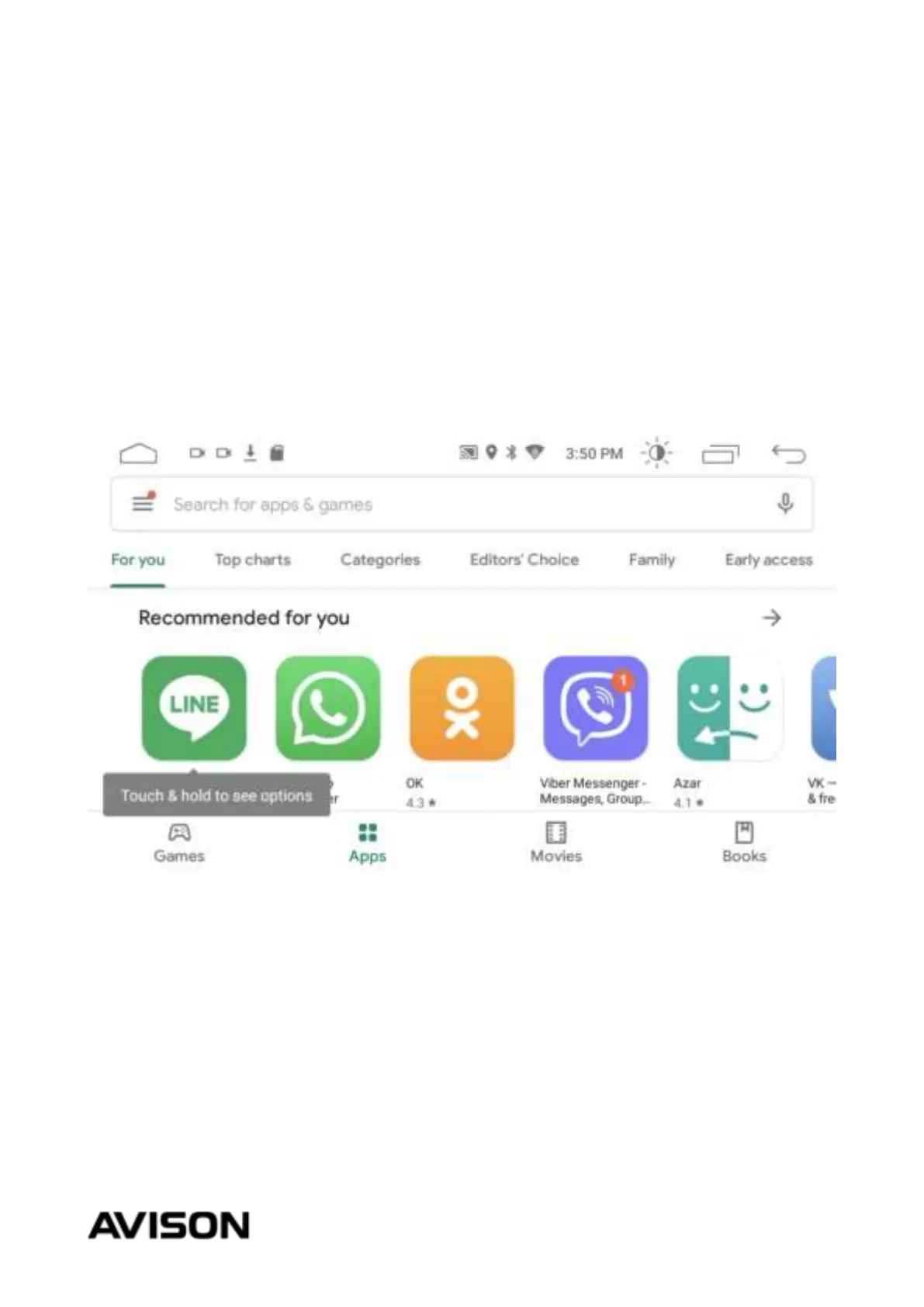
This is the home screen of Playstore, through the search bar
you can search for the applications you want to install. These
applications are installed on the device and therefore they also
work without a smartphone.


 To Next Page
 Loading...