11 THE CHECKLISTS
The GEOPILOT provides a checklist of standard procedures for Engine Start, Ground Check,
Pre-Take-off, Cruise in Flight and Landing. The Checklists can be customized by inserting and/or
deleting aircraft procedures. Hit MENU + MENU + CHECKLISTS + ENT + ENGINE START (or
any other Checklist field) + ENT. Press “Zoom In” to INSERT a Checklist Item. Using the Toggle
Key, move up or down to select the letter desired. Scroll to the right and continue until the words
or abbreviations are completed. Hit ENT to save. Use the “Zoom Out” key to append a checklist
item. Up to 16 Checklist Items can be created in the Vertical Mode.
Note
Your aircraft may have additional items that require checking for each procedure. Consult your aircraft manual for
a complete list.
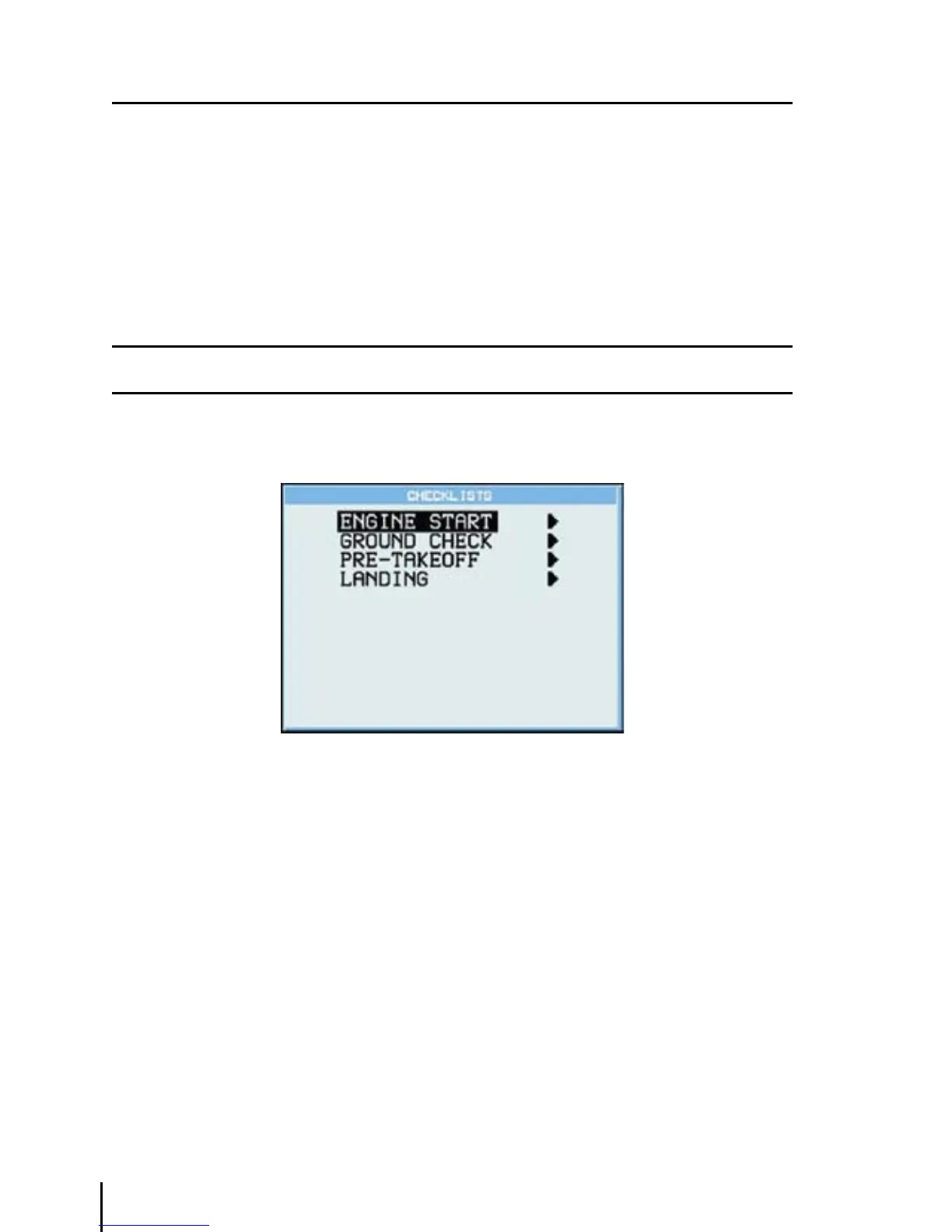
‘MENU’ 1 sec. + “CHECKLISTS” + ‘ENT’
Fig. 11 - Checklists page
11.1 ENGINE START
>‘MENU’ 1 sec. + “CHECKLISTS” + ‘ENT’ + “ENGINE START” + ‘ENT’
After pressing ‘ENT’ select each item (Doors/Belts, Parking Brake, CKT BRK, Carb. Heat, Throttle,
Mixture, Master Switch, Fuel Pump, Start Engine, RPM/Gauges).
Press ‘ENT’ to mark each item after checking is completed. If all the items of the list are not
checked upon exit a warning message appears on the screen that states the check-list has not been
completed. Press any key to accept.
11.2 GROUND CHECK
> ‘MENU’ 1 sec. + “CHECKLISTS” + ‘ENT’ + “GROUND CHECK” + ‘ENT’
After pressing ‘ENT’ select each item (Brakes/Steer, Props/Mags, Vacuum, Oil Tmp/Press, Fuel
Pressure, Carb. Heat, Ammeter, Primer-Locked, Flt Controls, Lights).



 To Next Page