Application
Customizing the SETUP Settings
Lock
12
6
Time Channel
Mode
Font Style
Font Size
Font Edge Style
Font Edge Color
FG Color
BG Color
FG Opacity
BG Opacity
Move Select Exit
MENU
Picture
Setup
Audio
Custom
Default
Default
Default
Default
Default
Default
Default
Default
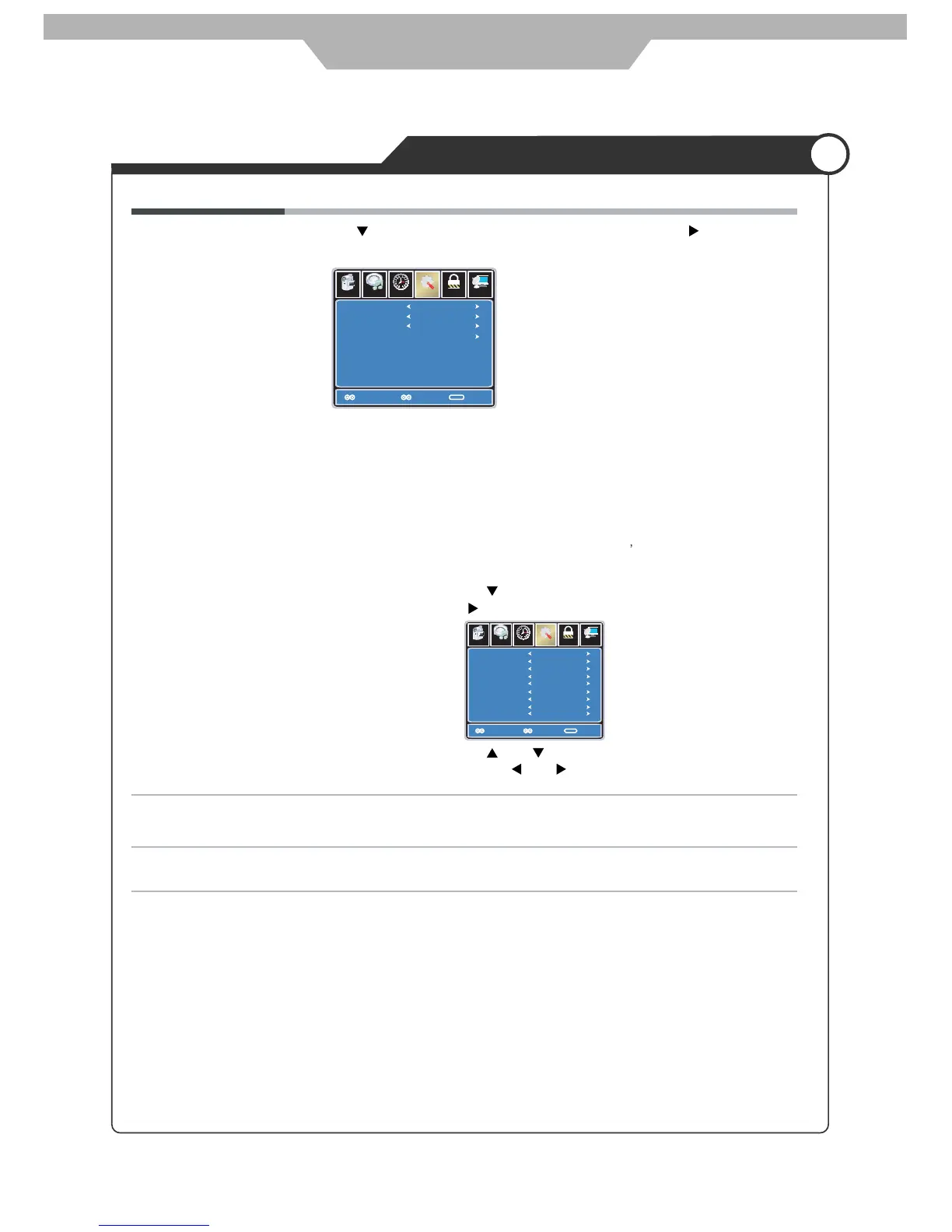
Use and buttons to highlight the desired item,
and use and buttons to select.
Restore Default Restores all settings in SETUP menu to factory settings.
XVS Turn on/off the function to adjust the dynamic brightness automatically.
Close Caption Use button to highlight the Close Caption item, then press button
to enter into the following menu.
Lock
12
6
Time Channel
CC Mode
Basic Selection
Advanced Selection
Option
On
Move Select Exit
MENU
Picture
CC1
Service1
Setup
Audio
CC Mode Allows you to select the CC Mode among: On, Off and
CC on Mute.
Basic Selection Allows you to select the basic selection among: CC1, CC2,
CC3, CC4, Text1, Text2, Text3 and Text4.
Advanced Selection Allows you to select the advanced selection among:
Service1, Service2, Service3
Service4, Service 5 and
Service 6.
Option Use button to highlight the “Option” item, then press
button to enter into the following menu.
24



 To Next Page