Application
Customizing the LOCK Settings
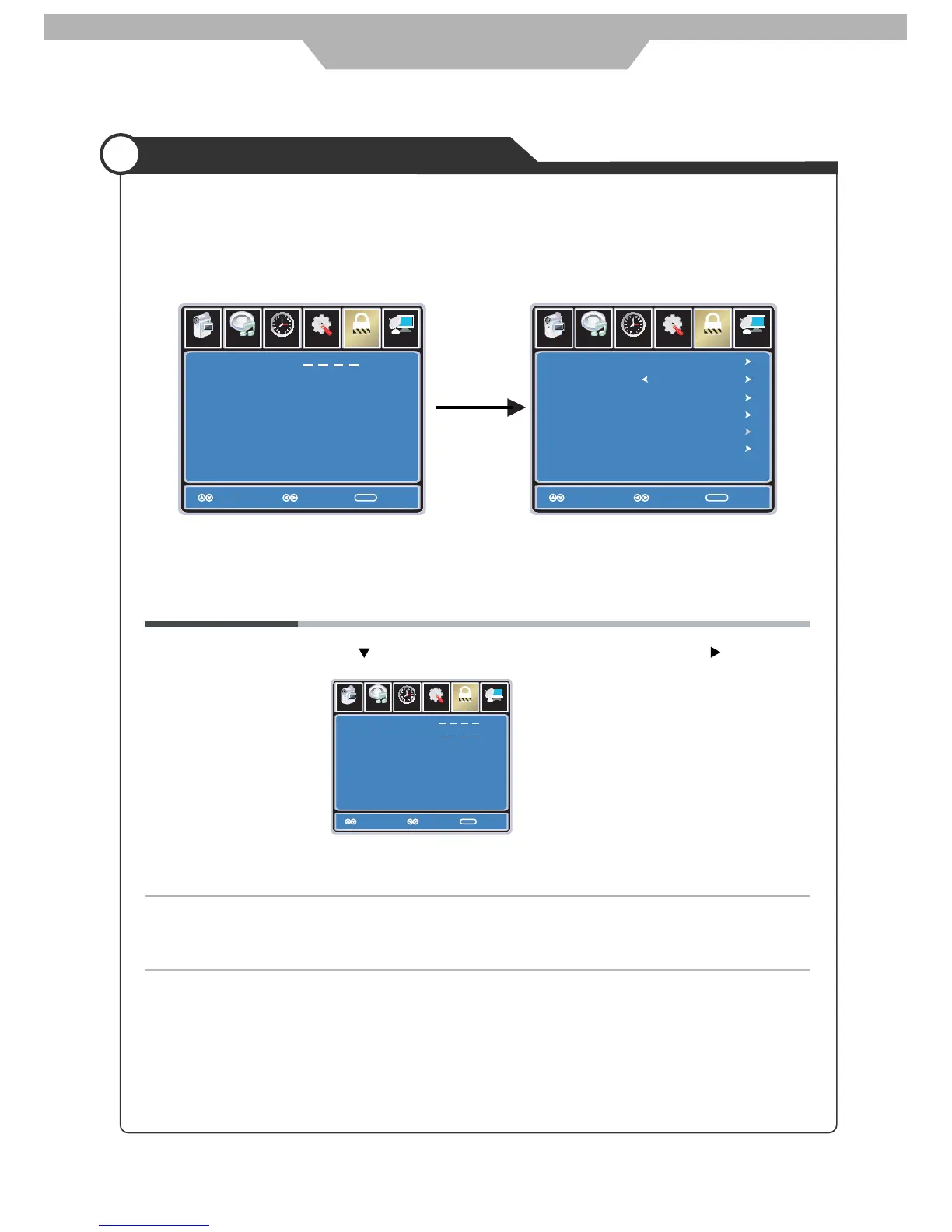
You should enter the password to enter the Lock menu.
NOTE: the factory password is 0000.
The LOCK menu includes the following options :
Change Password Use button to select the “Change Password” item, then press
button to enter into the following menu.
Input the new 4-digital password and input it again to confirm.
System Lock Allows you to turn on or off the system lock.
If you turn off the system lock, then the following items(US, Canada, RRT Setting
and Reset RRT) will unable to use.
Setup
Lock
12
6
Time
Picture Audio
Channel
Enter New Password
Confirm Password
Move
Select Move
MENU
Setup
Lock
12
6
Time
Picture Audio
Channel
Enter Password
Move
Select Exit
MENU
Setup
Lock
12
6
Time
Picture Audio
Channel
Change Password
System Lock
US
Canada
Reset RRT
RRT Setting
MENU
Off
input
4-digital password
Move
Select Exit
25



 To Next Page