Auto Sleep-Allows you to turn on/off the auto sleep after
four hours.
OSD Time-Allows you to set OSD menu display time out.
5s
10s
15s
20s
25s
30s
35s
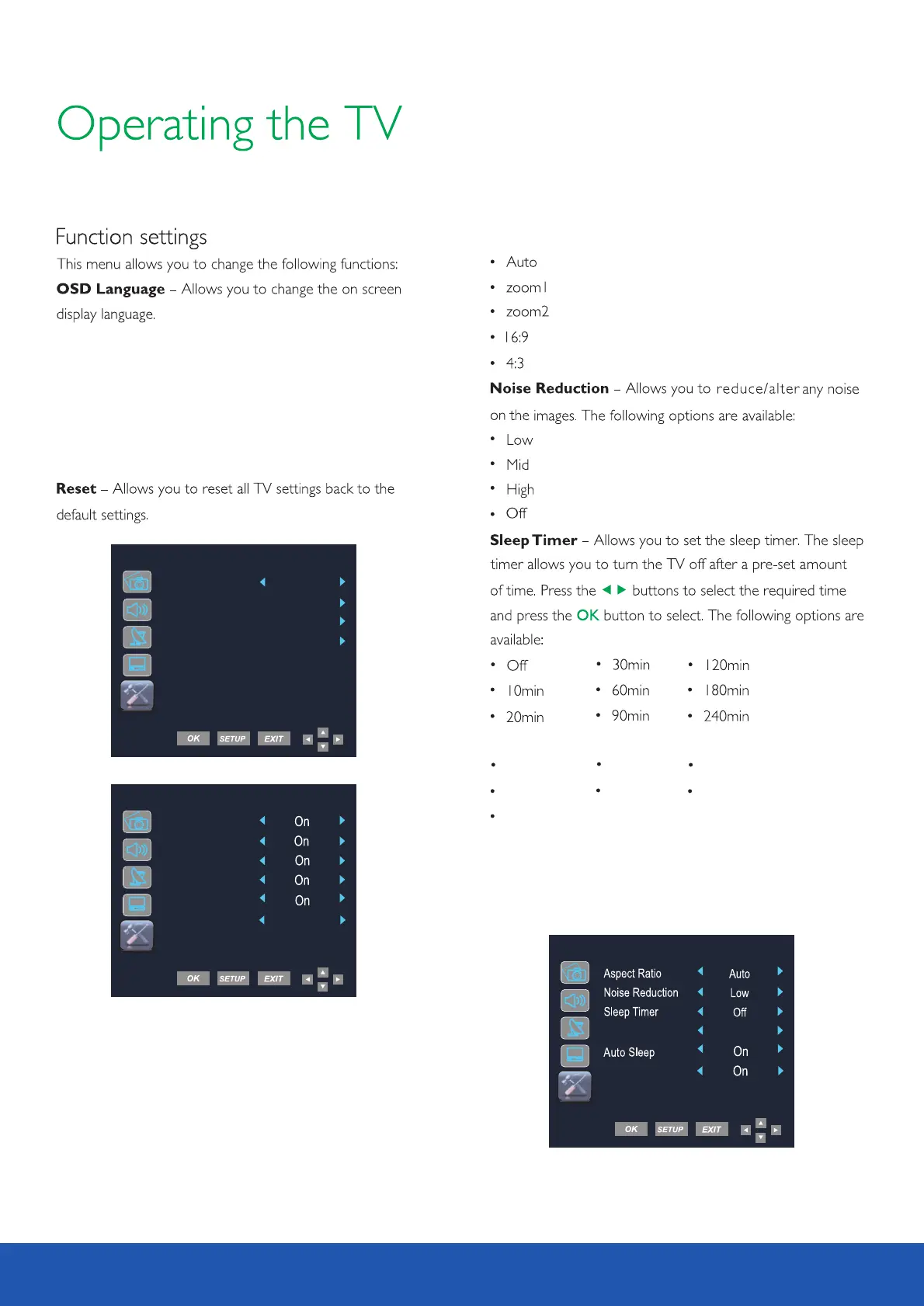
User setup - Allows you to adjust setting for Aspect
Ratio, Noise reduction, Sleep Timer, OSD time, Auto sleep
and headphone.
Reset
Headphone - Allows you to turn on/off the headphone
output.
Funtion
HDMI CEC - Connect an ARC compatible sound system to
the HDMI2 and set the settings as below to use TV remote
HDMI ARC
Device list AVTEX HT711
HMDI CEC
HMDI ARC
Device control
Auto Standby
Auto TV on
control to control volume and standby operation.
OSD Time
15s
User Setup
Headphone
OSD Language
English
User Setup
HDMI CEC
Aspect Ratio - Allows you to set up aspect ratio:
23



 To Next Page