Tuning in satellite TV
A scan will locate all new services on the selected satellite and
add after the default channel list.
Any new/wanted channels can now be edited/sorted to the
users desired preferance, please refer to page 20 for channel
edit feature.
15
default channel list from first switch on, you are able to
edit and sor t this list to your own personal preference. If
any fur ther channels are required then you must star t a
full scan.
MENU
Exit
MENU
Return
Auto Tuning
DVB-S Manual Tuning
Programme EDIT
Satellite Edit
CI Information
Signal Information
5V antenna power off
Software Update(USB)
CHANNEL
Set
Select
Do you want to start satellite
Autoscan?
Yes
No
Operating the TV
For convenience your 320TRS-v2 Comes with a
At first installation to download the default list please
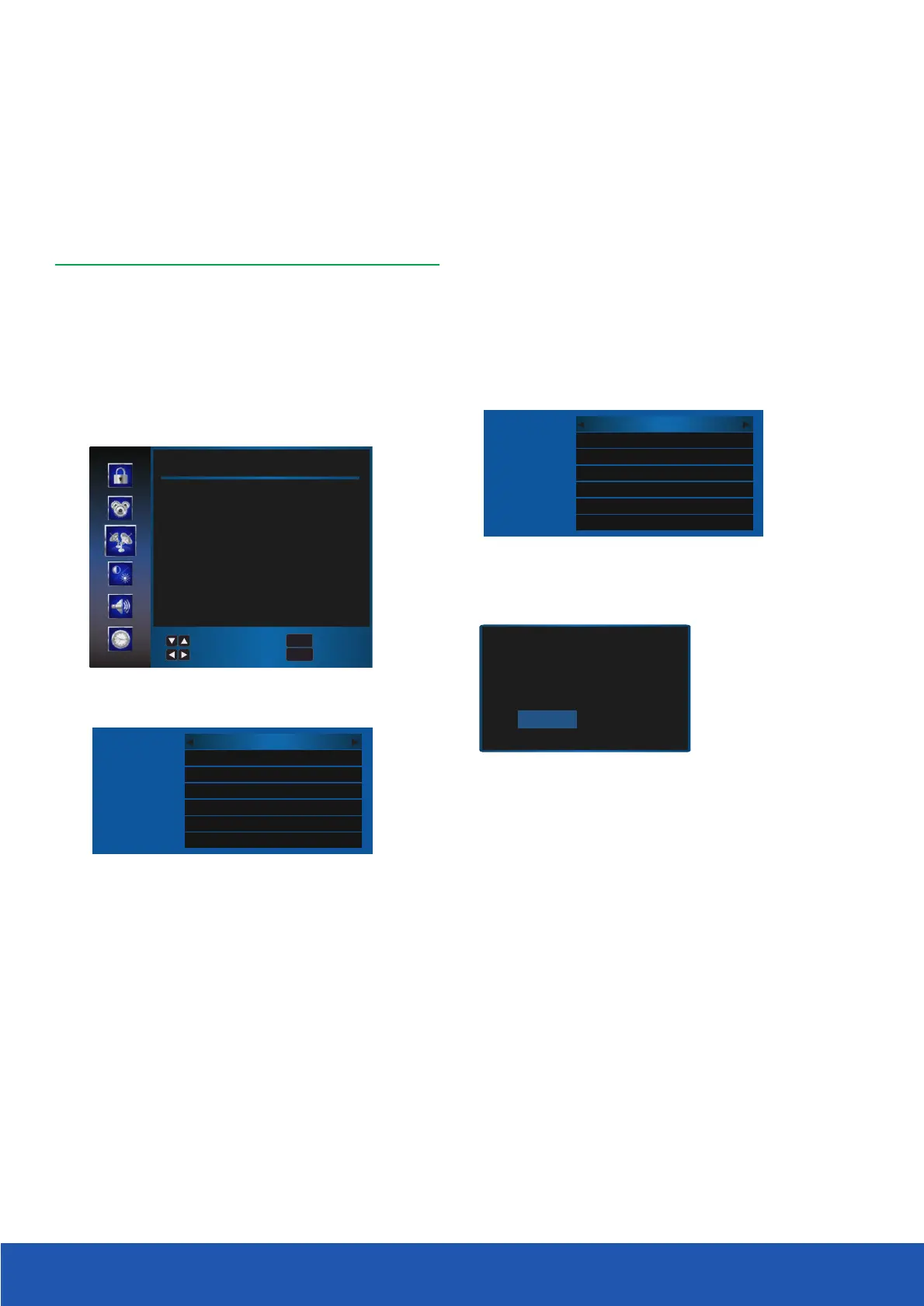
Select "Channel" and press OK when Auto tuning is
highlighted
A new display will be presented
Please ensure scan mode is set to Preset and press OK
(1/65)Ku_ASTRA 2E,2F,2G
All
All
Preset
off
off
off
Satellite
Channel Type
Service Type
Scan Mode
Unicable
DiSEqC1.0
DiSEqC1.1
(3/65)Ku_ASTRA 2E,2F,2G
All
All
Auto
off
off
off
Satellite
Channel Type
Service Type
Scan Mode
Unicable
DiSEqC1.0
DiSEqC1.1
Press MENU and select Channel, highlight Auto Tuning
and press OK. Select the wanted satellite
(default is Astra 28.2).
When presented with the menu below, press OK to
start tuning scan.


 To Next Page