28
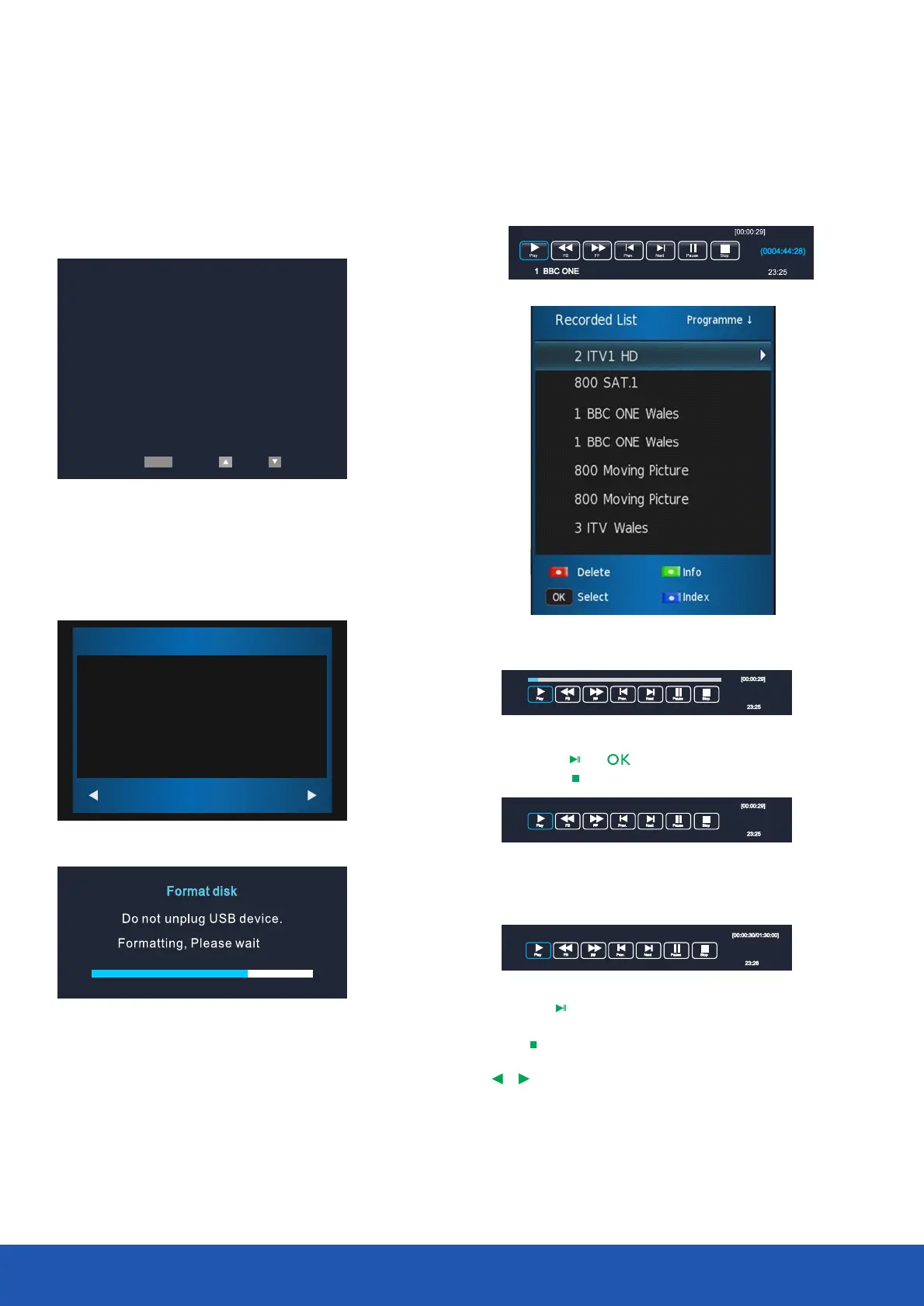
Format disk
Start
EXIT
Format disk
Warning! All data will lost.
SETUP
PVR File System Type FAT32
PVR File System Size All
File System Size
Warning:
Please make sure your USB or hard disk has at least 500MB
free space and then create PVR file system before you record
Digital TV program.
You can list all recorded files by pressing List button
You can playback files in the recorded list
By pressing or to playback.
By pressing to stop.
Press the button to enter Time shift Time Shift
recording mode.
Press the button to enter time shift playback
mode.
Press button to exit.
In record, play and time shift mode, you can use
, and buttons to select function.OK
if you want to format disk,
Please note all data will be lost.
select star t to format, during formating,
do not power off the TV, select to EXIT
cancel.
3. FORMATTING
Operating the TV
......



 To Next Page