Conditional Access
System Information
Factory Setti ngs
System info
DTV MENU OPERATION
BBC Radio Wales
EXITSETUP
Tuesdays 30/01
PAG
+
-
15:50 The Likeaballs
15:25 Lazytown
16:20 Raven: The lsland
15:51 30/01/2007
INFO
ELECTRONIC PROGRAM GUIDE (EPG)
By pressing the Guide button, an Electronic Program Guide is displayed. The EPG supplies
information, such as program lists, start and end times of all available channels. In addition,
In addition, the detailed information about the program is often available in he EPG. (The
availability and the amount of program details will vary depending on the broadcaster.)
A press on the [
] buttons allows you to consult all event pages for the days, a press on
the [ ] button when last event of the list is highlighted displays the next event page.
A press on the [
] buttons allows you to change to previous/next day of event presentation.
The [CH+/-] or [ ] button allows you to change to another channel in the current channel list.
By pressing the [TIMER] button, you can set a timer on the highlighted program of the
current channel (see add timer description).
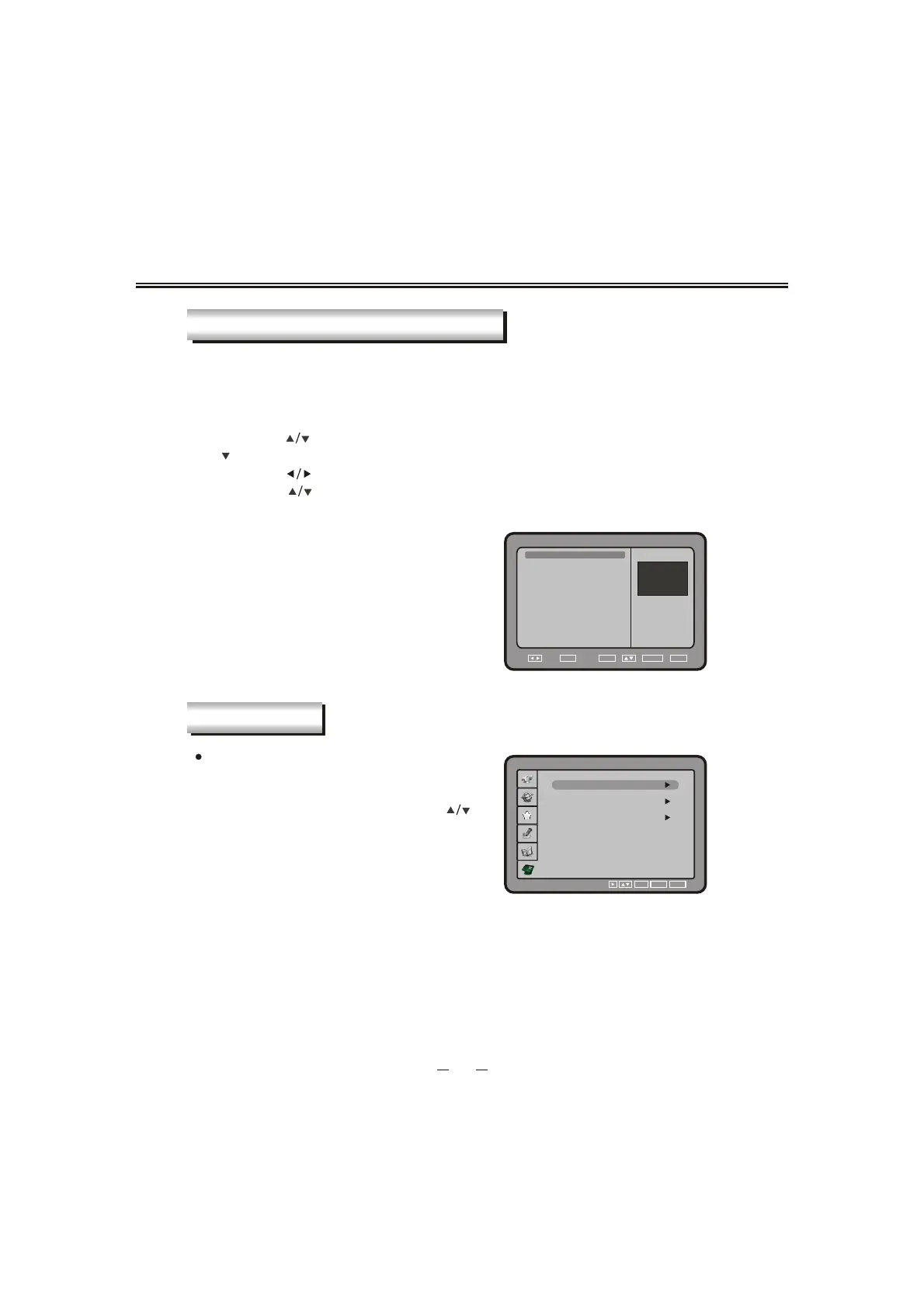
SYSTEM INFO
48
Conditional Access
You can view the current status of CI module.
Select Conditional Access using the [ ]
button and press the [OK] button, if Common
Interface is available, you can view the
conditional Access i nformation.
""
Note1: CAM also called CA-module(CA=Conditional Access)or CI-module
(CI=Common Interface). Is used together with a Smart Card to decode
and view the content of sertain programm providers. Can be purchased
from your dealer or from the programm provider/operator.
Note2: Scrambled transmissions: the content or some parts of the content
transmitted in the terrestrial network may be scrambled. For this DTV is equipped with
PCMCIA CARD slots to connect the de-scrambling modules(Conditional Access Modules).
Module, smart-card and subscription may be obtained from your local dealer or
directly from the service provider.
OK
EXIT
SETUP



 To Next Page