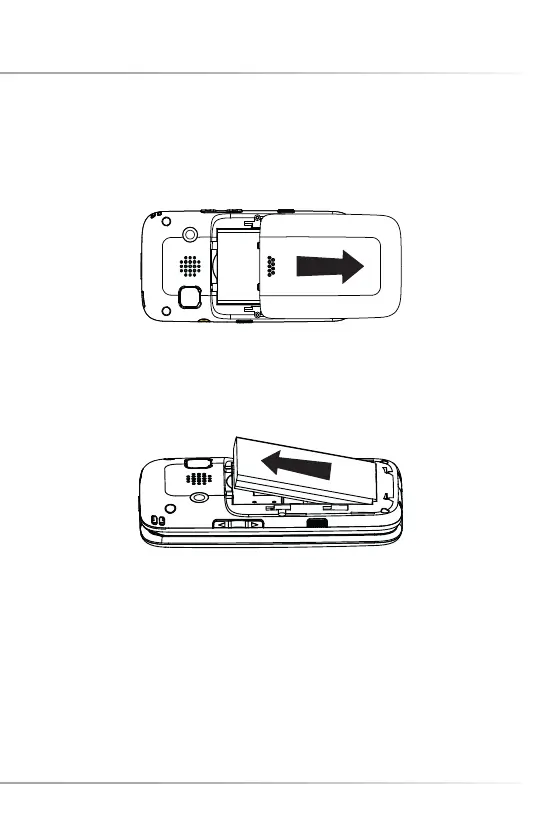
INSTALL/REMOVE THE BATTERY
1. Open the battery cover
2. Put the battery in the battery slot with its 3 metal contacts pointing to the metal
bolts of your cell phone.
Please note: Before removing the battery, please turn off your mobile phone and
unplug the charger. Use only qualifi ed batteries.
34
Install/Remove the Battery



 To Next Page