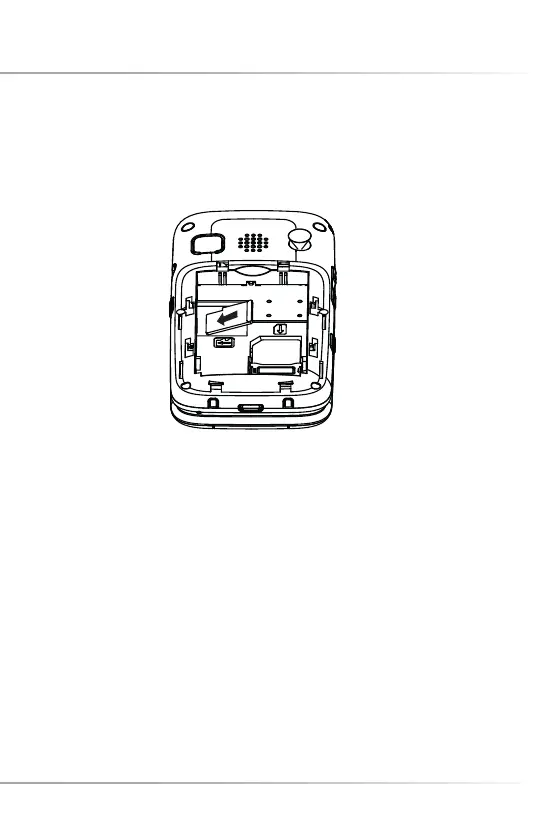
INSTALL/REMOVE THE MEMORY CARD
1. Push the metallic bracket towards “open”. Insert the microSD Card. For fi xing push
the metallic bracket towards "lock".
2. Remove the memory card: Push the metallic bracket towards “open” to remove
the card.
Please note: If the microSD Card is not identifi ed by your mobile phone, check the
position of the card and the metallic bracket.
36
Install/Remove the Memory Card



 To Next Page