BATTERY CHARGING
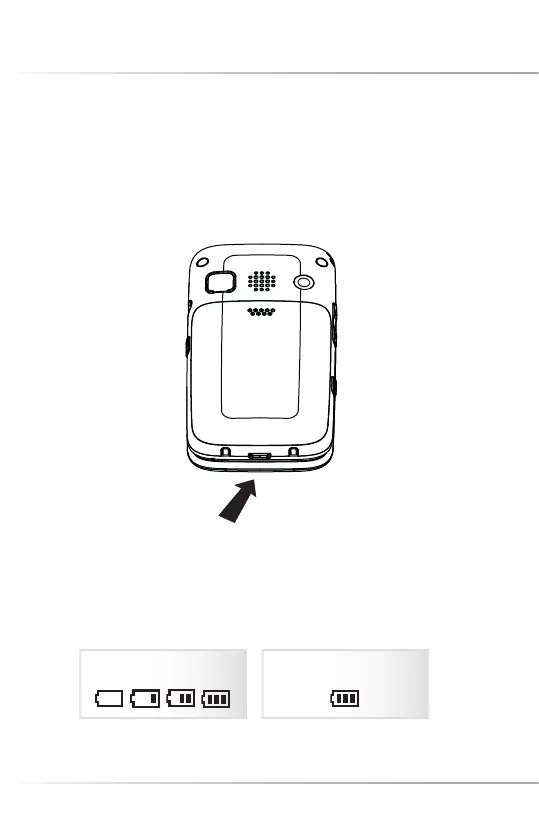
The cell phone could be charged either under power-on or power-off state.
Before charging: Make sure the battery has been installed in the phone.
1. Plug the charger in the USB socket.
Please note: If the battery is discharged deeply, the battery indicator will appear a few
minutes later.
2. Unplug the charger from the power socket, unplug its other end from the phone.
37
Charging Charging fi nished
Battery Charging
USB



 To Next Page