E-15
OTHER FEATURESOTHER FEATURES
FIND
1. Press the “FIND” button on remote control once, the unit will start searching for song’s title which
starting from “A - Z” then “0 - 9” by pressing the “SKIP+ or -” button on remote control.
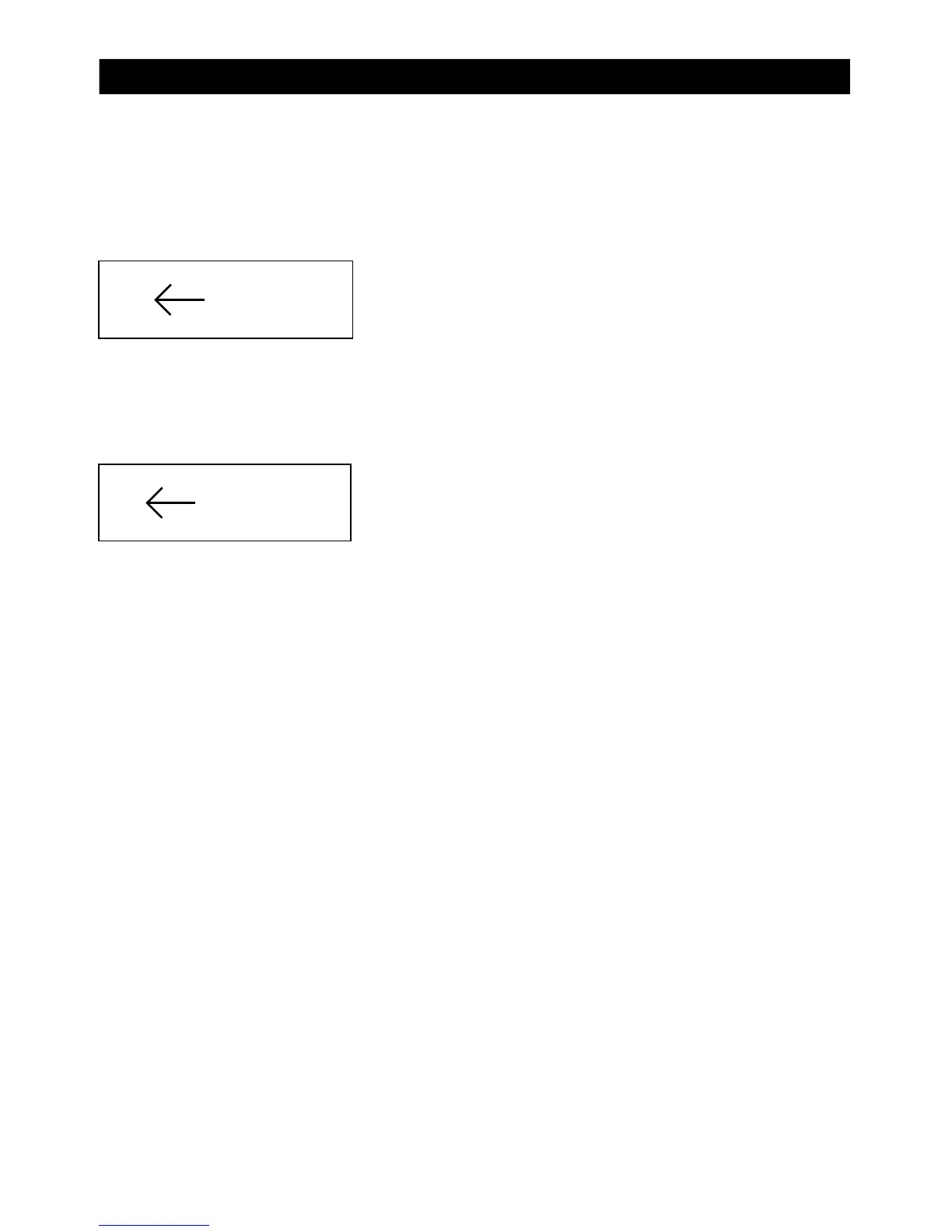
2. If there is no songs starting with “A”, the display will show:
3. If there are songs starting with “L”, the display wi
ll show:
4. Since there are more than 1 song with “L”, press the “STOP” and “SKIP + or -” button to s
elect
different songs starting with “L”. Press “STOP” button again to go back to the main menu and
continue to select “I, J, K...”.
5. Press the “PLAY” button to play the desire song.
6. Press the “FIND” button twice and LCD will display the name of album. Press the “SKIP + or - ”
button to select the desire album and press play to comfirm the
track.
7. Press the “FIND” button again to exit FIND function.
A NOFILE
L LONELY
OTHER FEATURES



 To Previous Page