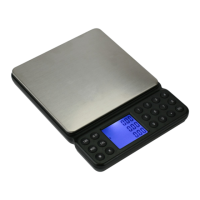
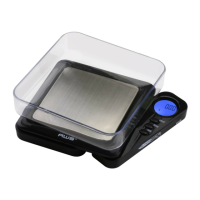
CUBE Manual
Model Acceptable
Tolerance (±)
Calibration
Weight
Recommended
Accuracy Class
CUBE-100 0.02g 100g OIML M2
CUBE-650 0.2g 500g OIML M2
Adjustment
WARNING: If you do not use the correct weight
listed in the above chart for your scale, you WILL
miscalibrate and lose the factory calibration.
Calibration requires an accurate weight.
1. Press and hold the M button to enter calibration
mode. The display will show the required weight.
2. Make sure no weight is on the platform then tap the
M keyagaintosetthezeropoint.TheLCDwillash
“CAL” followed by the required calibration weight
again (see chart above).
3. Place the required weight on the center of the scale
platform.Thedisplaywillash“PASS”thenreturnto
normal weighing. NOTE: PASS only indicates that
calibrationhascompletedandisnotaconrmation
that you have used the correct weight.
4. Test the accuracy by placing the same calibration
weight back on the platform and checking the value.
If the value is within the acceptable tolerance limit
above, calibration is complete. If not, try repeating
calibration under more stable conditions.
VIII. Troubleshooting
• Problem: Scale will not turn on
• Solution: Check the batteries and battery contacts.


 To Next Page