IV. Scale Only Operation
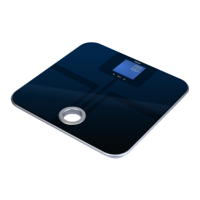
1. Placethescaleonaat,levelsurface.Donotweighon
carpet as it may affect the accuracy.
2. Step onto the platform. Once the weight has stabilized, it
will be locked on the display.
3. The scale will turn off automatically after 10 seconds of
non-use.
V. Changing the Unit of Measure
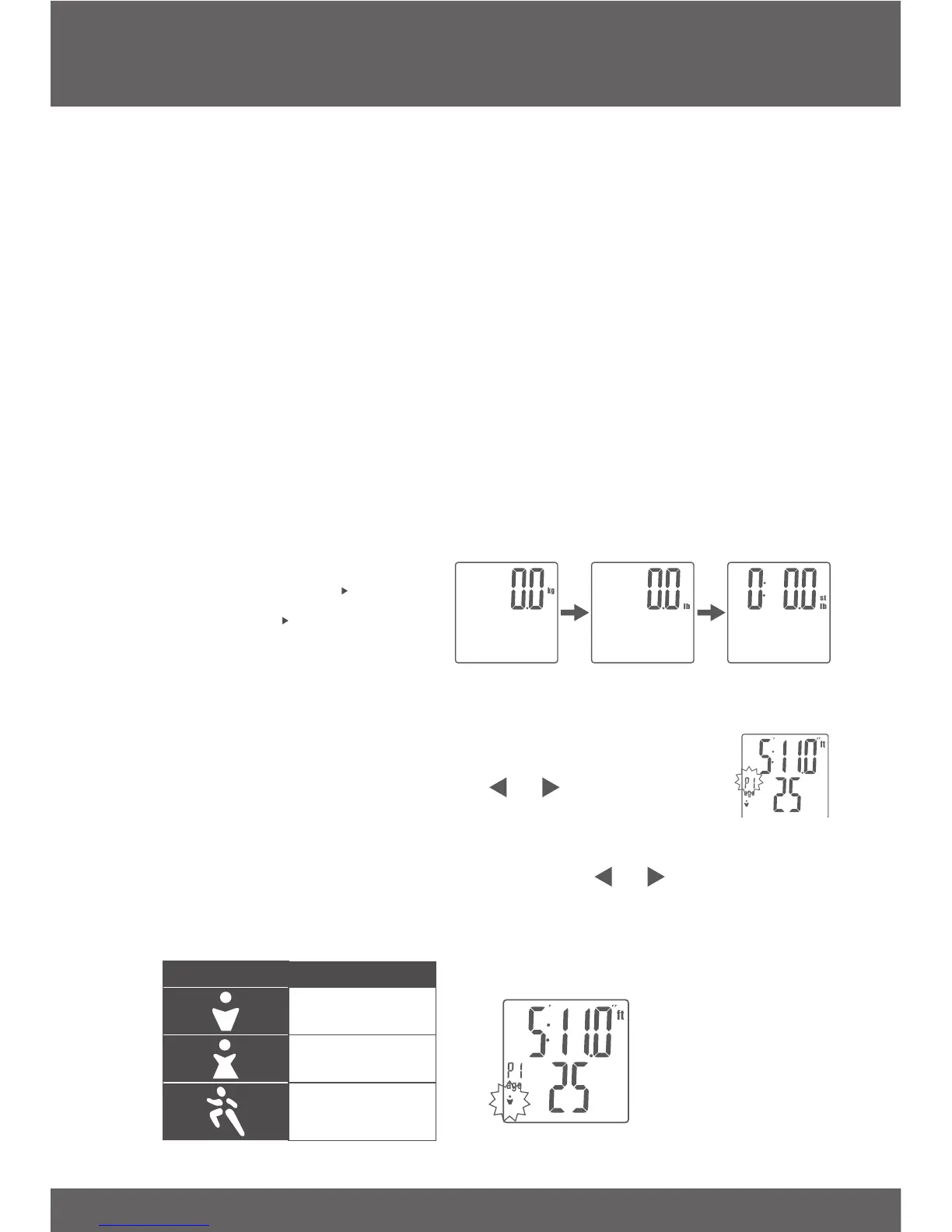
1. Press the UNIT key on the bottom of the scale to change
the scale’s displayed unit of measure.
2. If the scale is turned off then back on, it will default to the
last unit used.
• MSL-180 Units:
kg (Kilogram) lb
(Pound) st:lb (UK
Stone:Pound)
VI. Entering Personal Data
1. Press the SET key to enter setup mode. The
userIDno.willbegintoash.
2. User ID. Number: Use the or key to select
the desired user ID no. (1~8). Touch the SET key
toconrm.
3. Gender and Athlete Mode: Use the or key to select
your gender and athlete mode. Touch the SET key to
conrm.
Symbol Description
male
female
athlete


 To Next Page